
Metronome
You can now find a Metronome Integration panel on Solvimon Desk under Menu → Settings → Integrations → Metronome.
Step 1 : Connect to your Metronome Account
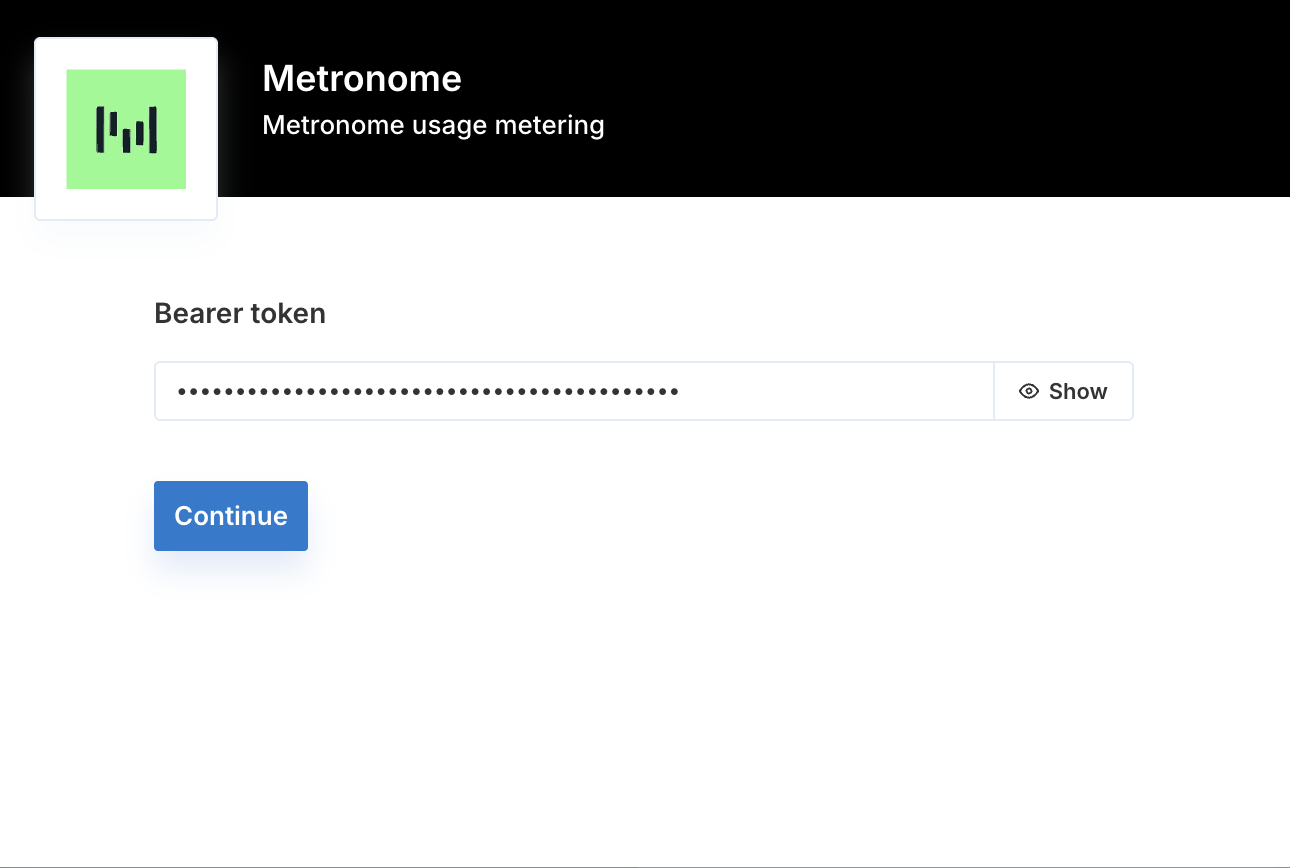
To set up the integration you will need an active Metronome account and your Metronome API Bearer token. Login to your Solvimon Desk, navigate to Menu → Settings → Integrations → Metronome, enter your Bearer token in the field provided and click Connect.
Step 2 : Setup configurations and Enable Integration
Once authenticated, you can view the configurations tab to enable the workflows you’d like to enable. Currently, the supported and out of the box workflows are listed under configuration but if you don’t see the one you’re looking for, you could reach out to your Customer Success Manager.
Step 3 : Synchronise your data
Import Customers
You can manually trigger this workflow to import your Customers from Metronome to Solvimon to speed up your onboarding process.
Every Customer entity in Metronome is treated as a Customer in Solvimon.
A list of fields that is currently synced from Metronome
Import Meters
You can manually trigger this workflow to import your Metronome Billable Metrics as Solvimon Meters.
Each Billable Metric in Metronome is created as a Meter in Solvimon, along with its meter values and meter value calculations. For metrics that include group keys, meter properties are also created automatically.
A list of fields that is currently synced from Metronome for Meters
For metrics with group keys, each group key is created as a meter property in Solvimon:
Import Products
You can manually trigger this workflow. Products from your Metronome account are created in Solvimon under the category Metronome Products. Usage-based products are linked to the corresponding meter value calculation; subscription products are created as recurring items.
A list of fields that is currently synced from Metronome for Products
Ingest Usage
This workflow runs automatically on a scheduled basis. It continuously pulls usage data from Metronome and ingests it into Solvimon. If a customer referenced in the usage data does not yet exist in Solvimon, it is created automatically before ingestion.
A list of fields that is currently synced from Metronome
Each usage record is deduplicated using a unique reference derived from the combination of customer ID, billable metric ID, start timestamp, and end timestamp.
Ingest Usage with Properties
This workflow runs automatically on a scheduled basis and extends the standard usage ingestion to include grouped usage data with meter properties. It is disabled by default and can be enabled from the configuration tab.
A list of fields that is currently synced from Metronome
We Recommend the following steps
To gain the most value from the Metronome integration, follow the below steps:
- Import your customers from Metronome to Solvimon
- Import your billable metrics as meters
- Import your products
- Enable the Ingest Usage workflow to start syncing usage data automatically
Once the integration is in place, usage data is ingested automatically on a continuous basis. Custom triggers and additional workflows can be handled by reaching out to your Customer Success Manager.
You can now view your usage data on the Solvimon Desk synced from your Metronome platform.
🎉 You’re now all set and have enabled synchronisation!