
Products & Revenue Items
Products & Revenue Items
Products & Revenue Items
A product is an entity that is sold by a business. It can be a physical item, such as a piece of hardware, or a service, such as cloud software or support. Products can be sold individually or as part of a plan that includes multiple products.
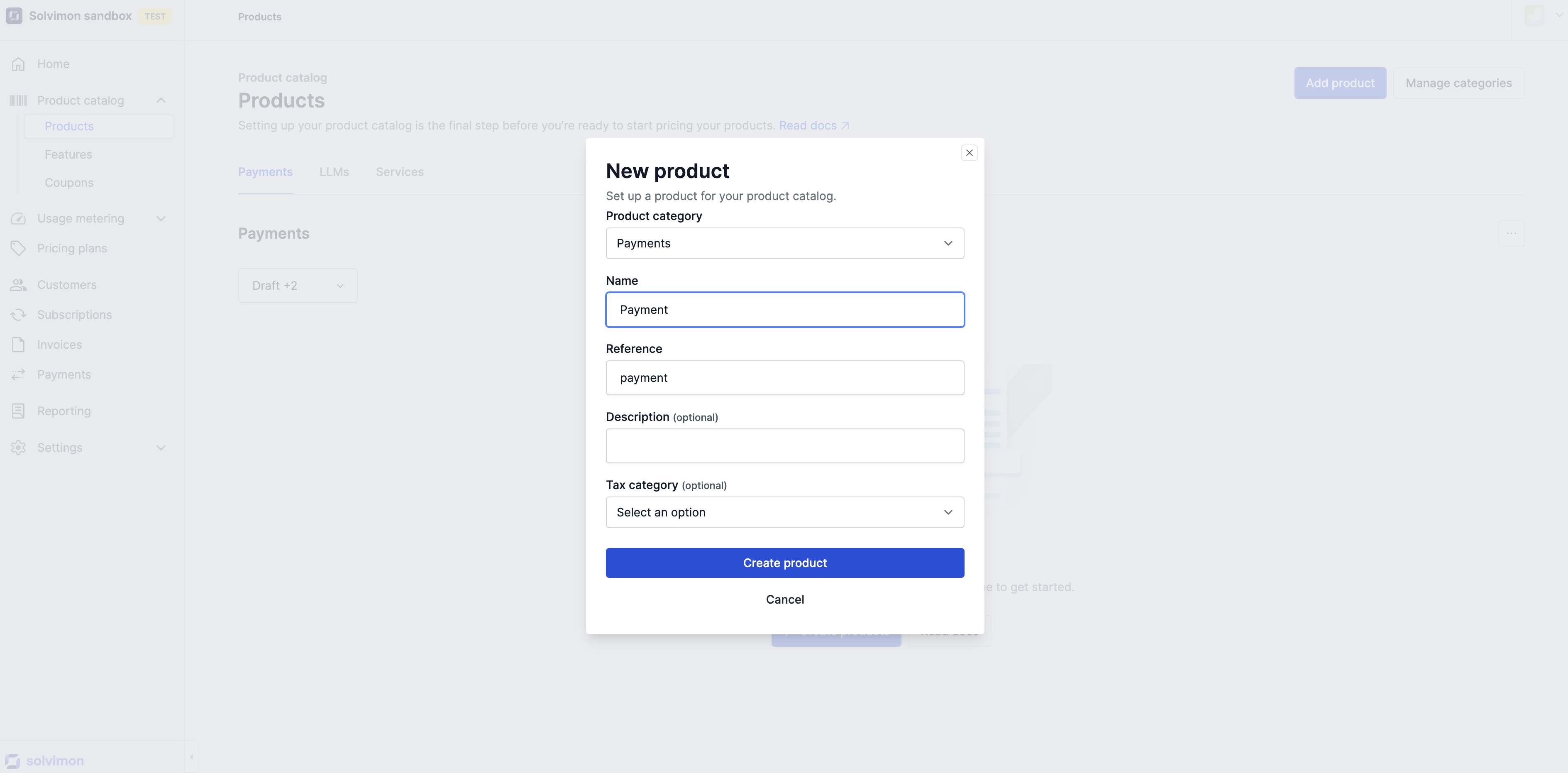
To create a new Product:
Go to Product Catalogue -> Products.
Click Add Product.
Fill in the required information:
(Optional) Add:
Click Create Product.
If a Product is no longer used:
Archiving keeps your historical data intact while removing the Product from active use.
As discussed in the Statuses article, products are one of the resources that have statuses. To make sure historical data is preserved and can be checked in, say, an audit later, statuses have validations that enable or disable a user to perform certain actions.
Revenue items are the lowest reource in the Product Catalog hierarchy and are the resources that are eventually connected in the Pricing Plan to a certain pricing structure.
When a product is sold, the product items are the level at which invoice lines are created and therefore require the most attention in setting up your account.
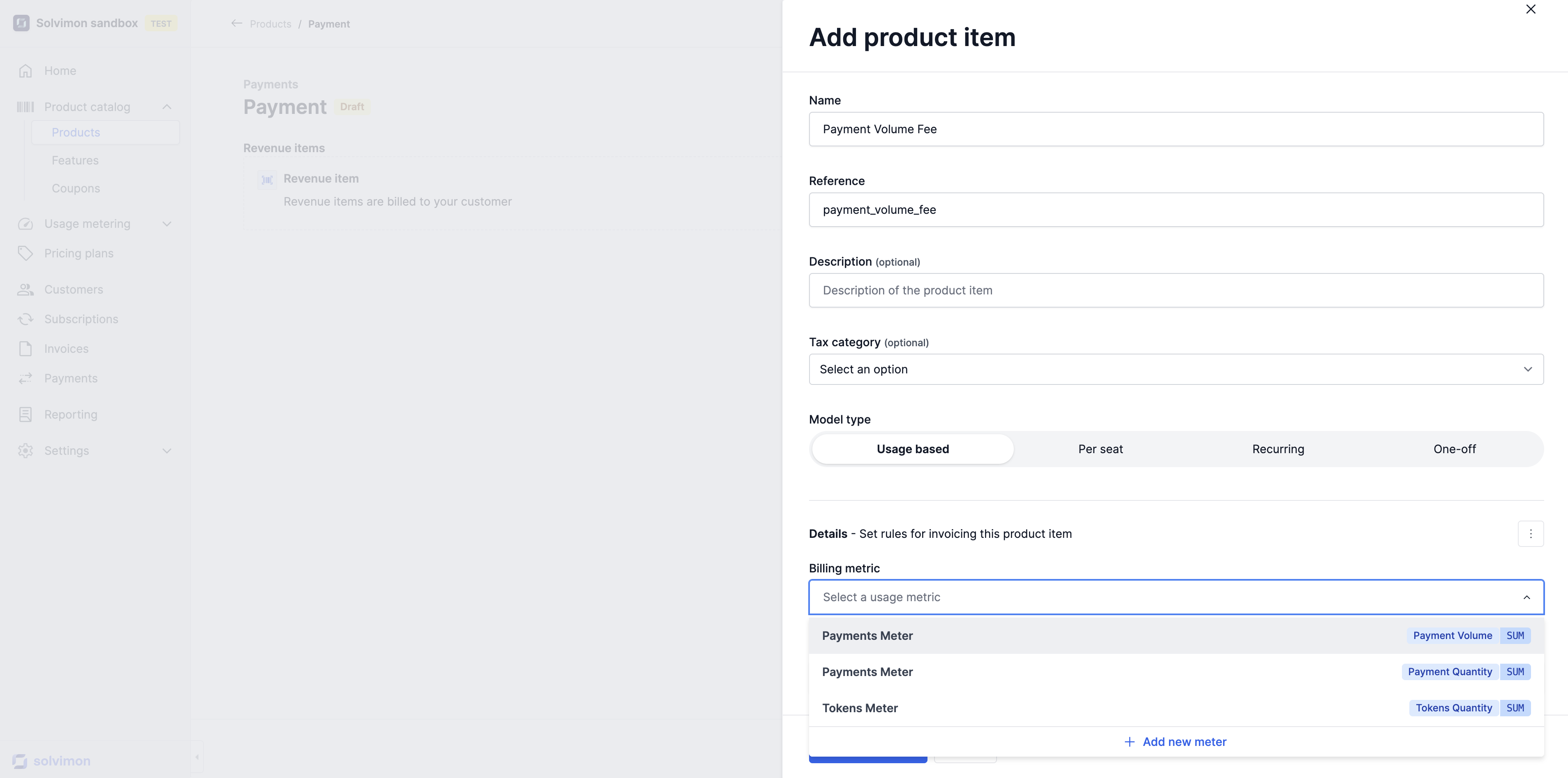
To create a new Revenue Item, click on the Product and on Add Revenue Item:
Fill in the required information:
(Optional) Add:
Click Create Product.
Select the Model Type
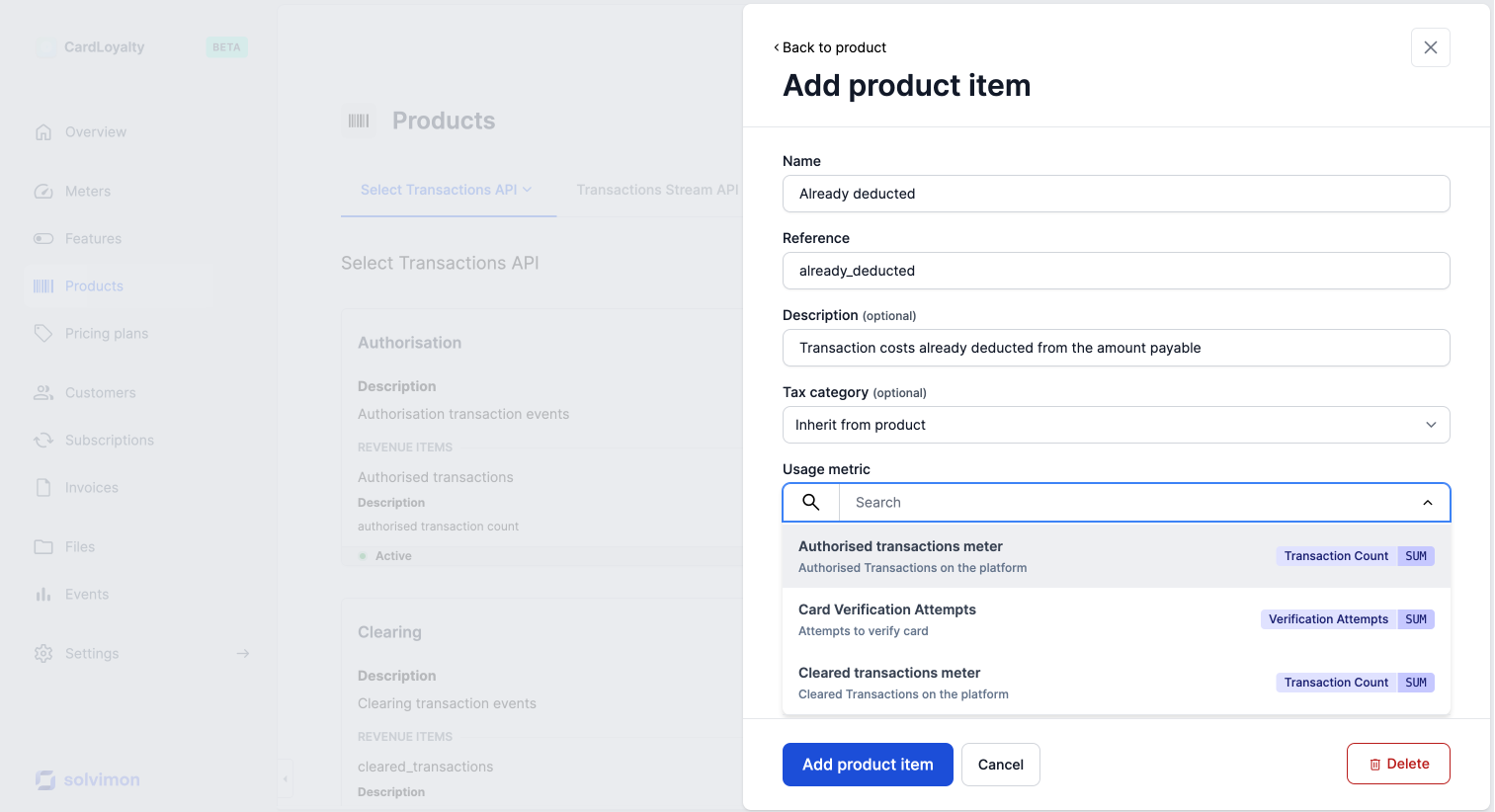
Add the Product Item
Product items can be of several charge types, including usage based, recurring, per-seat, and one-off:
Product items are invoiced based on usage of the product, such as per card authorization or per support ticket. The quantity for these product items is calculated using methods such as SUM, MAX, or MIN. Read more about calculation methods here.
Product items are invoiced to customers on a periodic basis, such as monthly or yearly.
Product items are invoiced to customers on a periodic basis with seats or accounts as units.
Are invoiced only once, such as an onboarding or administration fee.
It is important to carefully consider the type of product items you offer and how they will be invoiced to customers in order to accurately reflect the cost of your products.
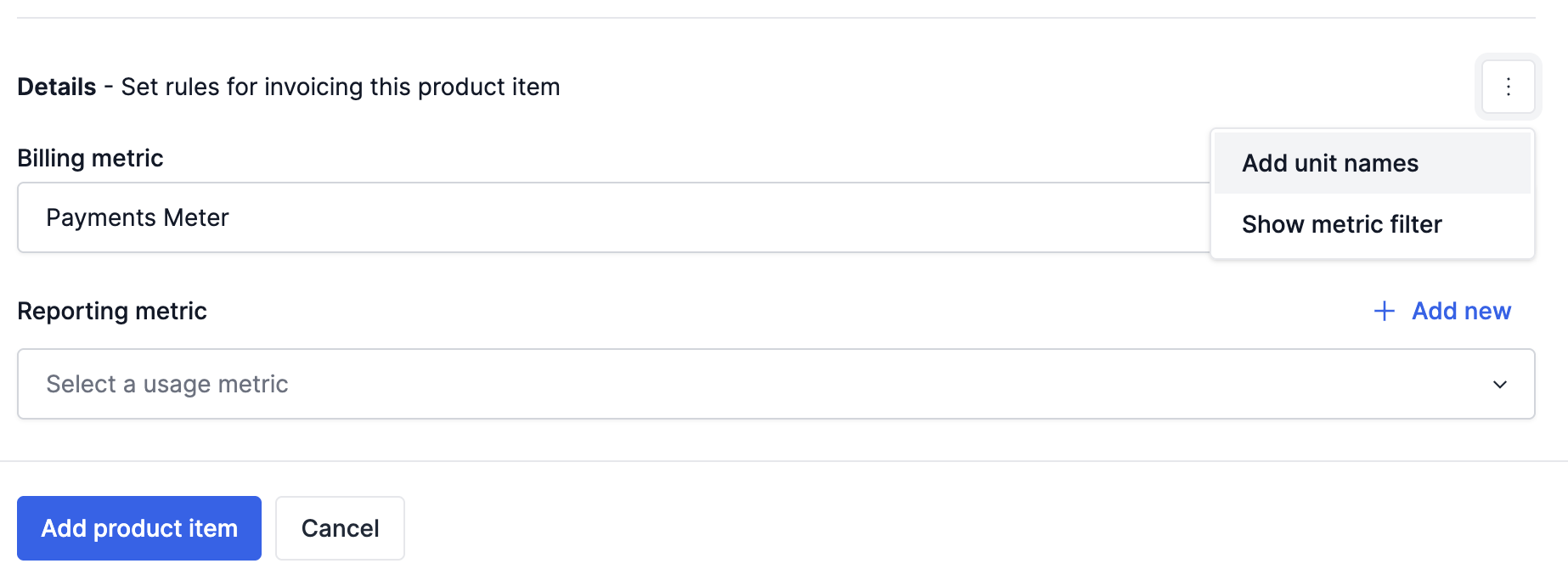
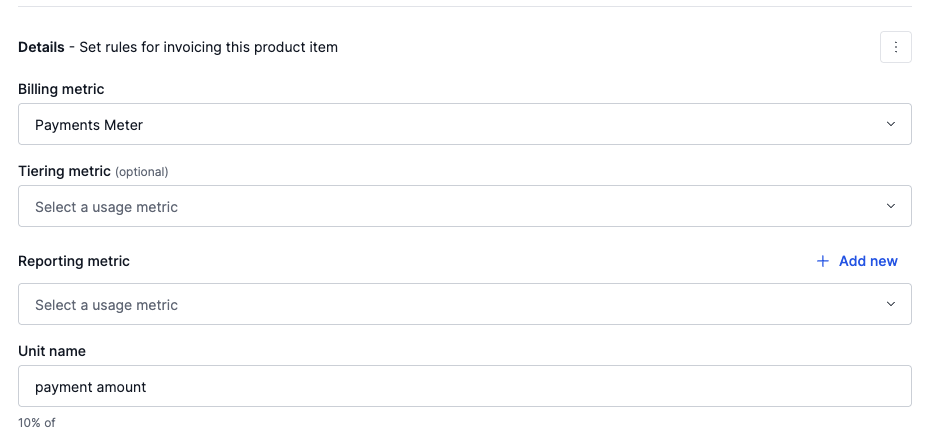
When a Tiering Metric is configured, it will be used to calculate the tier in a Top Tier pricingset up, and the Billing Metric will be used in the calculation of the cost. Example use cases are:
Deduction items are a specific type of usage-based product items which are used in payment or transaction companies that already deduct or withhold some costs off of the charges that have been made.
For example: a payment service provider manages transactions of their customers and when processing a transaction movement, a certain percentage of the transaction is already withheld from payout.
This means the costs are already paid for and will not be added to the ‘Amount due’ on the invoice.
Below are some examples of how the products and product items are incorporated into the invoice. Please note that the product category is not necessarily presented on the invoice, this is an optional field.
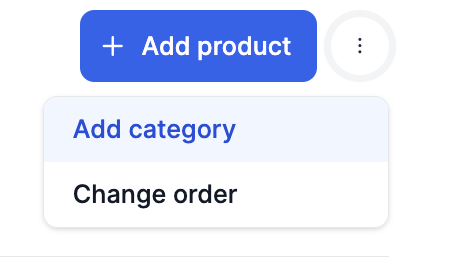
Ordering product and product items can be done via Desk as shown in the snippet below. You can click on the three dots and select change ordering in order to update the ordering of the products and product items
On an invoice, the default ordering of line items is determined as follows:
This ensures control over how items are presented on the invoice.