To facilitate sending out templated emails automatically from the Solvimon platform we offer direct integrations with selected email providers.
We currently support the following integrations:
When you are not using an email provider yet and want to start using one, we recommend using Sendgrid.
Sendgrid also allows sending up to 100 emails a day for free.
If your email provider is not supported yet, please contact us as we are happy to facilitate this.
Currently we offer support for various types of emails that are linked to specific events in the Solvimon platform. Below an overview is given of the support flows.
The email flows use the customer’s email address hence this is required to be set for sending out these emails. We do not offer support for sending out to contacts yet.
These flows can be enabled or disabled on the integration page, the flows can be identified by the Flow Name.
For other automated email use cases, please contact us as we are happy to facilitate this.
We have a few text box templates which can directly use for your email template.
Invoice text box example (customer: organization)
Invoice text box example (customer: individual)
You can use handlebars to include pre-filled Solvimon’s variables directly in your email template. When creating your own templates you can use handlebars to insert invoice information into the template.
The following handlebar variables are supported
To insert handlebars into the template you can use the {{ variable }} syntax. In case you’d like to use other information in your template, please let us know as we are happy to facilitate this.
Each email flow ships with a default template. When you set up the integration on your platform, we automatically push the default templates for the available flows. You can override the template at any time by specifying the name of another template you prefer to use in the integration configuration panel.
Flows are event-driven and can be enabled or disabled from the integration section in your platform.
Templates support handlebars so you can insert variables directly into your email content using {{ variable }}. If you need additional variables, let us know and we’re happy to facilitate.
Customer email address is required. The email flows use the customer’s email address and won’t send without it. We do not support sending to contacts yet.
Description
Sends a templated email to notify the customer that their free trial is nearing its end. This helps customers review or update their payment method before the first renewal.
When it triggers
Configuration
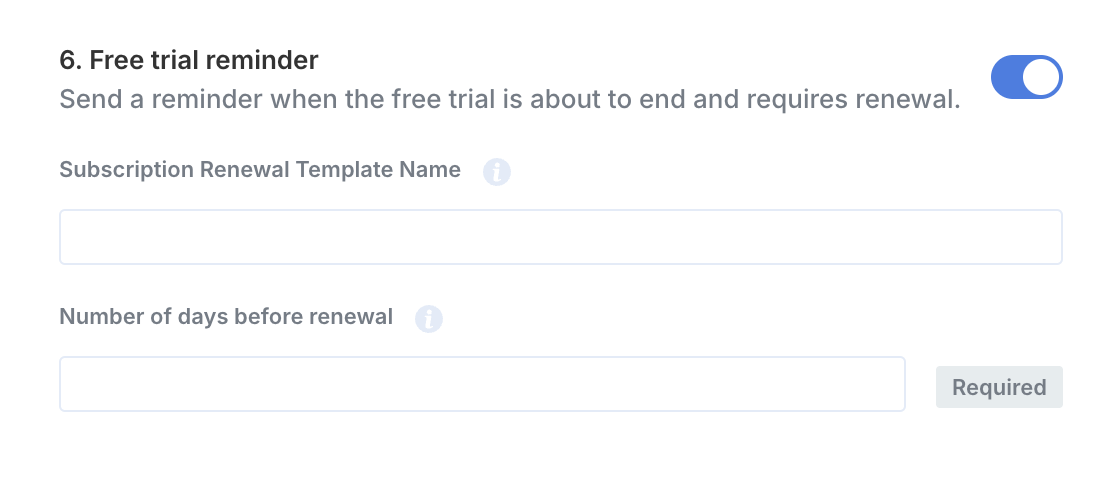
Default template example
Variables
Description
Notifies the customer when a payment attempt was unsuccessful and prompts them to update their billing details.
When it triggers
Configuration
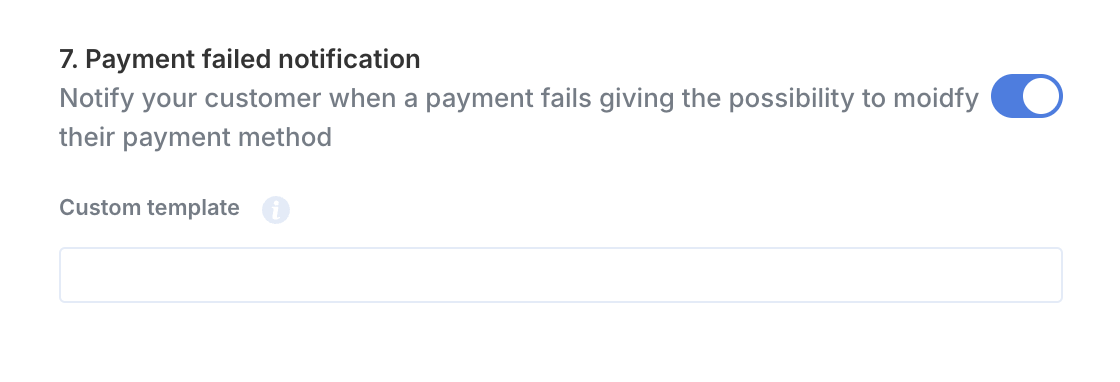
Default template example
Variables
Description
Sends an email reminder when a customer’s subscription will renew soon.
When it triggers
Configuration
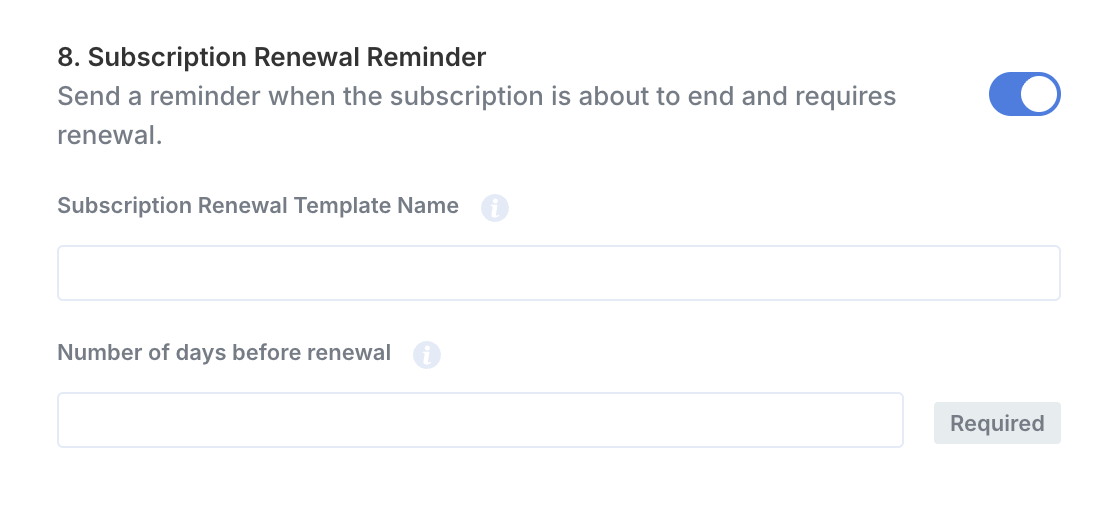
Default template example
Variables
