We allow a platform to set up multiple billing entities which can be used to issue invoices to customers. The country code of the billing entity will determine the tax regime applied to the invoices issued to the entity.
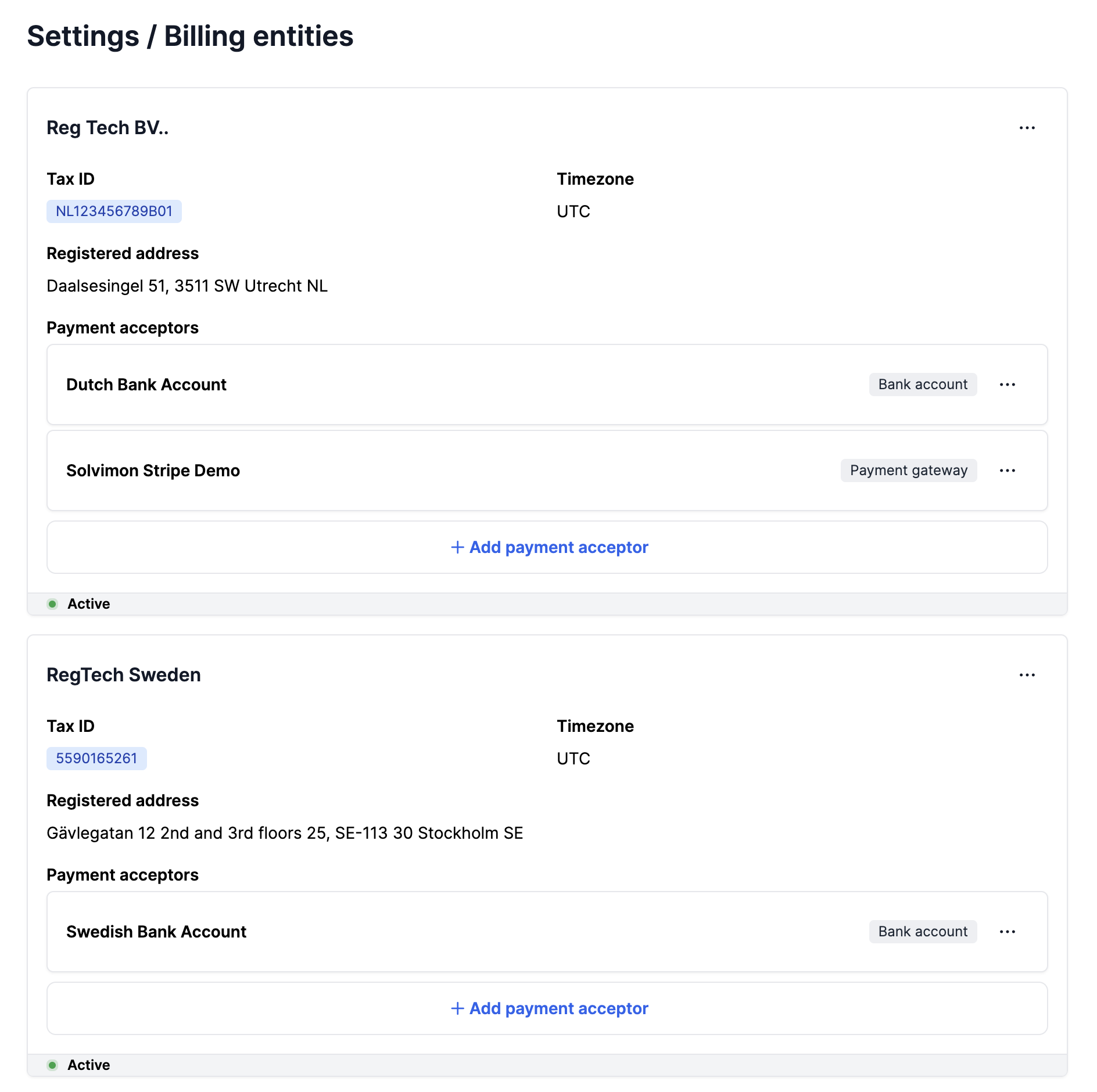
You can create a billing entity on the Solvimon Desk from the Settings Menu → Billing Entity
You can create Custom Fields with the Resource Type as Billing Entity which will show up when creating a Billing Entity as shown above in the Billing Merchant ID field.
You can use this to store any metadata and/or synchronisation keys for integrations to you ERP and CRM systems
