Subscriptions
Create subscriptions directly from a Salesforce Opportunity and track their full lifecycle, including billing dates, status, and invoices, without leaving your CRM.
Creating a subscription from an Opportunity
When a deal closes, you can activate a subscription directly from the Opportunity record. Click Create Subscription on the Opportunity. Customer and product data from the deal pre-populates the subscription form, so your team does not need to re-enter information that already exists in Salesforce.
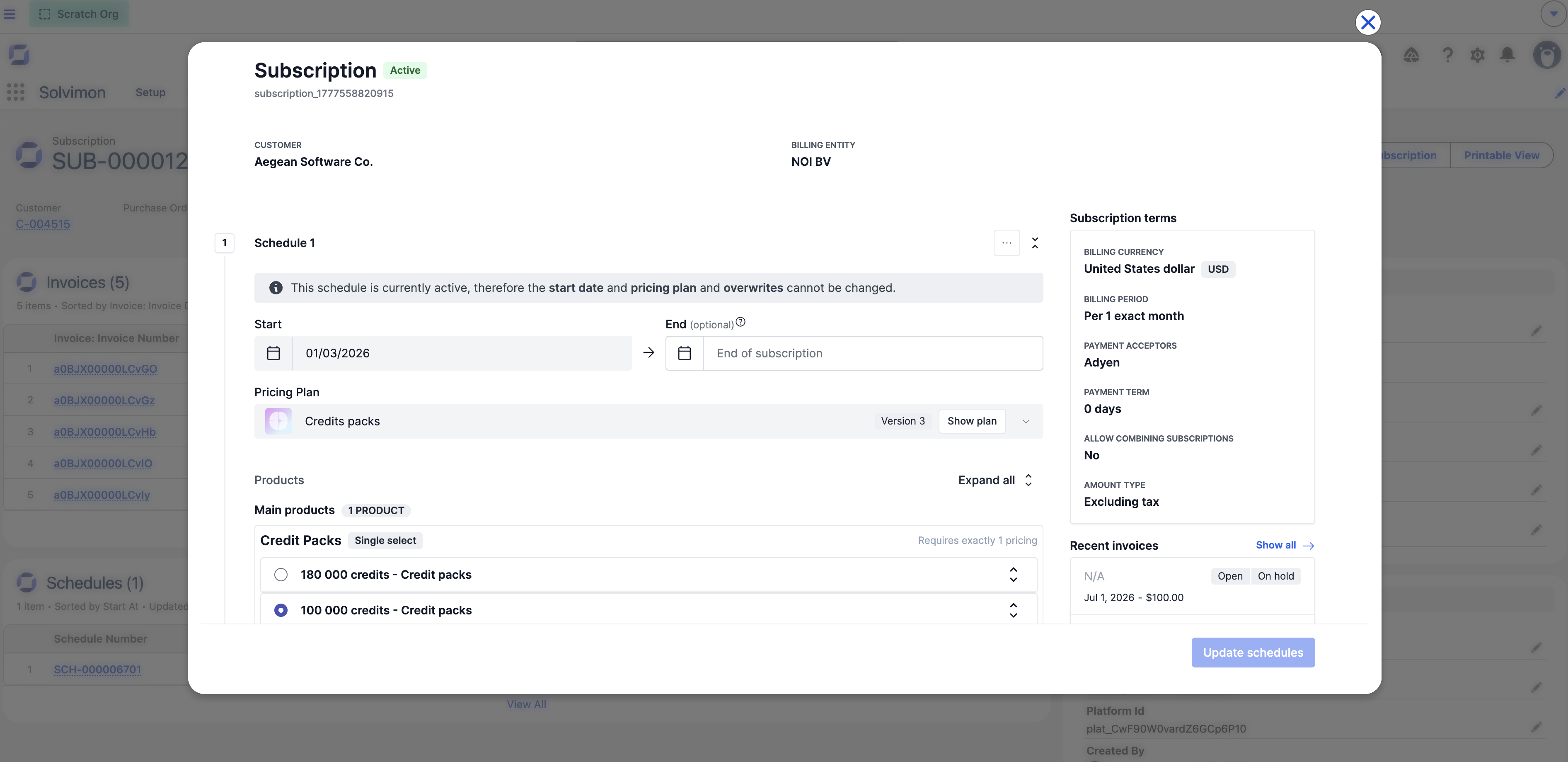
The embedded Solvimon interface opens inside Salesforce, where you confirm billing terms, start date, and pricing before activating.
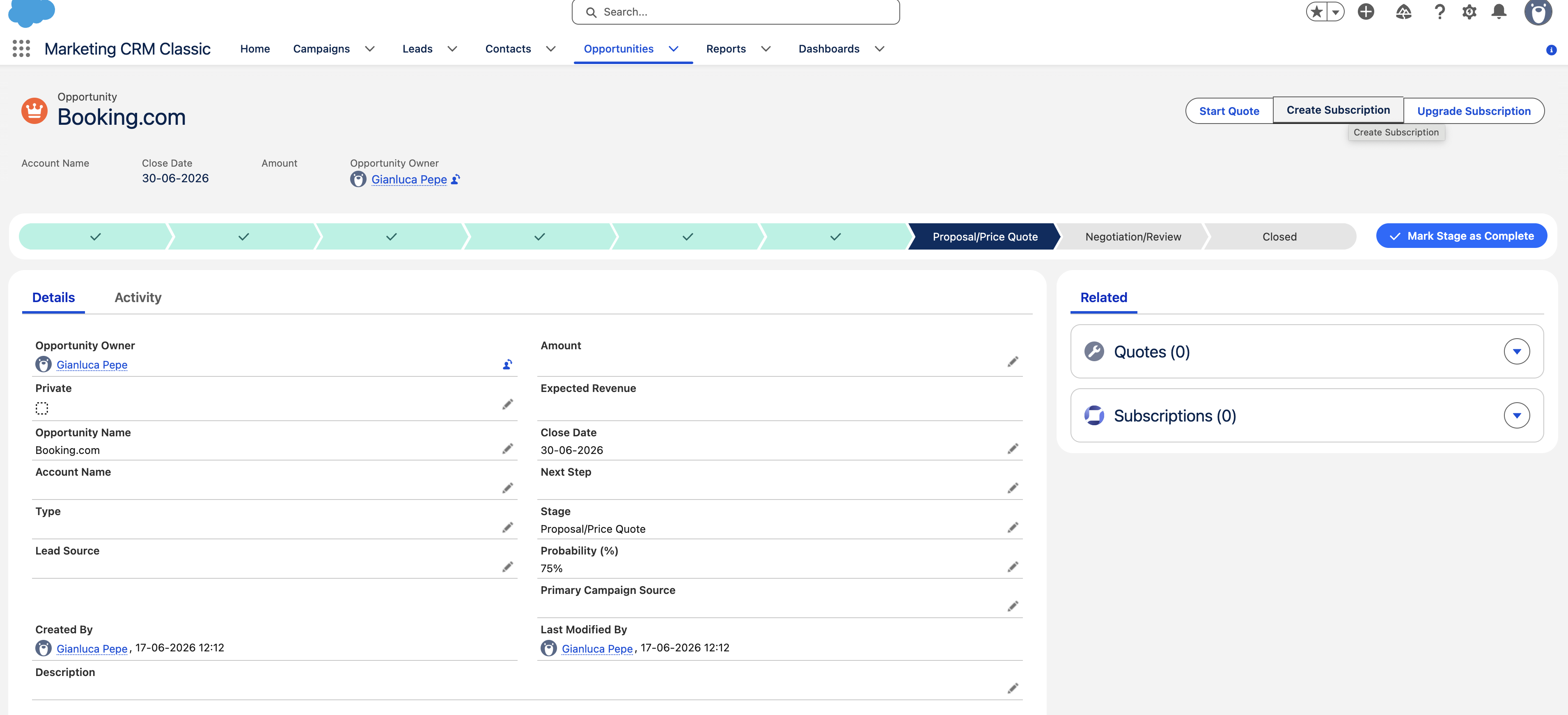
You can also create a subscription directly from a Customer__c record if the subscription is not tied to a specific Opportunity.
What syncs back to Salesforce
Once a subscription is active in Solvimon, the following data is available on the corresponding Subscription__c record in Salesforce:
Invoices generated for the subscription are created as linked Invoice__c records and update as payments are collected. Additional fields can be mapped to Salesforce via the field mapping configuration.
Subscription statuses
Viewing a subscription
Open any Subscription__c record and click View Subscription to open the full subscription detail in the embedded Solvimon interface, including billing schedule and invoice history.