For AI agents: a documentation index is available at the root level at /llms.txt and /llms-full.txt. Append /llms.txt to any URL for a page-level index, or .md for the markdown version of any page.
Logo
LoginSandbox
Platform GuidesAPI DocsSDKMCP ServerChangelog
  • Getting started
    • Introduction
    • Concepts
    • Onboarding guide
  • Use cases
    • Monetizing an AI agent
    • Pricing models for AI products
    • Configuring entitlements for AI products
  • Usage metering & events
    • Meters
      • Meter values
      • Meter properties
      • Usage metrics
    • Usage events
    • Unmatched events
    • Event reprocessing
  • Products & plans
    • Product Catalog
    • Pricing Plans
    • Features & Entitlements
  • Wallets & credits
    • Credit types & wallets
    • Credits in pricing plans
  • Customers & subscriptions
    • Customers
    • Subscriptions
    • Quotes
  • Invoicing
    • Invoices
    • Invoice corrections
    • Payment Collections
    • Tax
    • Currencies & Exchange rates
    • E-invoicing
  • Analytics & reporting
    • Insights
    • Report downloads
    • Revenue Recognition & Deferred Revenue
  • Integrations
    • CRM
    • ERP
    • Email Providers
    • Data Imports: Event File Uploads
    • Data Exports
    • Payment Service Providers
  • Settings & admin
    • Billing entities
    • Payment Options
    • User management
    • Customising invoices
    • Custom fields
    • Default platform settings
    • API key creation
    • Alert Rules
    • Workflows
  • Workflows
    • Workflow Triggers
    • Workflow Actions
    • Monitoring and Audit
    • Common Use Cases
  • For developers
    • Introduction
    • Authentication
    • Local development setup
    • API
    • Errors
    • Troubleshooting
    • Query Parameters
    • Expanding Responses
    • Idempotency
    • Timestamp formatting
    • Webhooks
    • Locale
    • MCP Server
LoginSandbox
On this page
  • Product definition
  • Conditional pricing
  • Revenue and margin allocation
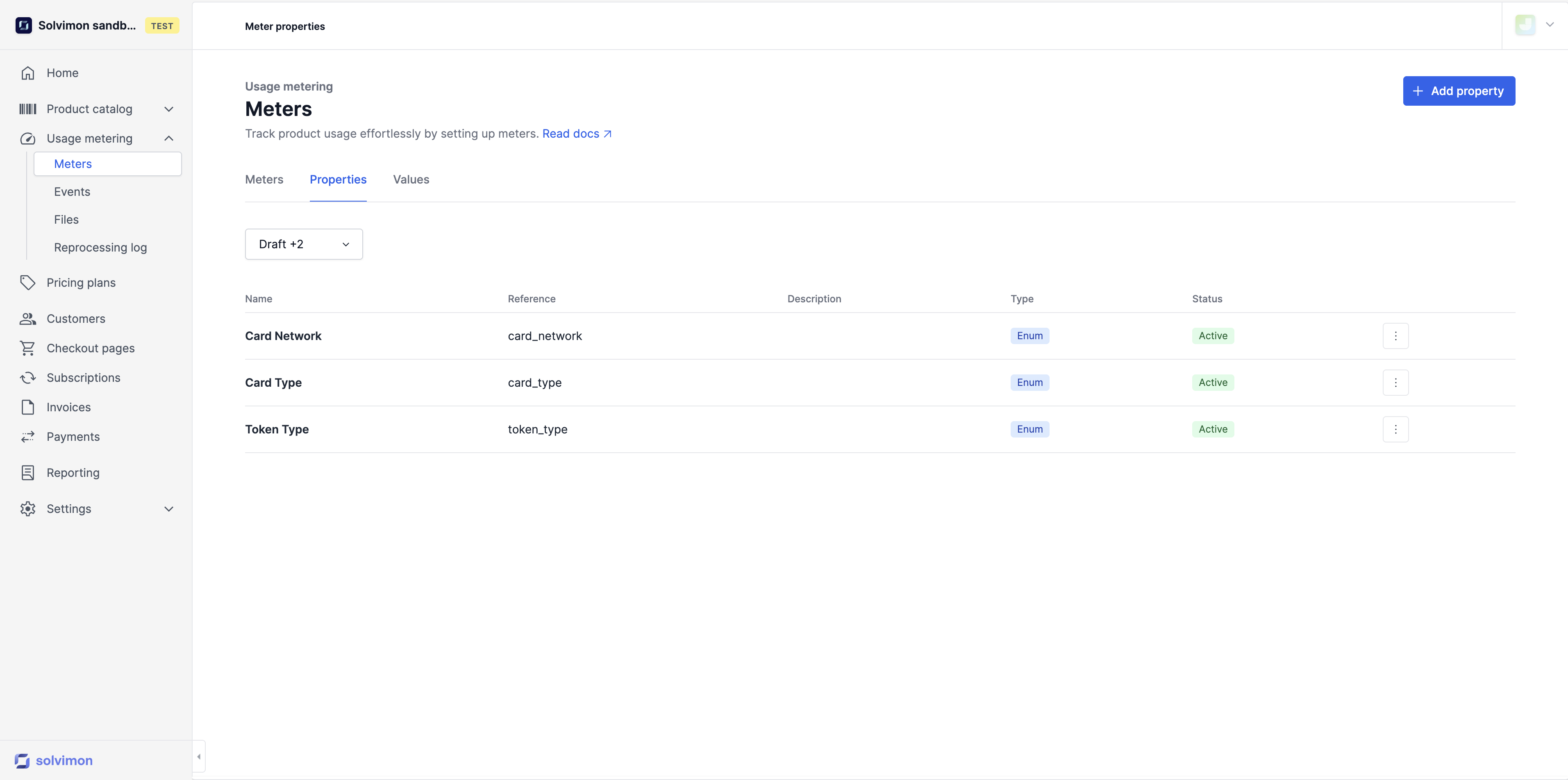
  • Types of Meter Properties
  • Making a meter property a usage metric
  • Example meter properties
Usage metering & eventsMeters

Meter properties

Was this page helpful?
Previous

Usage metrics

Next
Built with

Meter properties are additional pieces of information that provide context to an event. They can be used for a variety of purposes, including:

Product definition

A meter may retrieve events from a single source but contain event data for multiple products. Meter properties can be used to identify these products and assign them to the appropriate product category.

Conditional pricing

Meter properties can be used to define pricing rules and differentiate pricing based on the property. This allows you to create individual invoice lines with different prices based on the specific properties of the event.

Revenue and margin allocation

Even if meter properties are not used to separate pricing, you can use them to split out the revenue and margin by defined properties. This can be helpful for understanding the performance of different products.


Types of Meter Properties

Meter properties are a useful tool for providing additional context to events and for enabling more sophisticated pricing and revenue management strategies.

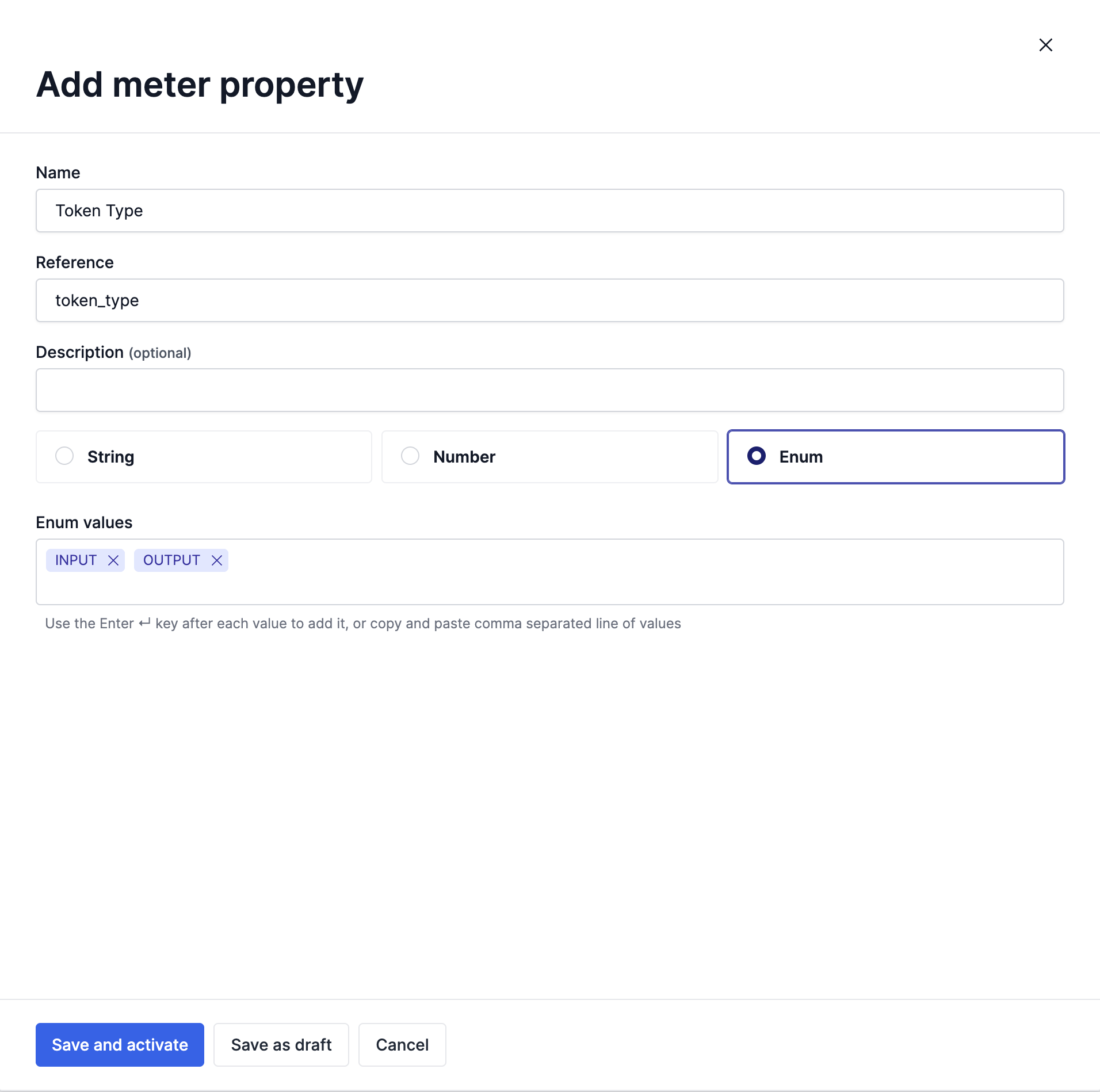
Properties can be in the form of:

  • A set of predefined values (ENUM),
  • Any value (STRING),
  • A number (NUMBER)

Once a property is active, Solvimon does not allow removing the enum values defined anymore, as they might be linked to usage data. Adding new values is possible.


Making a meter property a usage metric

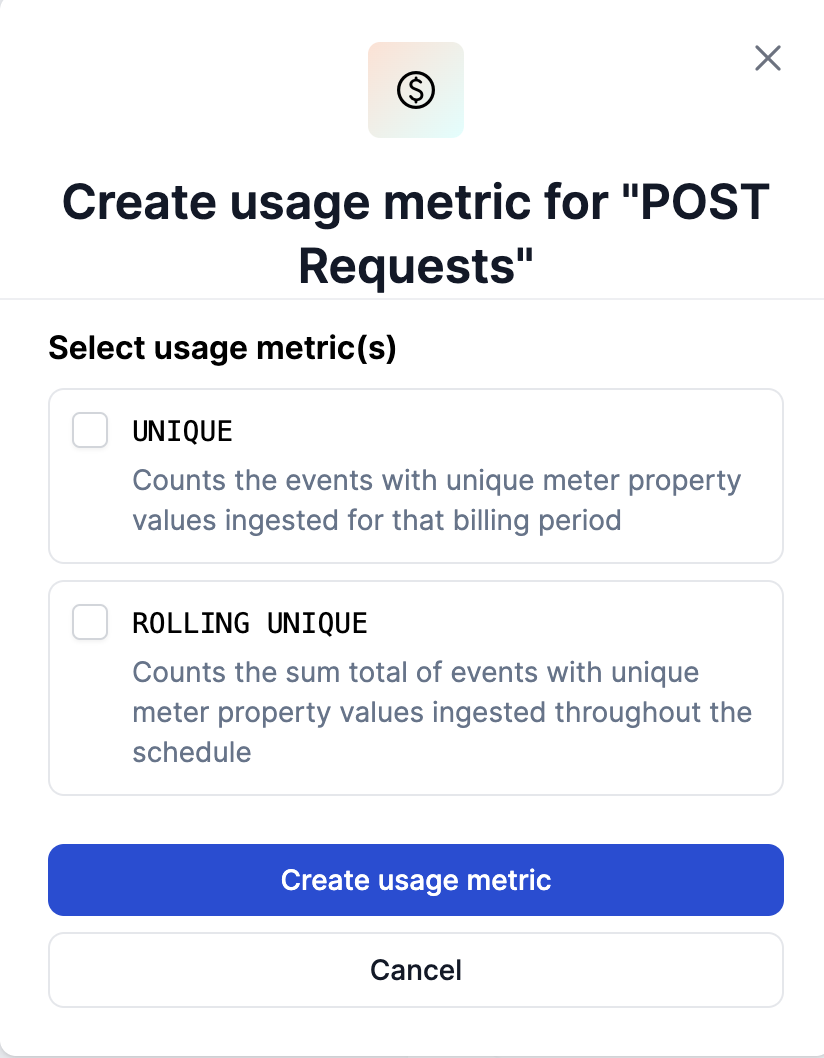
Meter properties only have two types of calculation metrics to make them a usage metric that can be connected to a product:

  • Unique i.e. Counts the number of events with unique meter property values that are ingested for the specified billing period of the subscription schedule
  • Rolling Unique i.e. Counts the sum total of events with unique meter property values that are ingested throughout the schedule for that subscription


Example meter properties

Here are some examples of different properties together with their type and possible values:

Property NameTypeExample Values
Payment MethodENUMVisa, MasterCard, Amex, IDEAL
Data center locationENUMEU, US, AP
Project NameSTRINGanything
Number of UBOsNUMBER5
Booking TypeENUMDebit, Credit