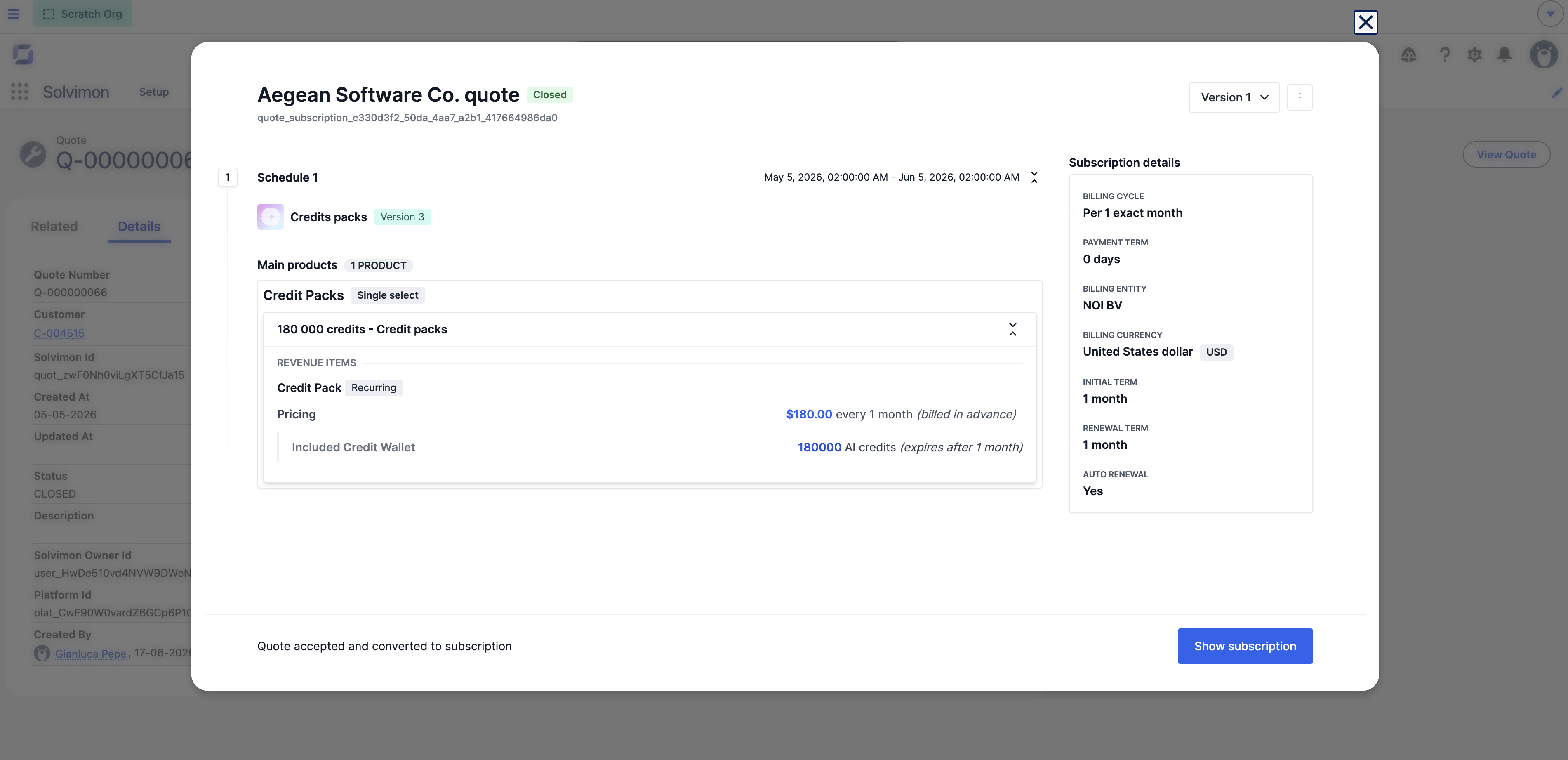
Quotes
Create and manage quotes directly from Salesforce. Quotes are built inside an embedded Solvimon interface and synced back to Salesforce automatically.
Creating a quote
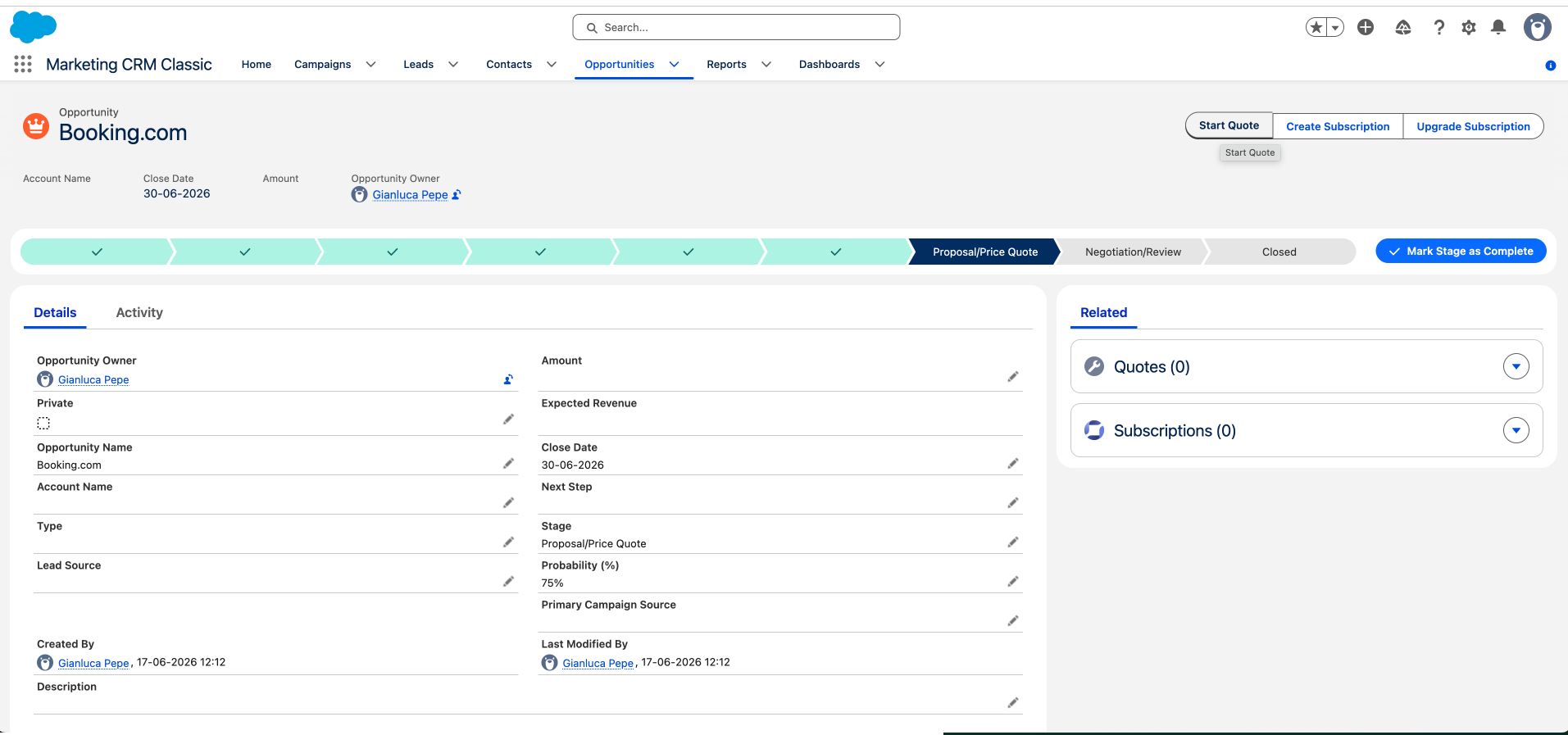
You can start a quote from an Account or an Opportunity using the quick action buttons on those records.
- Open the Account or Opportunity record
- Click Start Quote (Opportunity)
- The Solvimon quoting interface opens inside Salesforce, no separate login required
- Configure the quote, set pricing, and save
The quote appears under the Quotes tab and as a related record on the Account or Opportunity.
Quote statuses
Viewing a quote
Open any Quote__c record in Salesforce and click View Quote to open the full quote detail in the embedded Solvimon interface.