
Single Sign On (SSO) via Okta
Single Sign On (SSO) via Okta
Single Sign On (SSO) via Okta
Solvimon supports single sign-on for the Okta provider. In order to enable this feature, it is required to set up a new App Integration on your Okta instance. To do so, the following steps can be followed:
Once this is is information is provided, Solvimon is able to finalise the Okta set up.
Solvimon can also provide a secure Self-Service URL that contains a step by step on how to set up the app, and where is also possible to submit the Client ID, Client Secret and Issuer URI and test the connection right away.
Reach out to the Support Team or Customer Success Manager to request a secure Okta Self Service URL.
Once the self-service flow is completed, inform the Solvimon team.
After the Okta Set Up is finalised, the sign in process starts by going to the Log In screen and:
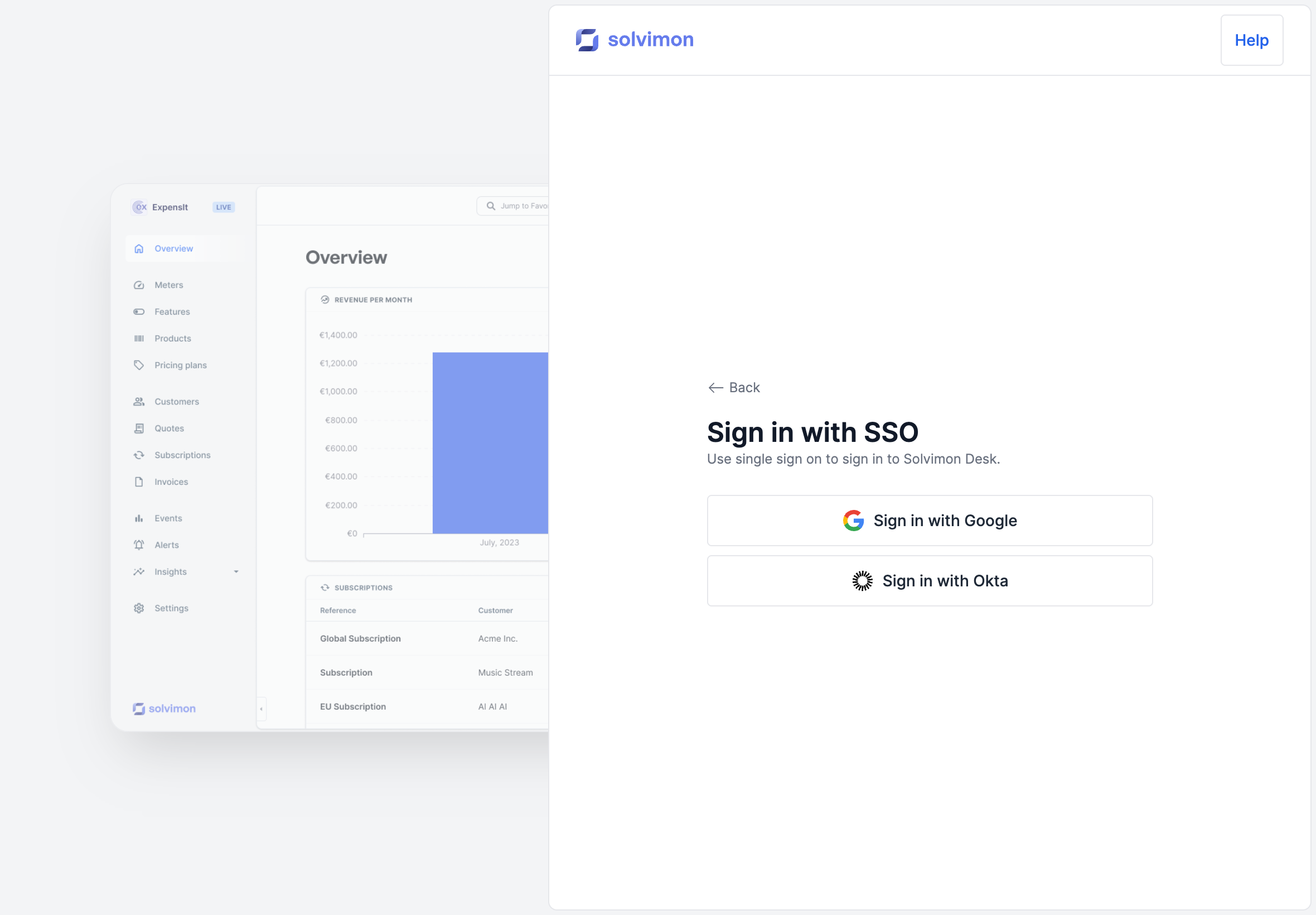
This will forward you to the Okta’s sign in screen. Once you input your login credentials, you will be redirected to Solvimon Desk.
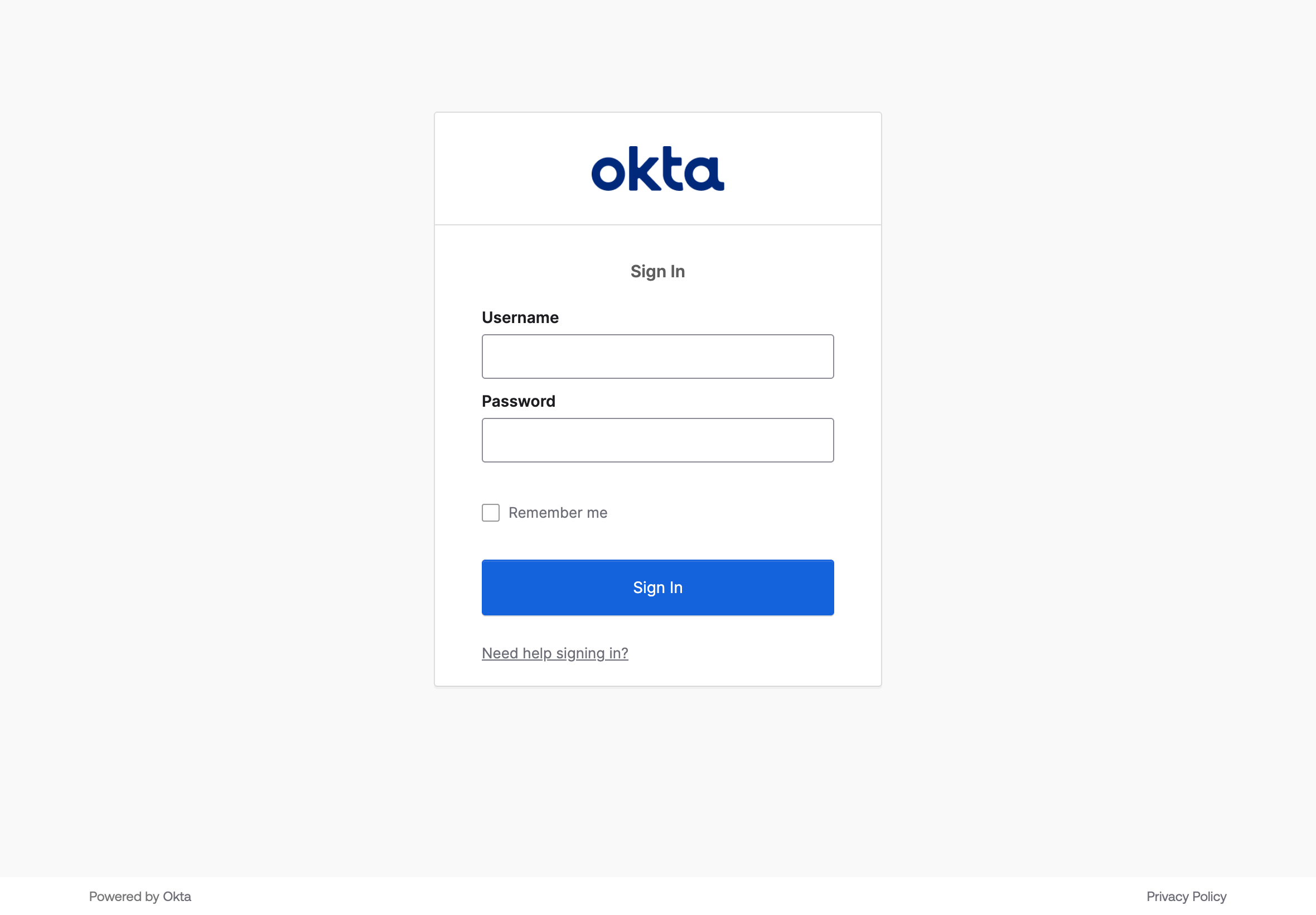
It is possible to turn off the default username and password login functionality. Please let our support team know if you wish to have this option enabled.
The email address used to log in to the Okta account must be the same as the one registered for the user in Solvimon Desk.
To de-activate users, please contact Solvimon support