For AI agents: a documentation index is available at the root level at /llms.txt and /llms-full.txt. Append /llms.txt to any URL for a page-level index, or .md for the markdown version of any page.
Logo
LoginSandbox
Platform GuidesAPI DocsSDKMCP ServerChangelog
  • Getting started
    • Introduction
    • Concepts
    • Onboarding guide
      • Plan your go-live
      • Importing data
  • Use cases
    • Monetizing an AI agent
    • Pricing models for AI products
    • Configuring entitlements for AI products
  • Usage metering & events
    • Meters
    • Usage events
    • Unmatched events
    • Event reprocessing
  • Products & plans
    • Product Catalog
    • Pricing Plans
    • Features & Entitlements
  • Wallets & credits
    • Credit types & wallets
    • Credits in pricing plans
  • Customers & subscriptions
    • Customers
    • Subscriptions
    • Quotes
  • Invoicing
    • Invoices
    • Invoice corrections
    • Payment Collections
    • Tax
    • Currencies & Exchange rates
    • E-invoicing
  • Analytics & reporting
    • Insights
    • Report downloads
    • Revenue Recognition & Deferred Revenue
  • Integrations
    • CRM
    • ERP
    • Email Providers
    • Data Imports: Event File Uploads
    • Data Exports
    • Payment Service Providers
  • Settings & admin
    • Billing entities
    • Payment Options
    • User management
    • Customising invoices
    • Custom fields
    • Default platform settings
    • API key creation
    • Alert Rules
    • Workflows
  • Workflows
    • Workflow Triggers
    • Workflow Actions
    • Monitoring and Audit
    • Common Use Cases
  • For developers
    • Introduction
    • Authentication
    • Local development setup
    • API
    • Errors
    • Troubleshooting
    • Query Parameters
    • Expanding Responses
    • Idempotency
    • Timestamp formatting
    • Webhooks
    • Locale
    • MCP Server
LoginSandbox
On this page
  • File imports (Excel / Google Sheets)
  • CRM and ERP integrations
  • API import
Getting startedOnboarding guide

Importing data

Was this page helpful?
Previous

Send your first API request

Next
Built with

Migrating from an existing billing system — whether homegrown or a third-party platform — requires bringing your products, customers, and contracts into Solvimon. There are three ways to do it.


File imports (Excel / Google Sheets)

For bulk imports in a controlled, reviewable format, Solvimon provides Excel and Google Sheets templates for products, customers, and subscriptions.
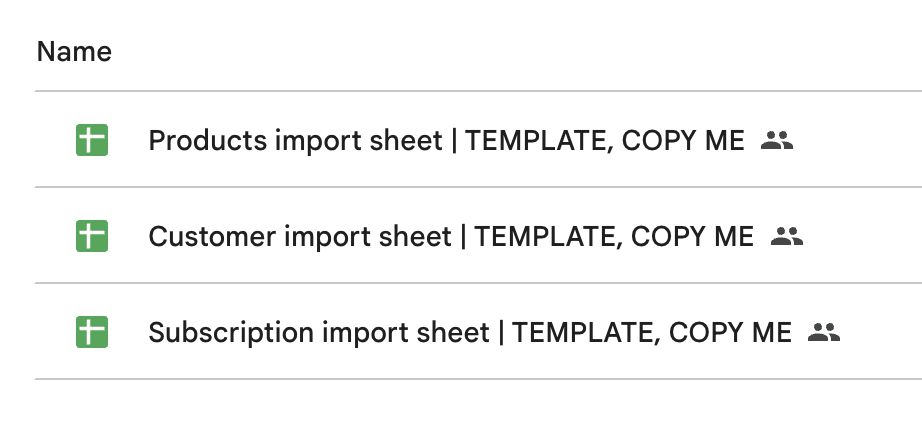
Products — import your product catalog using the standard product import template. Request it from your implementation manager.

Customers — import a customer list with optional settings per customer: tax exemption, parent-child relationships, custom fields. Ask in your Slack channel for the template and guidance.

Subscriptions — migrating existing contracts is often the most involved step. Solvimon’s team will help you map your current billing agreements — including custom pricing, discount structures, and per-customer tailoring — into standardized pricing plans and a subscription import sheet.

CRM and ERP integrations

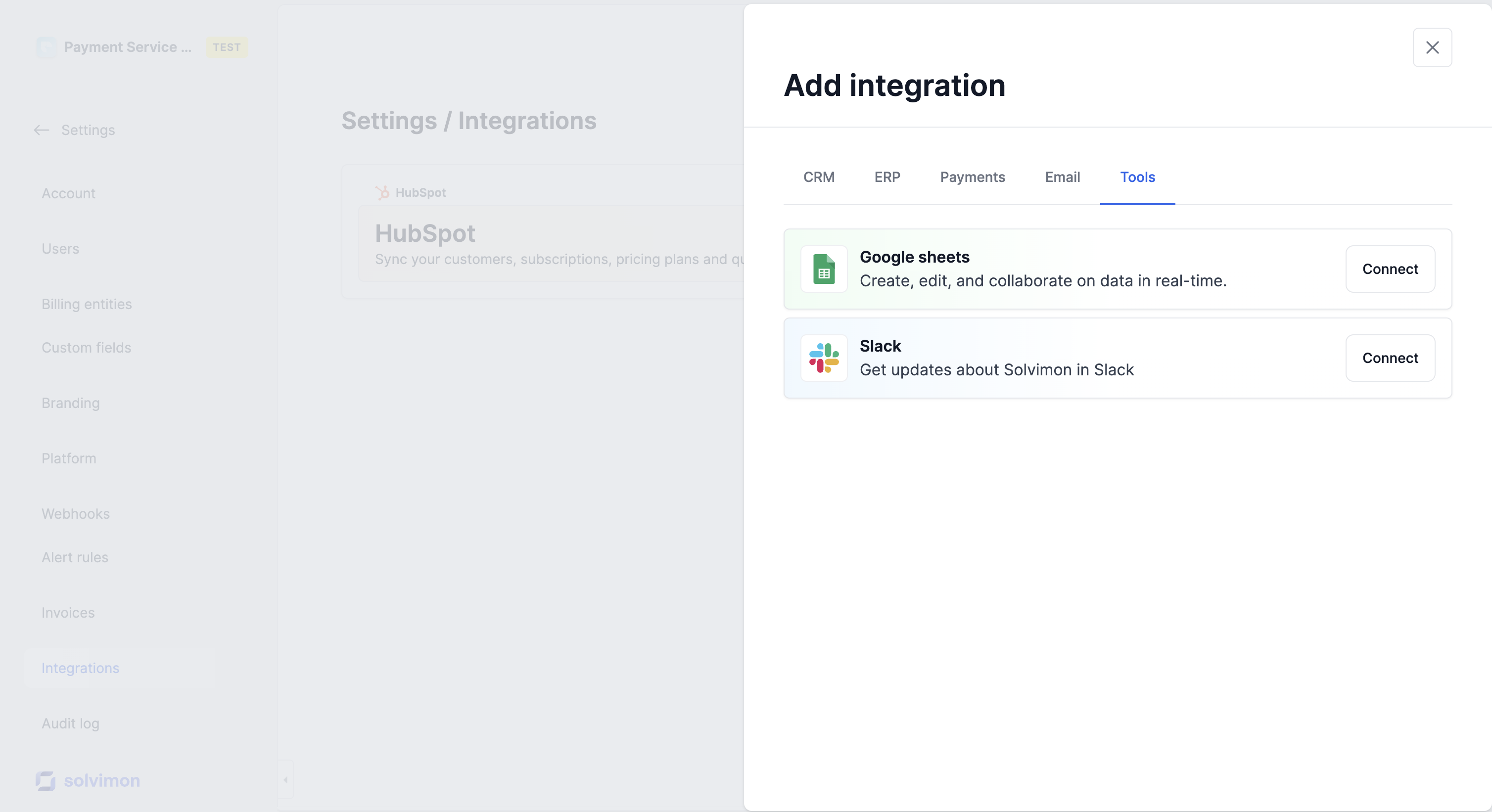
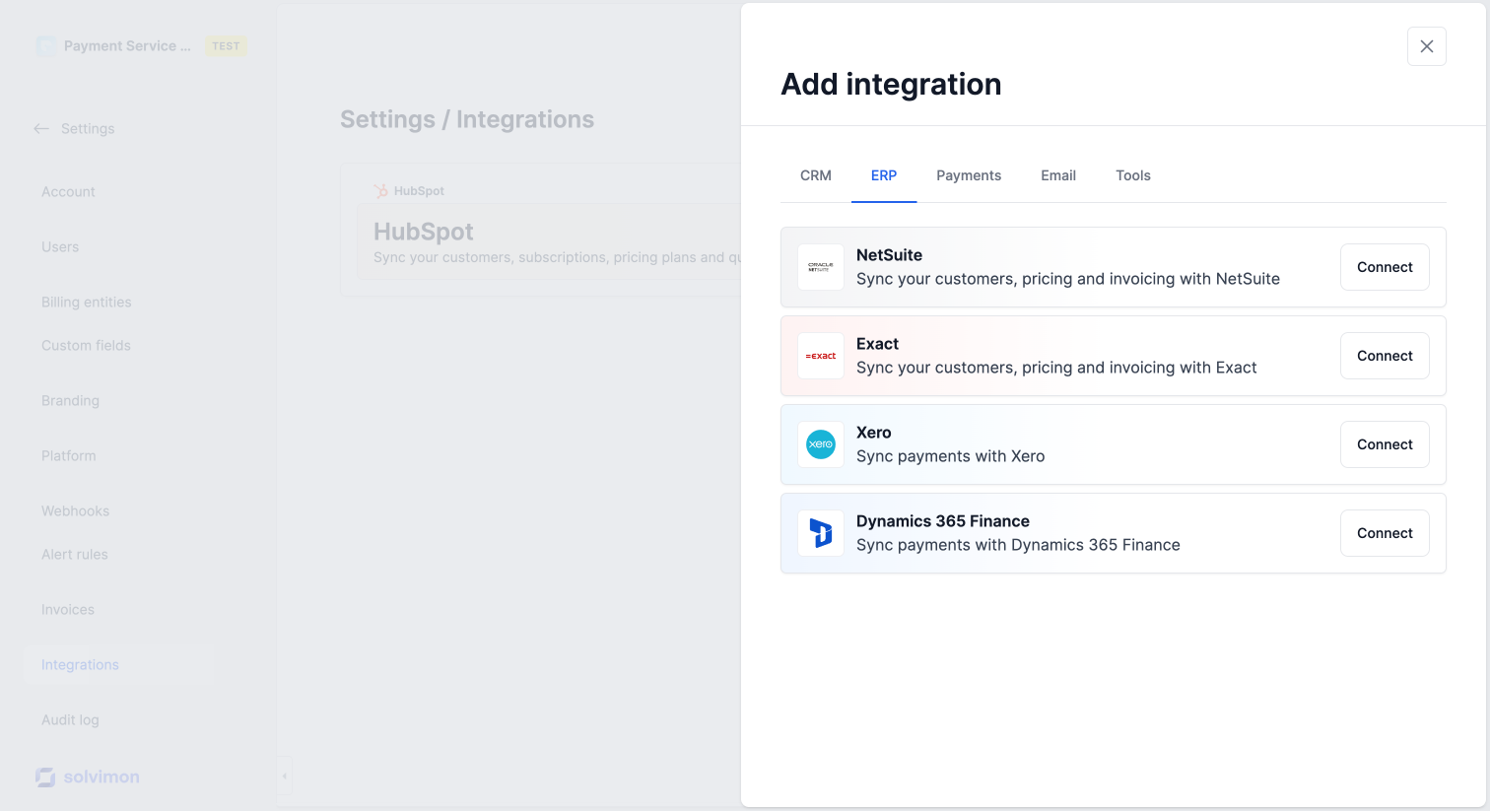
If your products, customers, or contracts already live in a CRM or ERP, most integrations support a one-time sync to seed Solvimon with your existing data.

Solvimon has out-of-the-box integrations with HubSpot, Salesforce, Xero, NetSuite, Exact, Stripe, and more.

Don’t see your tool? Let your implementation manager know.

API import

If you’re integrating with the Solvimon API for day-to-day operations, you can use the same endpoints to run your initial data migration — customers, subscriptions, and historical usage events included.

See the API reference for the relevant endpoints.
