
Subscription lifecycle
The way subscriptions with your customers move through different stages following your customers' lifecycle.
Subscriptions, like many other resources within the Solvimon platform, have statuses. They do not follow the core resource status flow entirely but align on the Draft and Active statuses.
| Status | Description |
|---|---|
| Draft | Draft subscription that allows changing (almost) all data |
| Active | Subscriptions with at least one schedule that is billing (creating invoices) or will start in the future |
| Paused | These are subscriptions that are currently not generating data into an Open invoice, are not cancelled and can be resumed. |
| Void | A subscription that was wrongfully created and for which the invoices are voided |
| Cancelled | Subscription that stops or has stopped billing due to a customers' cancellation. |
Draft subscriptions
Draft subscriptions are a preliminary form of an active subscription that can be altered and deleted. If you are testing, or still negotiating a subscription, it is a useful way to already implement the setup without invoicing the customer directly.
All subscriptions are created in Draft status initially and need to be pro-actively set to Active.
Active subscriptions
Active subscriptions have a minimum of one schedule with pricing and can cause invoices to be created for customers. Events that are ingested and that link to a pricing plan version for which a customer has an active subscription, are also put on the invoices (if there is a price).
Active subscriptions have some restrictions in alterations that can be made, because they are contracts between you and the customer. Due to this, you cannot alter most of the subscription terms, nor make changes in the past of the schedule.
Reprocessing subscriptionsIt is possible to make alterations to an Active subscription, even in the past, and to reprocess the events that were sent for this customer.
This functionality is not yet available in Desk, but if you require such a reprocessing please contact our support team or read more about it here.
Cancelling subscriptions
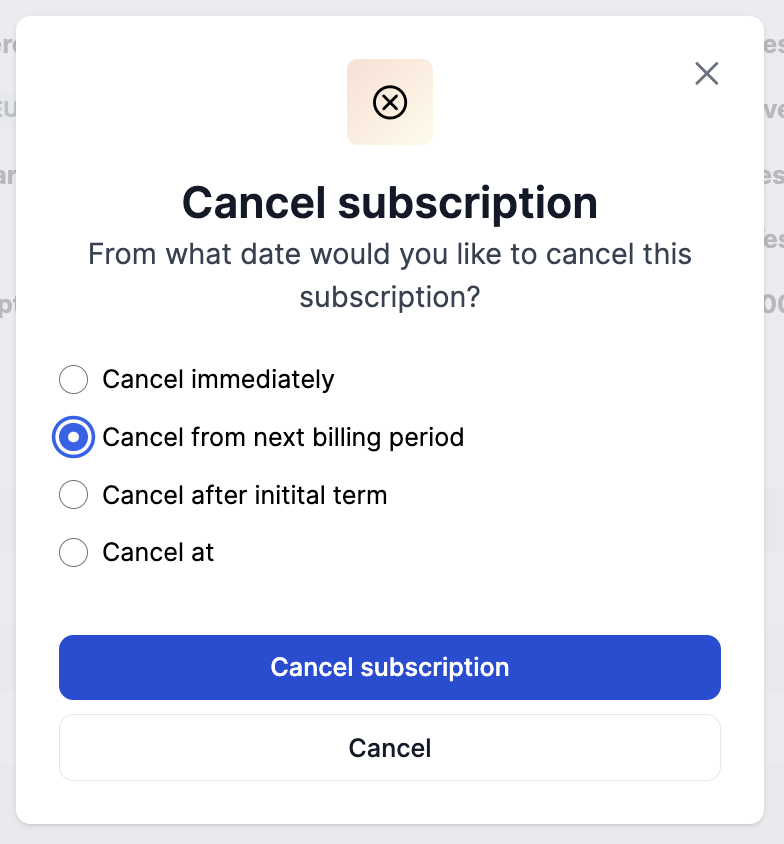
A cancelled subscription indicates that you or your customer have cancelled the contract and that, from a certain date, invoices for this subscription should not be generated anymore.
A subscription can be cancelled immediately, from the next billing period, after the initial term set in the subscription terms, or from a specific date. If a subscription is cancelled halfway the billing period and has recurring costs, these are still invoiced for the full billing period by default.
Voiding subscriptions
If you accidentally create a subscription, you won't be able to delete it completely since invoices have already been generated. Instead, you can 'Void' the subscription. Voiding indicates that the invoice has been cancelled before it was sent out, and thus will not be set to Final nor sent to the customer.
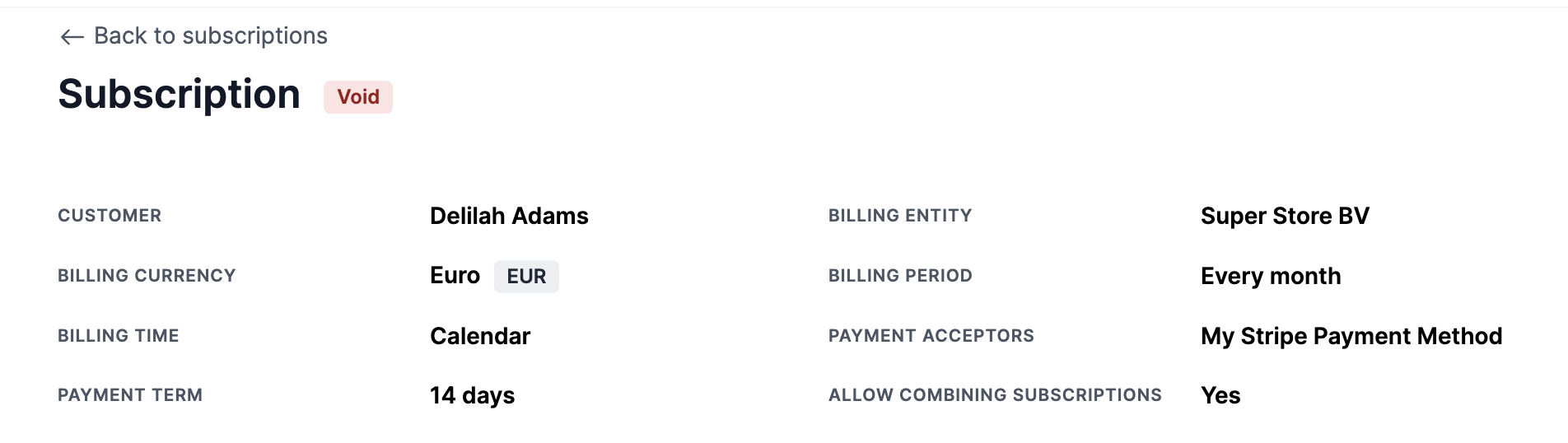
You can Void a Subscription by simply selecting an Active subscription and from the menu, selecting the Void option.
When a subscription is voided, the following actions occur:
- The Subscription status is set to
Void - Draft and Open invoices are updated to status
Void
Read more about Void invoices here.
CheckFinalinvoicesFor invoices that were already set to Final, nothing happens.
If you wish to correct these invoices too, you need to separately create a Credit invoice for them.
When to be used
This action is typically used when inaccuracies are present in the invoice, as editing sent invoices is often not permitted in many tax jurisdictions. Voiding is suitable if a sales invoice was raised mistakenly and needs to be removed from revenue and accounts receivable records.
Please note that for audit purposes, the voided invoice will still be listed among invoices.
Pausing subscriptions
Coming SoonThis functionality is on the roadmap and will be released soon. Interested? Let our team know!
Updated 10 months ago