
Payment Collections
Collect payments via our native Stripe and/or Adyen integrations
Good to know: PSP integration neededThis feature is available if a PSP integration has been enabled in your Solvimon account and the payment acceptor method has been set to that Stripe account on your billing entity
Invoices can be collected via all sorts of payment methods, but also by connecting a Payment Service Provider (PSP) to your Solvimon account. This integration allows for the generation of an invoice payment link that enables your customer to pay the total amount due of the invoice.
Payments integration with Stripe
When you configure a Payment Service Provider on your Billing entity, invoices are automatically generated with a payment link directly attached. This feature allows your customers to conveniently pay invoices via the link provided in the invoice.
They can simply click on the link directly from Solvimon Desk, or you can copy it to the clipboard and share it via e-mail, for example
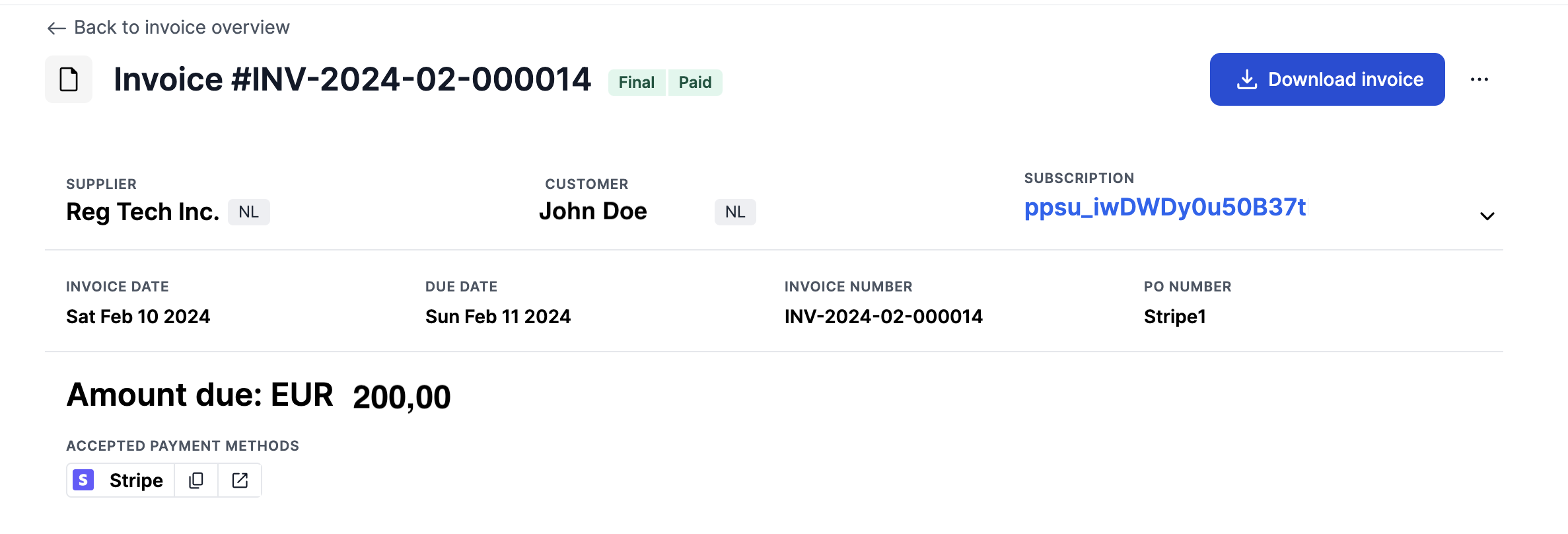
Invoice Payment Status
Once payments are completed through the payment integration via Solvimon, the invoice is also automatically updated with the payment status as 'Paid'. If you have an integration with an ERP system, this status can also be synchronized to update the amount receivable.

Paid status
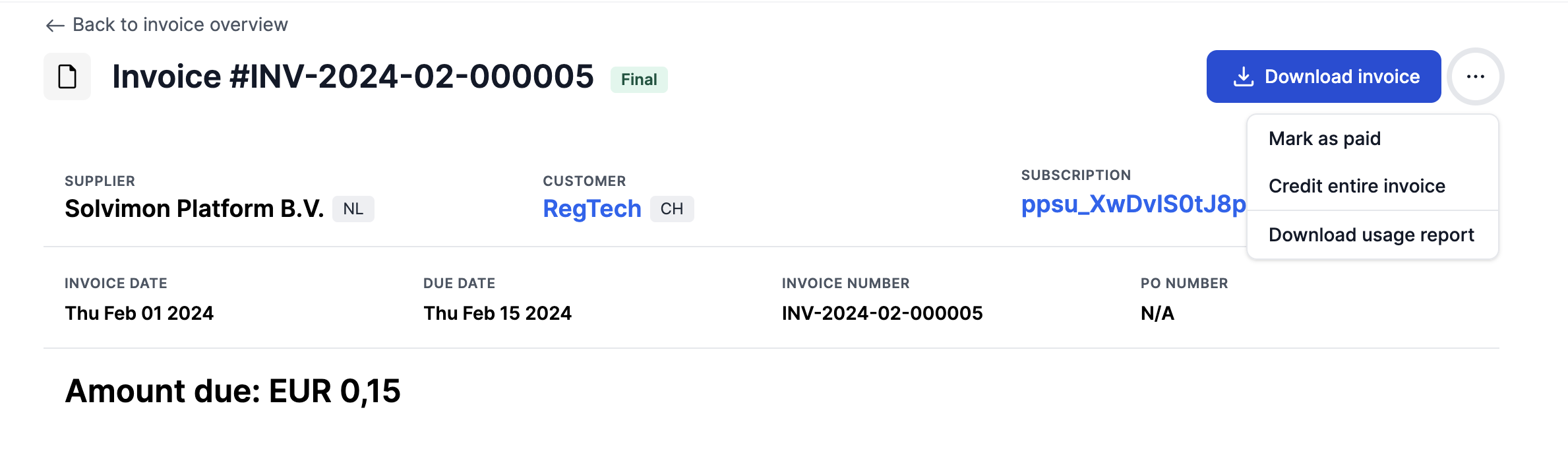
The Paid status on invoices is applied to final invoices to indicate a successful payment was received. An invoice can be manually marked as 'Paid' as demonstrated below. It will also automatically switch to 'Paid' status once the invoice is paid using the payment service provider link provided.
How to set it up?
Updated 10 months ago