
Invoice Corrections
Correcting invoices before or after they are final
Mistakes can be made. There are several options to correct invoices:
- Manual adjustments
- Adjustment events
- Credit notes
Manual adjustments
When an invoice has status 'open', manual adjustments can be made to correct for any mistakes made or to add extra charges. They are shown in the product section as a separate invoice line and clearly shown as an adjustment on the invoice. An adjustment can have the type 'charge' or 'refund' and the currency can be manually set. Adjustments cannot be done on final invoices.
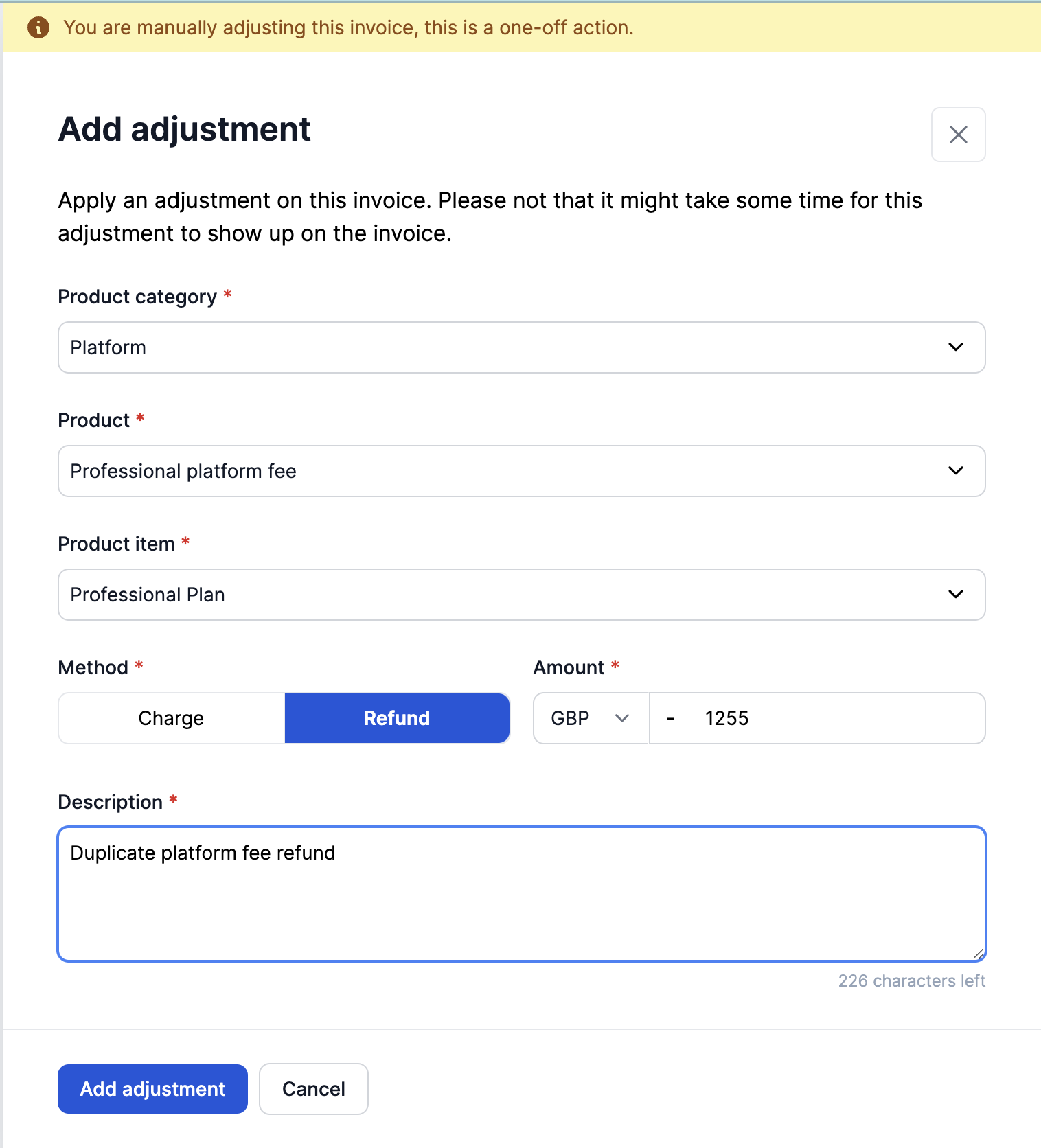
Adjustment eventsAre created for every adjustment that is creating in invoices. Reports will be available so your team can analyze how often manual invoice corrections occur.
Adjustment events
When creating invoice adjustments to correct data on an invoice, adjustment events are created. These can also be triggered through the API or platform by ingesting negative events.
Credit notes
Once an invoice is final, it cannot be changed. Check our documentation on Credit Notes for more information on correcting finalised invoices.
Refreshing invoice data
Once an invoice is generated and you want to change some information on the invoice like Customer name, address of the customer of billing entity or additional customer metadata (i.e. custom fields) you can refresh the invoice from the invoice page, as shown below, to reflect all the changes once you've made them

Updated 10 months ago