
Invoice corrections
There are several ways to correct invoices. Depending on the use case and what you'd like to show on the invoice to the customer:
- Ingest negative events for the billing period: negate the events you have sent to the total usage on the invoice is correct
- Create invoice line adjustments: manual line adjustments for draft or open invoices
- Issuing a credit note: in case the invoice was already in final status, you can credit it
Negating events
The cleanest way to correct wrongfully ingested usage data is to send negation events. This makes sure the total invoice quantity and events are correct, meaning the customer can still see the correct usage and there is no need to have an extra invoice line with a refund.
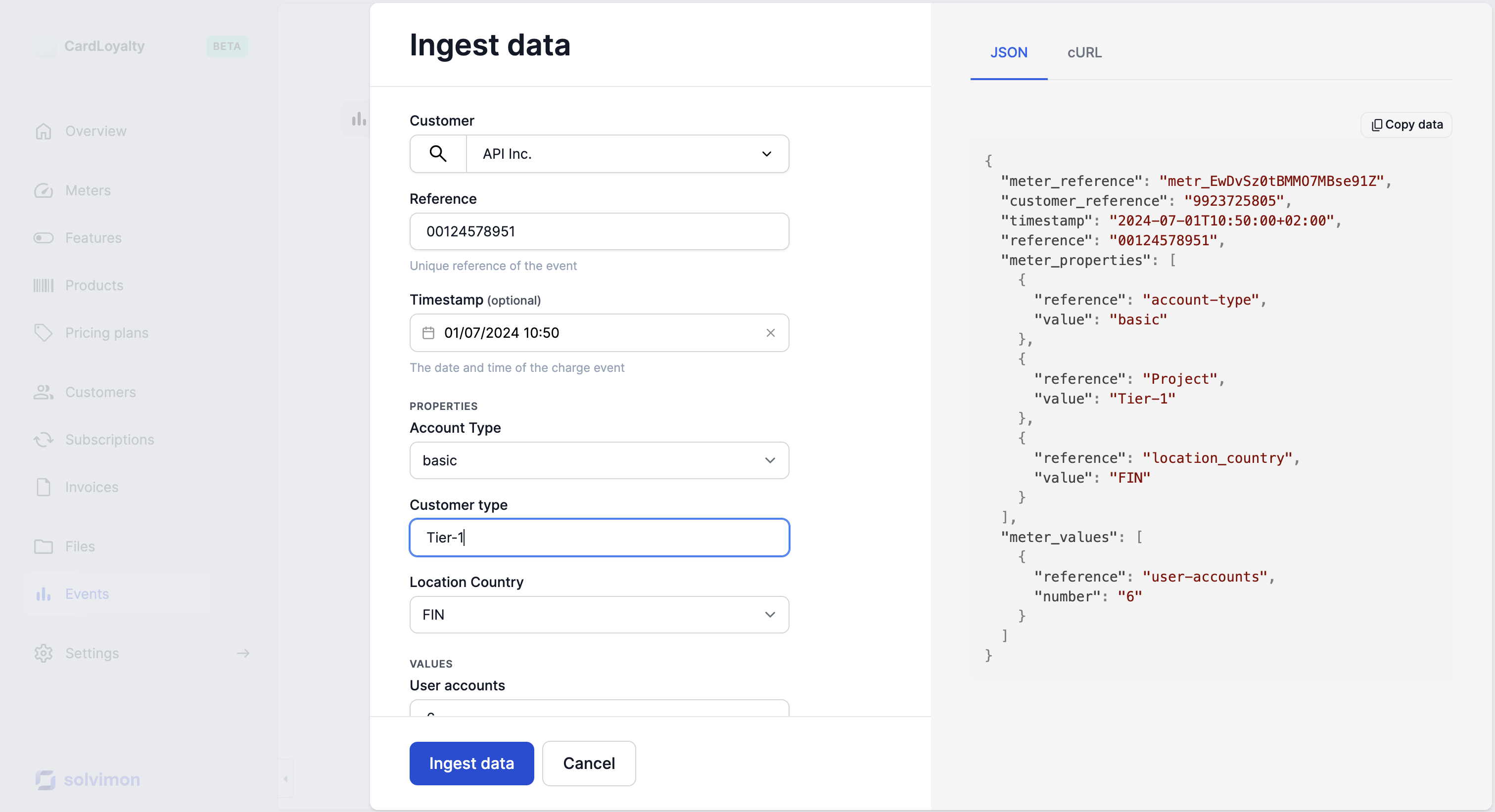
Important to note is that you need to create the event as a 'mirror' event with the same meter properties, in case you have price rules that might be triggered by the event.
The correction event can be ingested either manually, with a file upload, or through the API just like in your regular ingestion process.
Updated 10 months ago