
API key creation
Use API keys to authenticate reqests
Solvimon authenticates your API requests using your account’s API keys. If a request doesn’t include a valid key, Solvimon returns an invalid request error.
If a request includes a deleted or expired key, an authentication error is returned.
Create an API Key
- In the Settings menu, go to API key section
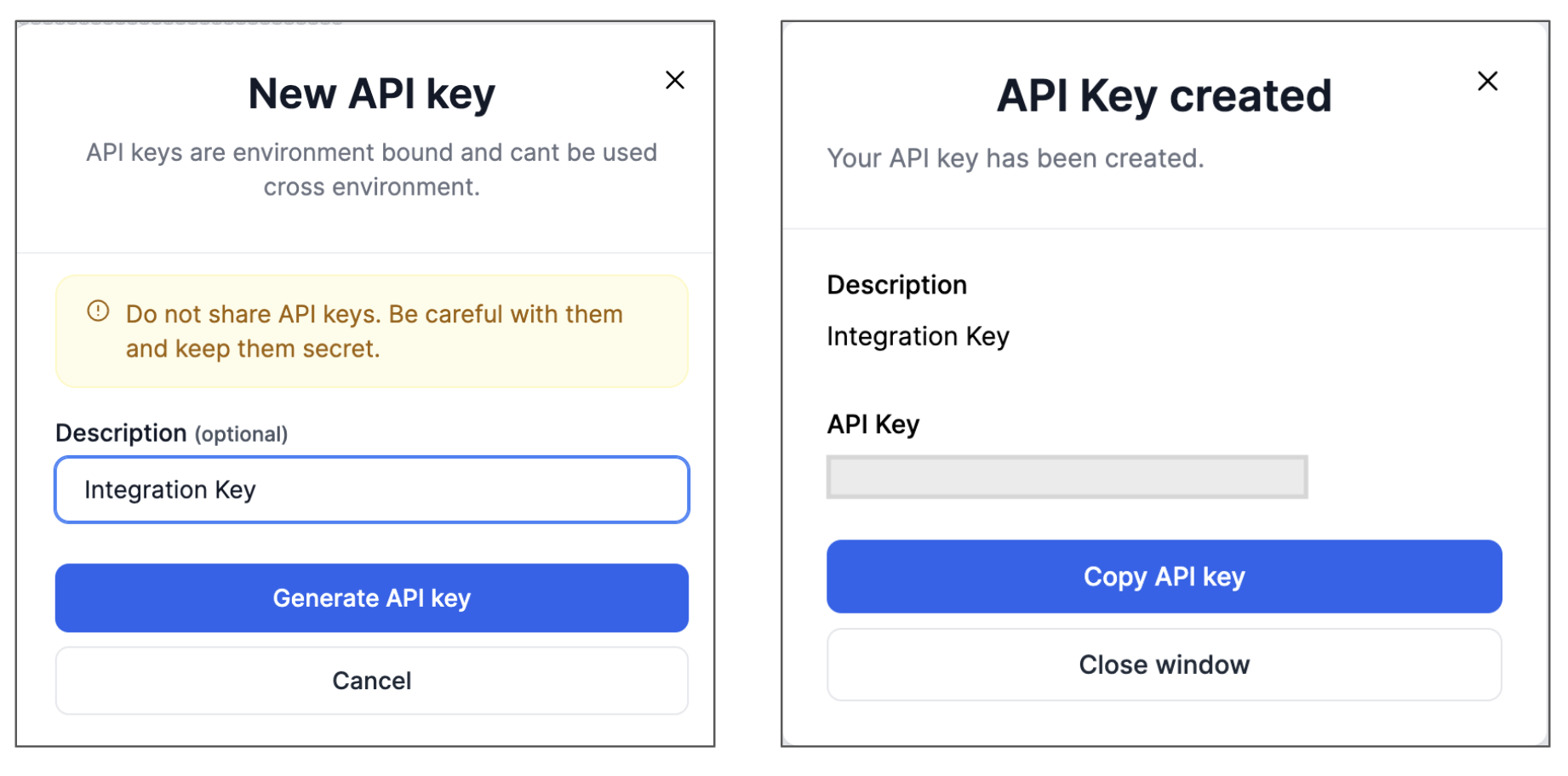
- Click on Add API Key. A form opens up to add a description
- Click on generate API key and copy the key value by clicking on it
- To view the saved key value, click on the eye icon

Updated 10 months ago