
Products & Revenue Items
Setting up your products with revenue items.
Products
A product is an entity that is sold by a business. It can be a physical item, such as a piece of hardware, or a service, such as cloud software or support. Products can be sold individually or as part of a plan that includes multiple products.
Creating a Product
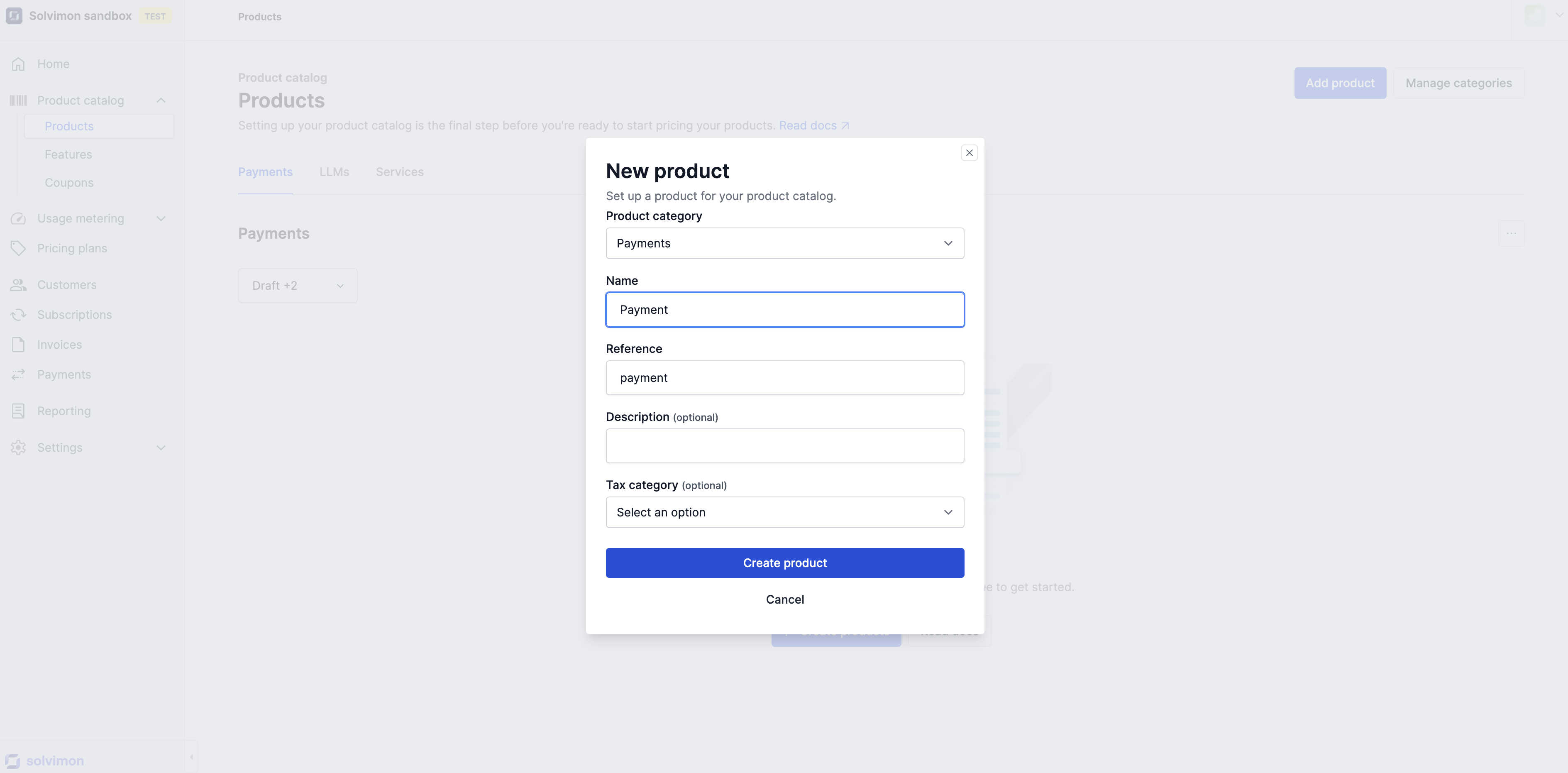
To create a new Product:
-
Go to Product Catalogue -> Products.
-
Click Add Product.
-
Fill in the required information:
- Name
- Reference
-
(Optional) Add:
- Description
- Tax Category
-
Click Create Product.
Deprecating or Archiving a Product
If a Product is no longer used:
- You may be able to archive it to prevent further use.
Archiving keeps your historical data intact while removing the Product from active use.
Product status validations
As discussed in the Statuses article, products are one of the resources that have statuses. To make sure historical data is preserved and can be checked in, say, an audit later, statuses have validations that enable or disable a user to perform certain actions.
Product status | Impact |
|---|---|
Draft |
|
Active |
|
Deprecated |
|
Archived |
|
Revenue items
Revenue items are the lowest reource in the Product Catalog hierarchy and are the resources that are eventually connected in the Pricing Plan to a certain pricing structure.
When a product is sold, the product items are the level at which invoice lines are created and therefore require the most attention in setting up your account.
To create a new Revenue Item, click on the Product and on Add Revenue Item:
-
Fill in the required information:
- Name
- Reference
-
(Optional) Add:
- Description
- Tax Category
-
Click Create Product.
-
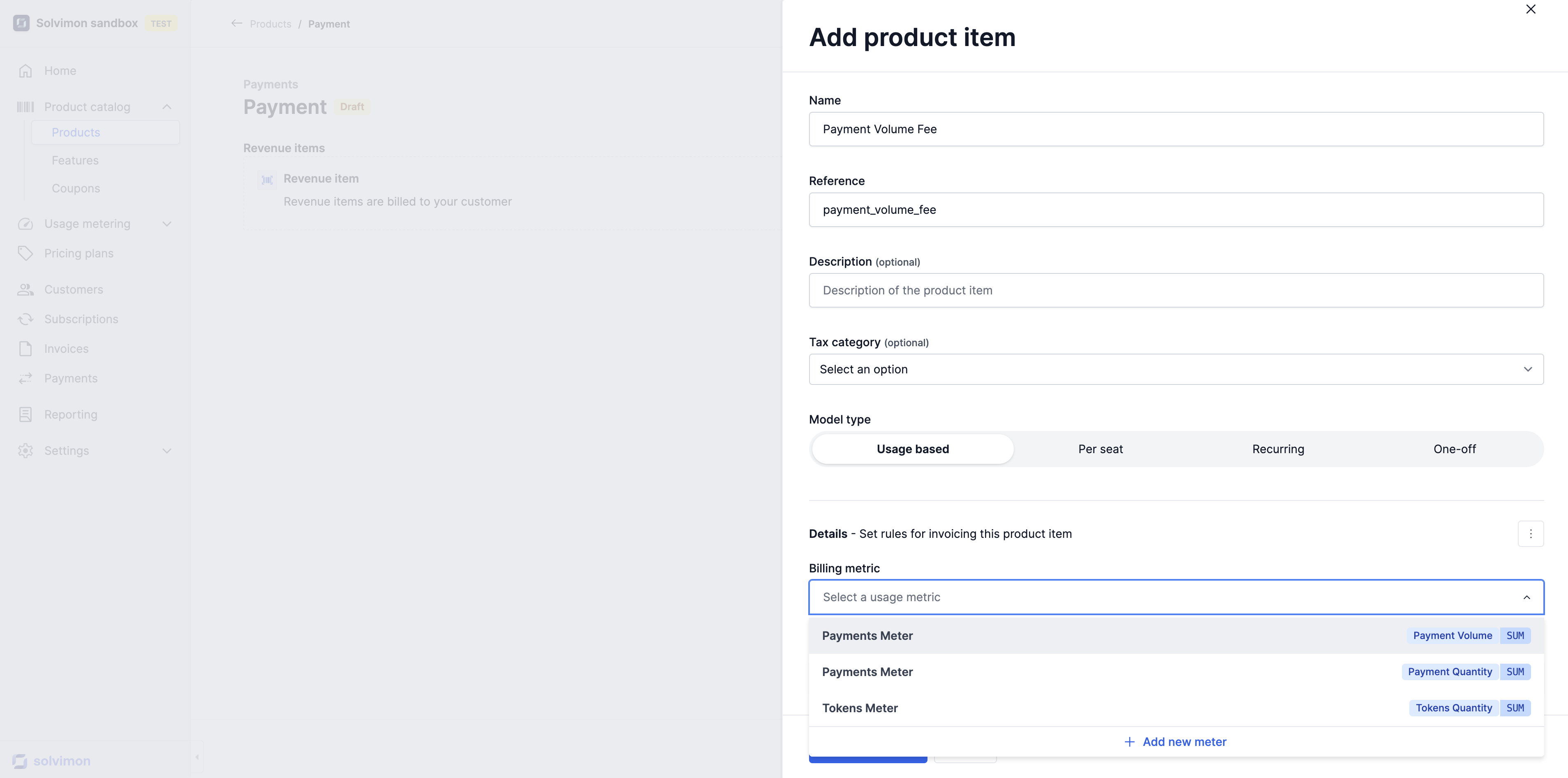
Select the Model Type
- Usage Based
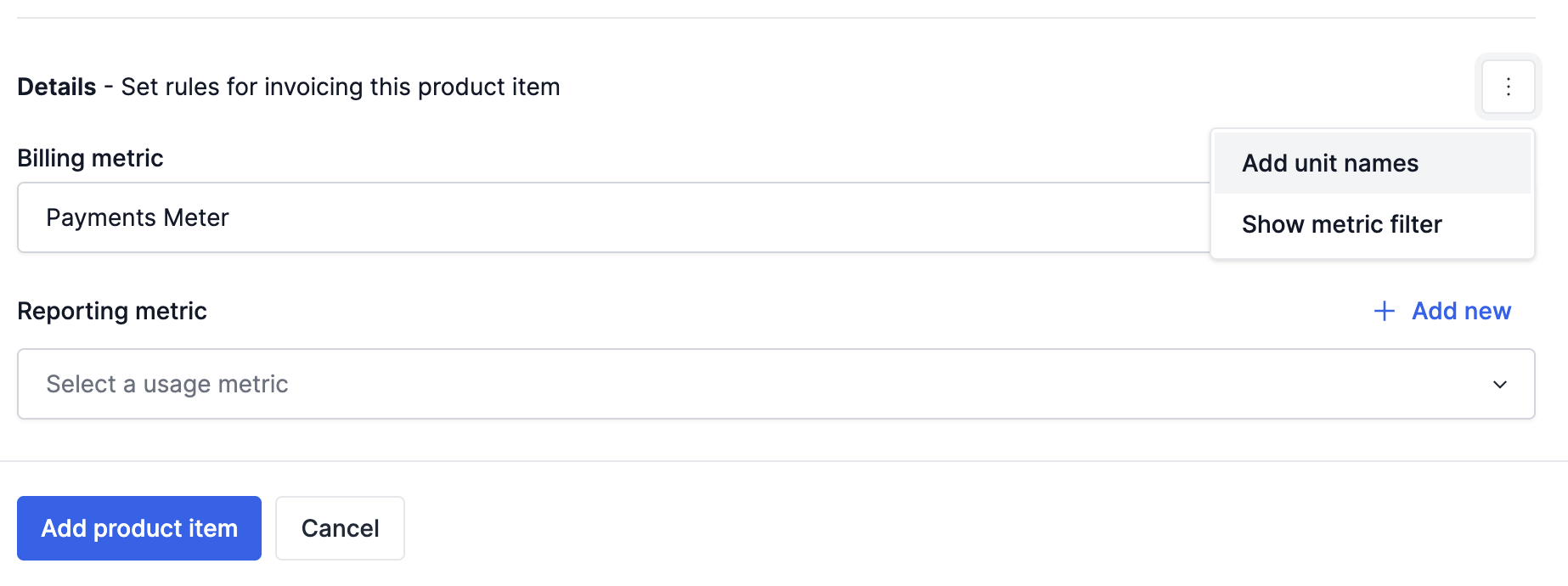
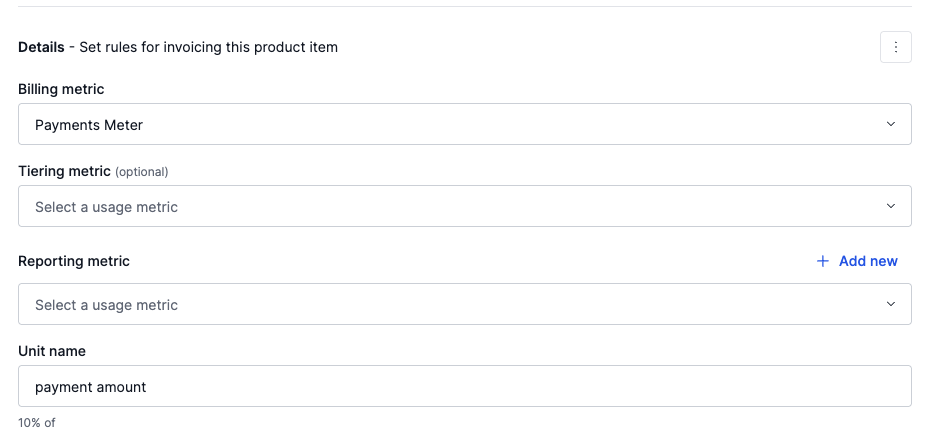
- Select a Billing Metric
- Select a Tiering Metric (optional)
- Add a unit name for the metric (optional)
- Per Seat
- Recurring
- One-Off
- Usage Based
-
Add the Product Item
Charge types
Product items can be of several charge types, including usage based, recurring, per-seat, and one-off:
Usage based
Product items are invoiced based on usage of the product, such as per card authorization or per support ticket. The quantity for these product items is calculated using methods such as SUM, MAX, or MIN. Read more about calculation methods here.
Recurring
Product items are invoiced to customers on a periodic basis, such as monthly or yearly.
Per-seat
Product items are invoiced to customers on a periodic basis with seats or accounts as units.
One-off
Are invoiced only once, such as an onboarding or administration fee.
It is important to carefully consider the type of product items you offer and how they will be invoiced to customers in order to accurately reflect the cost of your products.
Tiering metric vs Billing Metric
When a Tiering Metric is configured, it will be used to calculate the tier in a Top Tier pricingset up, and the Billing Metric will be used in the calculation of the cost. Example use cases are:
| Use Case | Billing Metric | Tiering Metic |
|---|---|---|
| GBs unit price depends on the number of Active Subscriptions | GBs used | Number of Active Subscriptions |
| IC Rebate based on Total Volume | IC Amount | Total Volume |
Deduction items
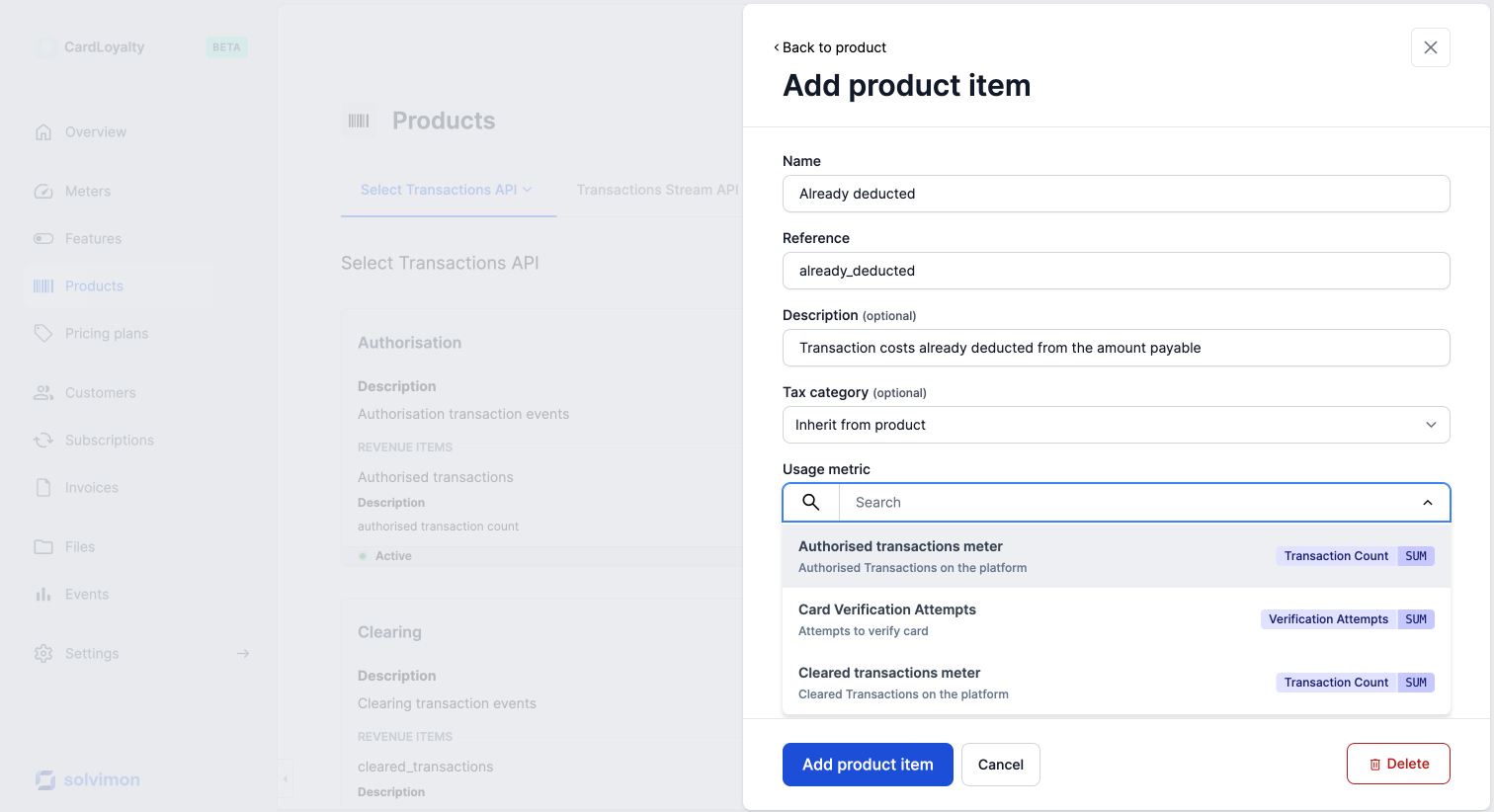
Deduction items are a specific type of usage-based product items which are used in payment or transaction companies that already deduct or withhold some costs off of the charges that have been made.
For example: a payment service provider manages transactions of their customers and when processing a transaction movement, a certain percentage of the transaction is already withheld from payout.
This means the costs are already paid for and will not be added to the 'Amount due' on the invoice.
Revenue (item) examples
Below are some examples of how the products and product items are incorporated into the invoice. Please note that the product category is not necessarily presented on the invoice, this is an optional field.
| Product | Product item | Charge type | Unit type |
|---|---|---|---|
| Platform | Monthly subscription | Per-seat | Seats |
| KYC | Individuals | Usage based | Per check |
| KYC | Business | Usage based | Per check |
| Onboarding | White glove treatment | One-off | One-off fee |
| Support | Gold support Subscription | Recurring | Monthly fee |
| Support | Gold support Usage | Usage based | Per ticket |
Ordering product and product items
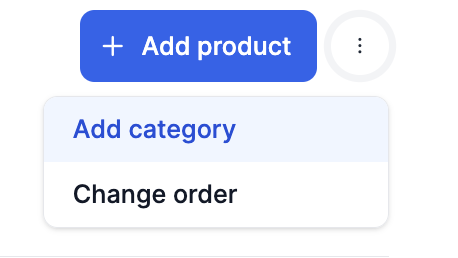
Ordering product and product items can be done via Desk as shown in the snippet below. You can click on the three dots and select change ordering in order to update the ordering of the products and product items
Ordering and defaults
On an invoice, the default ordering of line items is determined as follows:
- Pricing Plan Version: The display order is first taken from the pricing plan version. If the order is configured there, it will be reflected on the invoice.
- Product Catalogue: If the pricing plan version does not specify an order, the system defaults to the ordering in the product catalogue. This order can be modified for active products, offering flexibility to influence the display order of line items even in active pricing plan versions, where direct modification of pricing isn't possible.
This ensures control over how items are presented on the invoice.
Updated 17 days ago