
Payment Options
Payment acceptors are ways for your customers to pay the invoice. They are more elaborate than the usual Payment Methods as they also include integrations with PSP tools.
Currently, our API supports Bank Accounts and Payment Service Providers.
Payment acceptors are set within your billing entity. You can add multiple payment acceptors to a single billing entity. Once they are set up, they can be chosen as the payment acceptance mode in the subscription and will be shown on the invoice.
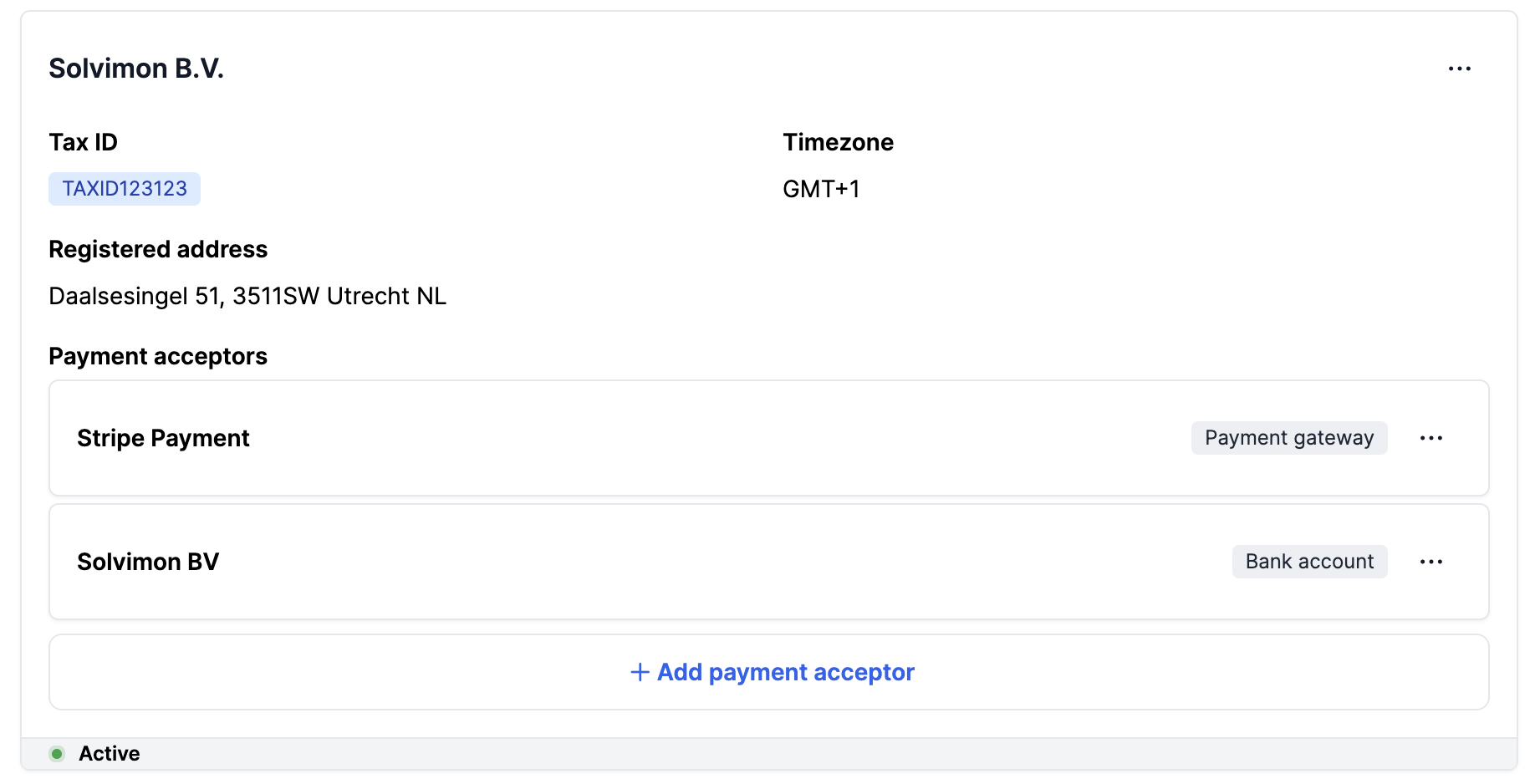
Payment method: Bank Account
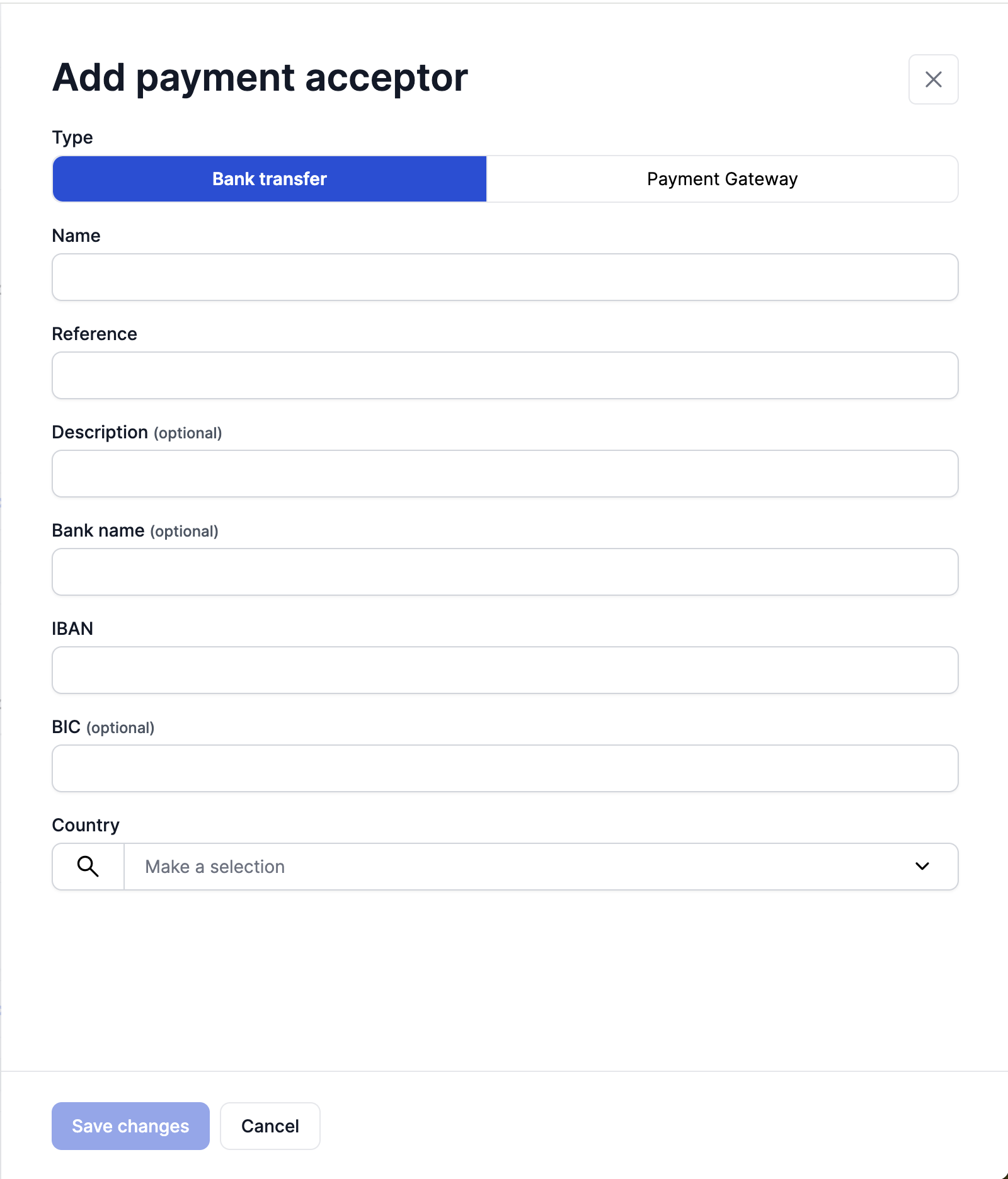
Bank Account as a Payment Acceptor can be added to be Billing Entity using the form as shown below
You can enter the details in the form as shown below and it will be added to the Billing Entity
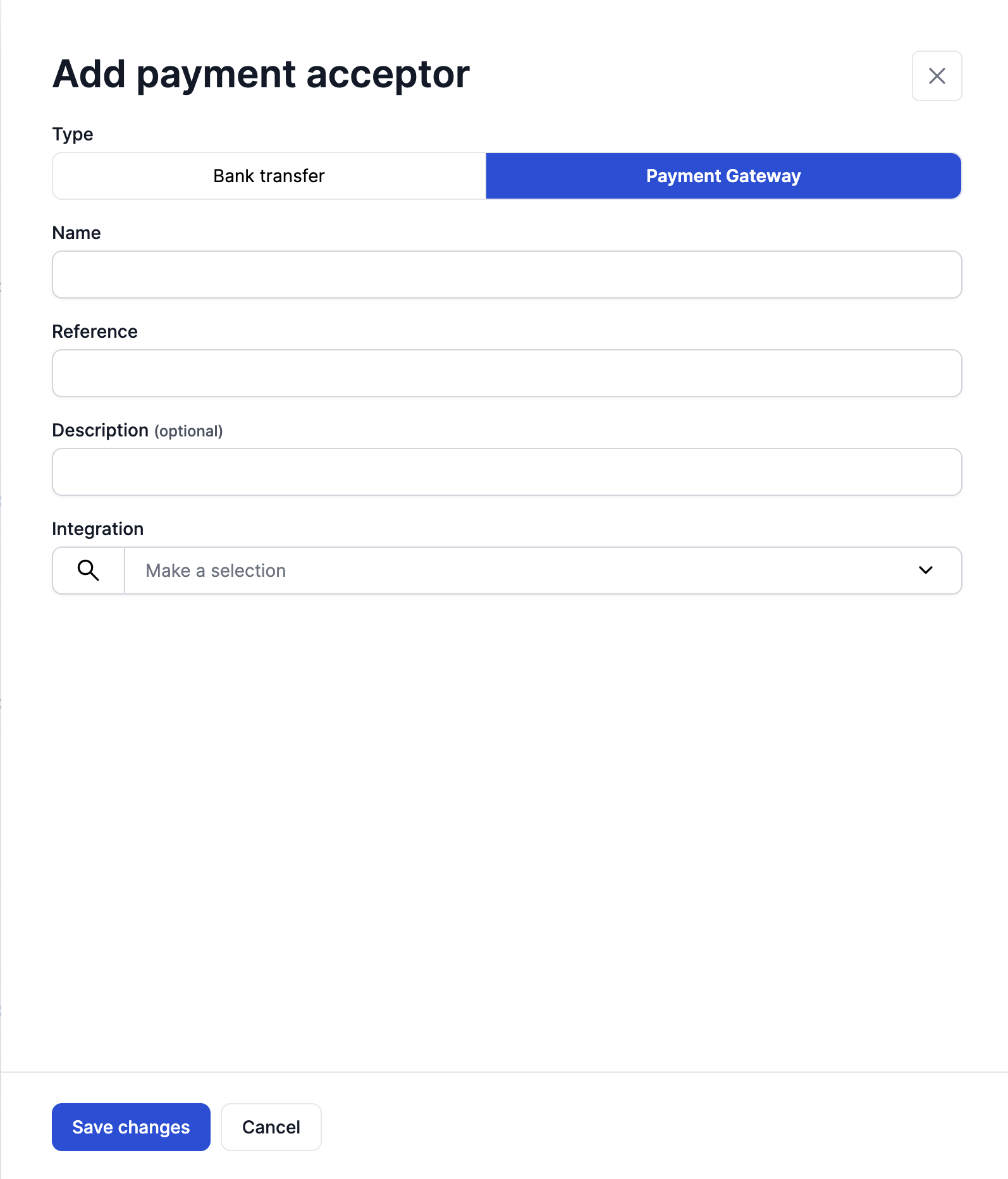
Stripe Payment
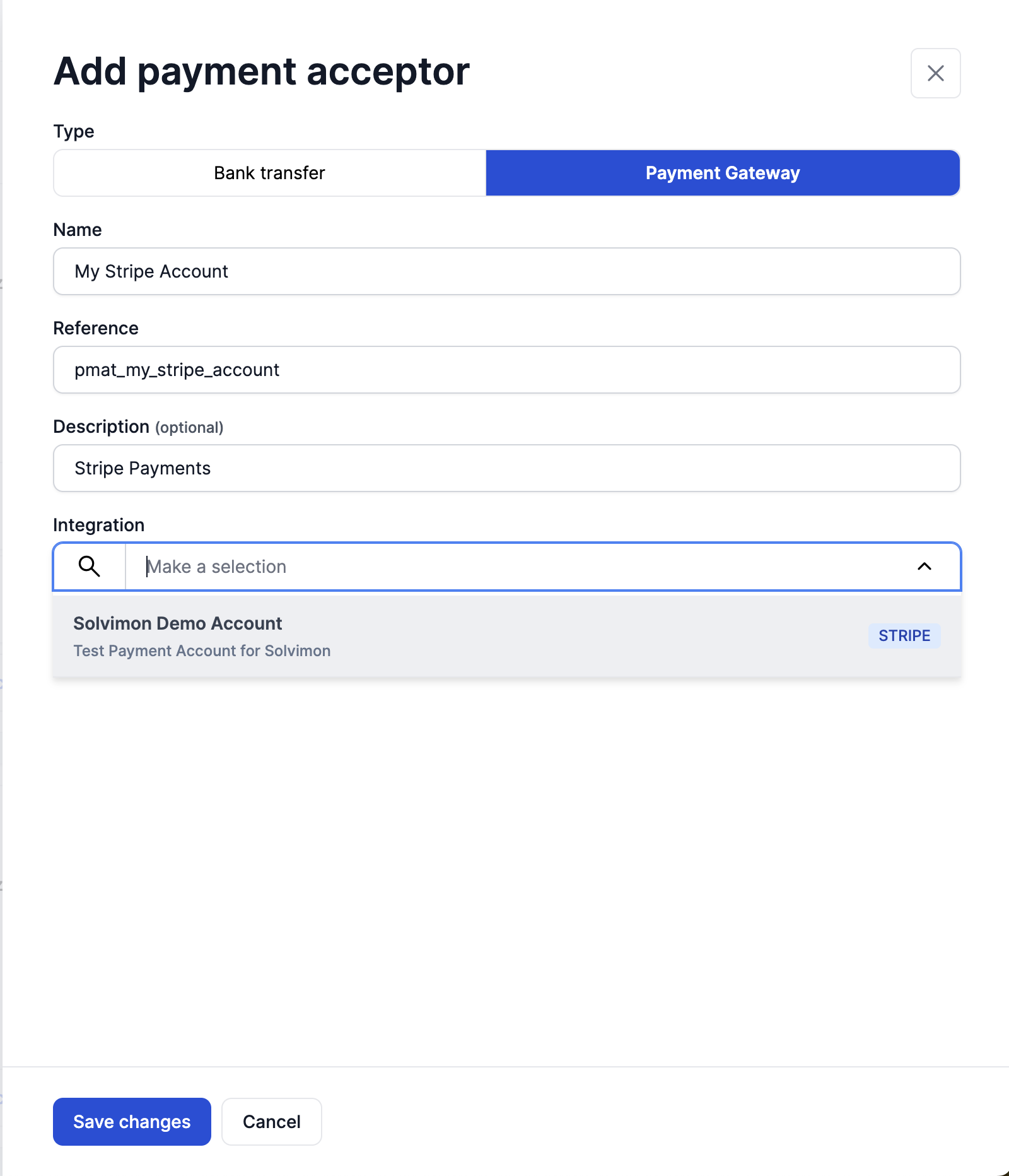
Good to knowFor the Stripe account to show up in the integrations dropdown, please ensure that the Stripe Account has been integrated to your Solvimon Account.
You can configure a Payment Acceptor on a Billing Entity using the Form as shown
Once you add the details of the Stripe Account and select the desired Stripe account from the integration dropdown it will be configured as a payment acceptor method for that billing entity respectively
Updated 10 months ago