
Invoices
Turning subscriptions into comprehensible, clear invoices
Invoices are automatically generated once Subscriptions are configured and are based on the billing period of the subscription(s). They are visible in the Invoices section of Desk with an option to download them in PDF. You can also download the usage report in .CSV to see the usage events that were ingested.
Invoice delivery methods
Selecting the right invoice delivery method is crucial for prompt and accurate invoice delivery. Solvimon has multiple ways to receive and send invoices.
API Access
Fetch invoices through our API and deliver them to your customers in your own Platform or through third-party Platforms.
Desk UI
You can view a list of your invoices in different statuses and filter them. Download them through Desk and send them to your customers whenever you're ready.
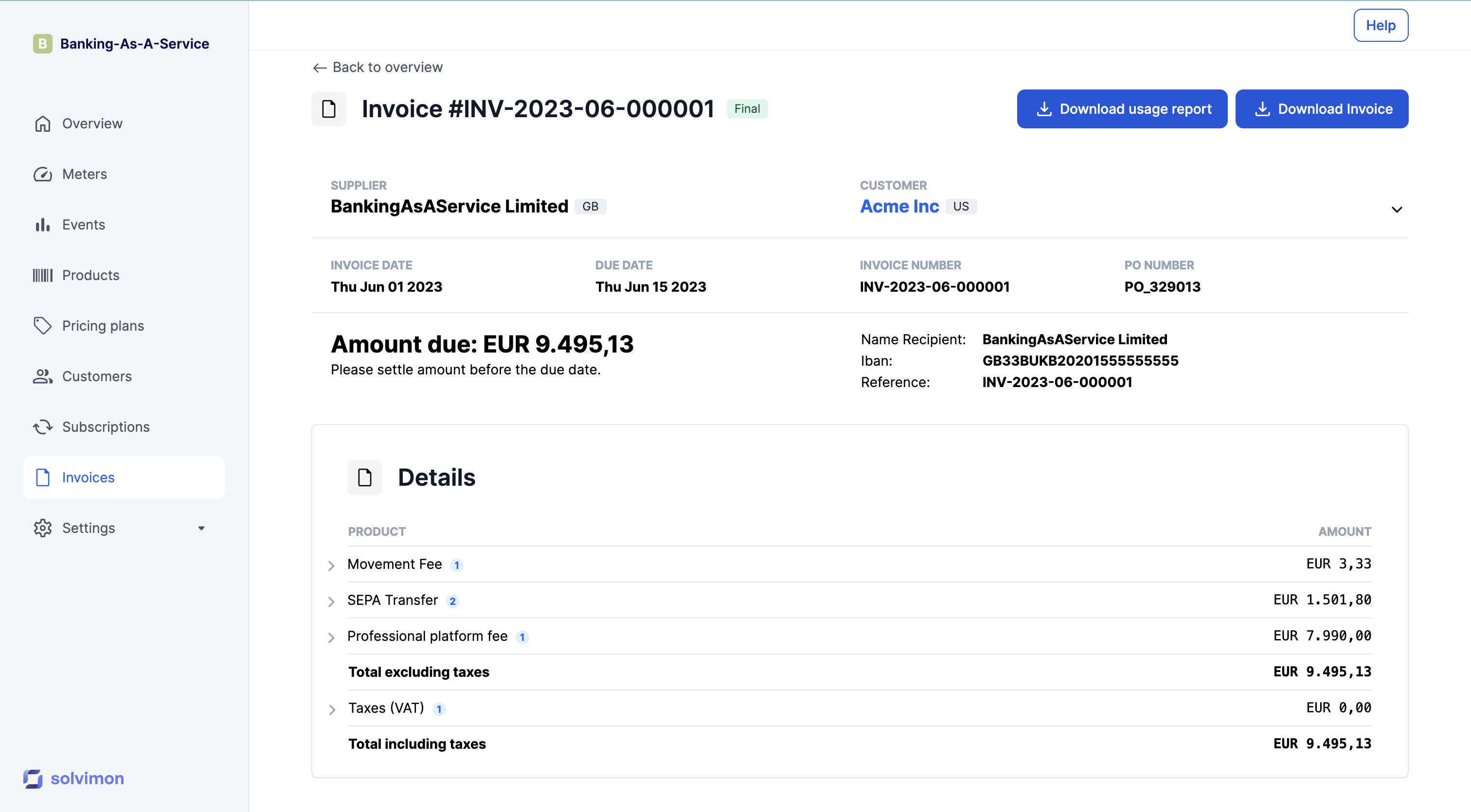
Invoice usage reportYou can download a usage report and view all unique events that were ingested for this specific invoice
Updated 10 months ago