
Discounts, commitments, and included volume
Setting up schedules with adjustments from standard pricing plan version pricing
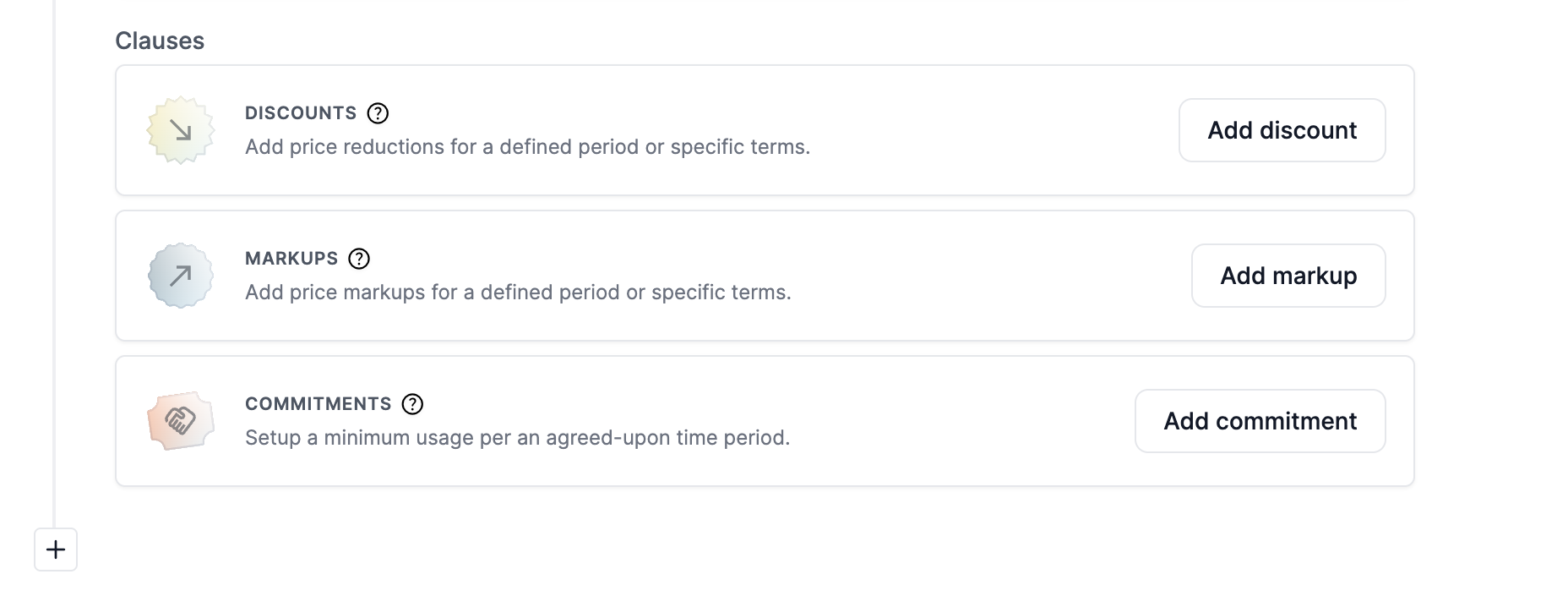
Next to pricing within a pricing plan version, it is possible to create discounts, commitments and pricing overrides for a specific customer.
See the descriptions below to find out what the options are.
Discounts
Discounts are price reductions offered to customers for a defined period or under specific conditions. They are often used strategically to attract new customers, reward loyalty, or promote certain behaviours.
Offering discounts can have some advantages in comparison to having a pricing plan template with fixed prices: the customer is able to see what the original price was and has discounts separately specified on the invoice.
Discounts can be configured per subscription schedule on multiple levels:
- Invoice total
- The invoice total amount is subtracted with a percentage-based or amount value
- Product
- A specific product total amount is subtracted with a percentage-based or amount value
- Product item
- A specific product item (Revenue item) total amount is subtracted with a percentage-based or amount value
- Pricing rule level
- A specific pricing condition of a revenue item total amount is subtracted with a percentage-based or amount value
Discounts can be configured multiples times within a schedule, offering full flexibility in the offer.
Discounts are configured with an optional start- and end date that can be different than the schedule, but needs to be configured within the start and end of the schedule.
The discounts will be applied per billing cycle (per invoice) of the subscription.
Minimum usage commitments
Solvimon offers invoice commitment configuration options on all levels of the invoice, such that you can agree on a minimum usage per an agreed-upon time period.
Commitments are configured on a schedule but can have a different start-date and end-date configuration. You can configure a commitment on the following levels:
- Invoice total
- Product total (also in combination with other products)
- Product item total
- Product item volume
Seat-based configuration
Default seats are a pricing configuration that is setup in the pricing plans module, but they can be overwritten in the subscription.
Included seats in the subscription schedule have a configuration with an optional start- and end date that can differ from the schedule period.
Included volume
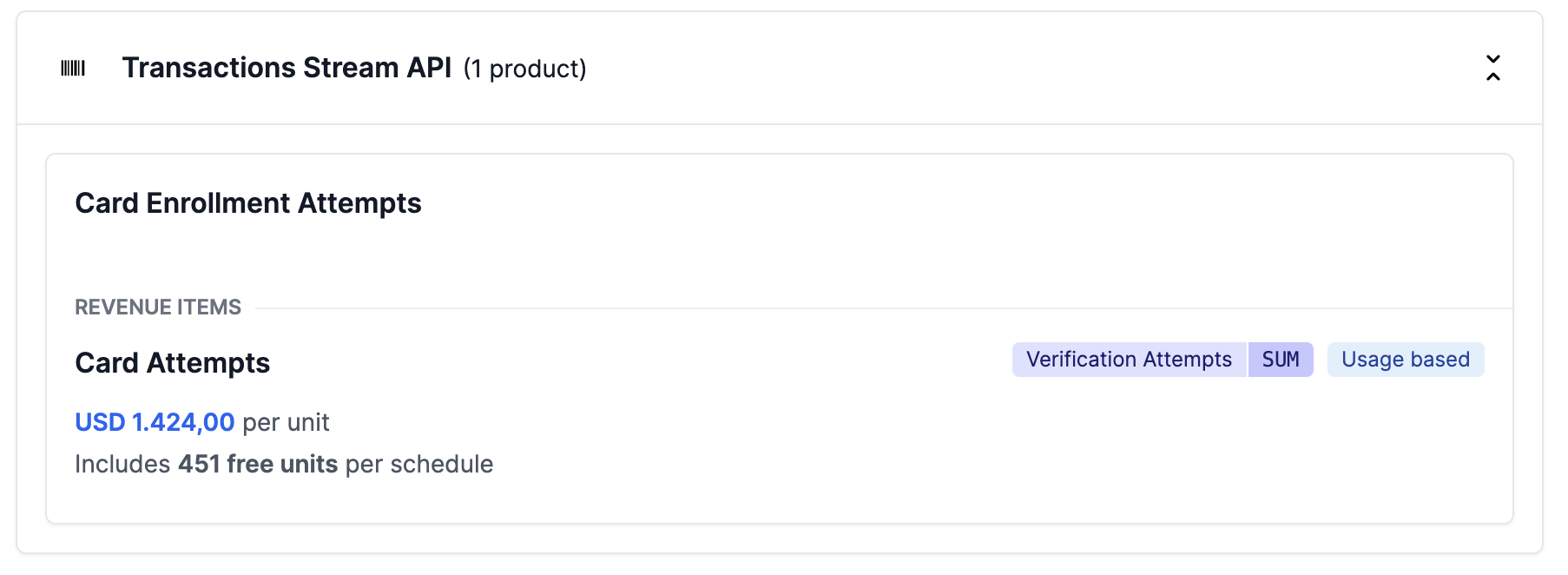
Free included volume is a pricing model that allows customers to use a certain amount or volume of a service or resource at no cost as part of their subscription or plan.
Volume can be included in a pricing plan setting as part of a usage based pricing configuration. Included usage volume has one advantage over the use of a first tier that not priced: the included volume persists over multiple billing periods.
An example: when a billing period is monthly, but you want to include usage volumes over multiple months (say, to be used within 1 year), you choose the included usage volume configuration. The free units are granted within a subscription schedule.
If you do not want your customers to be able to use up the bucket of usage volume over multiple billing periods, simply create a first tier in one of the tiered pricing types and set it to be priced as 0.
Markups
To support additional charges on top of the calculated price, you can add Markups to a subscription schedule. This functions as a 'negative' discount.
This functions just like the discount functionality, except that it is inverted, which means that the calculated amount is added to the Invoice instead of being subtracted.
Updated 8 months ago