
Concepts
Get to know Solvimon by understanding our main resources.
The Solvimon Platform is highly flexible and enables your teams to fill in any pricing model you want to offer your customers.
Interfaces
There are two ways to interact with the Solvimon platform: via our web app Desk, and via the API. Depending on your needs and engineering resources available you can decide to use Desk only, or also integrate with the API for processes such as usage ingestion, customer and subscription management and invoice delivery.
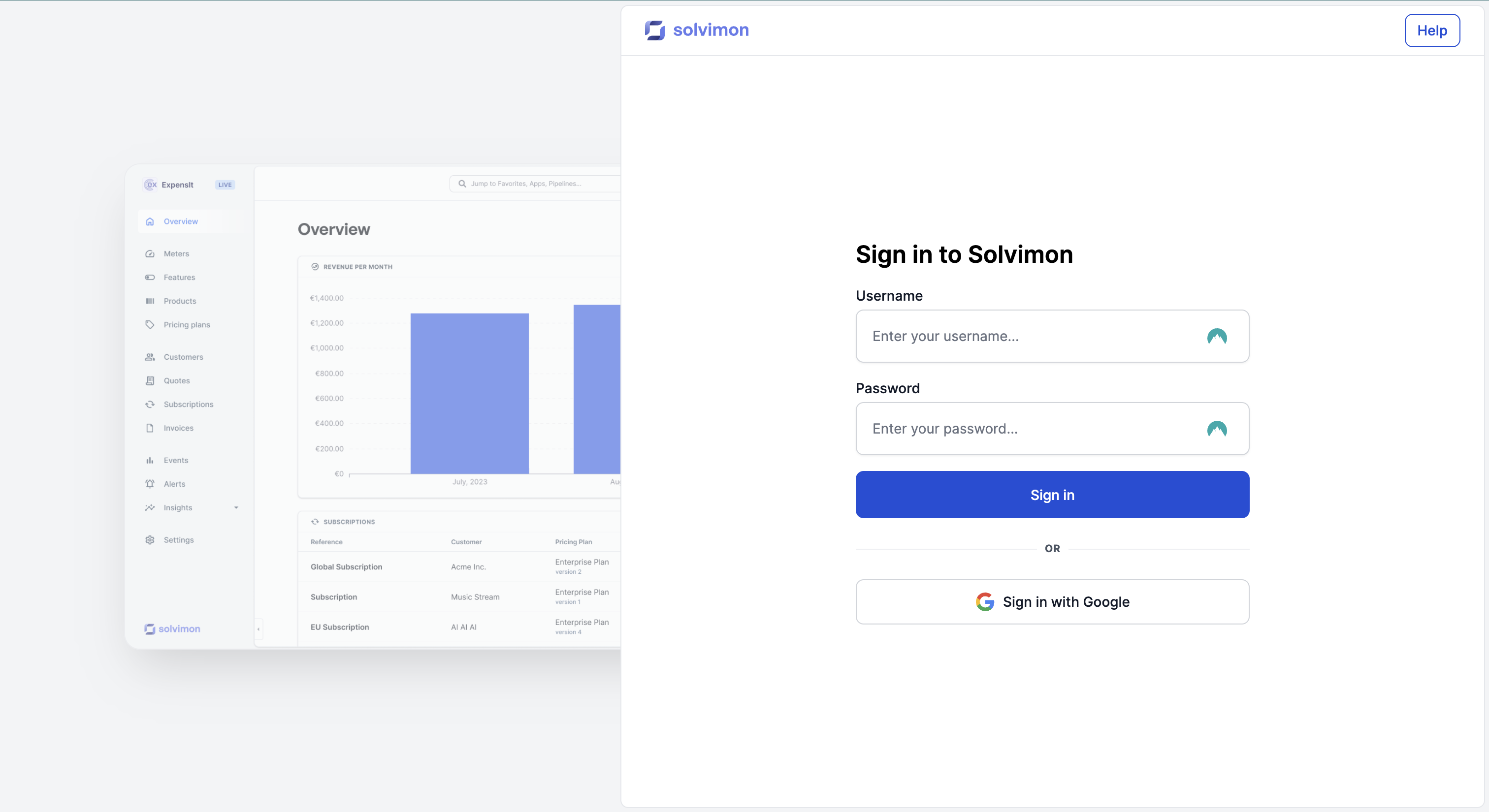
Desk - web application
Solvimon Desk is the web app user interface (UI) that can be used to interact with the Solvimon platform. It can be used as a standalone app and offers the option to not integrate with the Solvimon API (yet).
The entire Solvimon offering can be managed from Desk, including ingesting usage manually or via file imports. Using Desk only means no engineering capacity is needed to start billing flexibly.
REST API
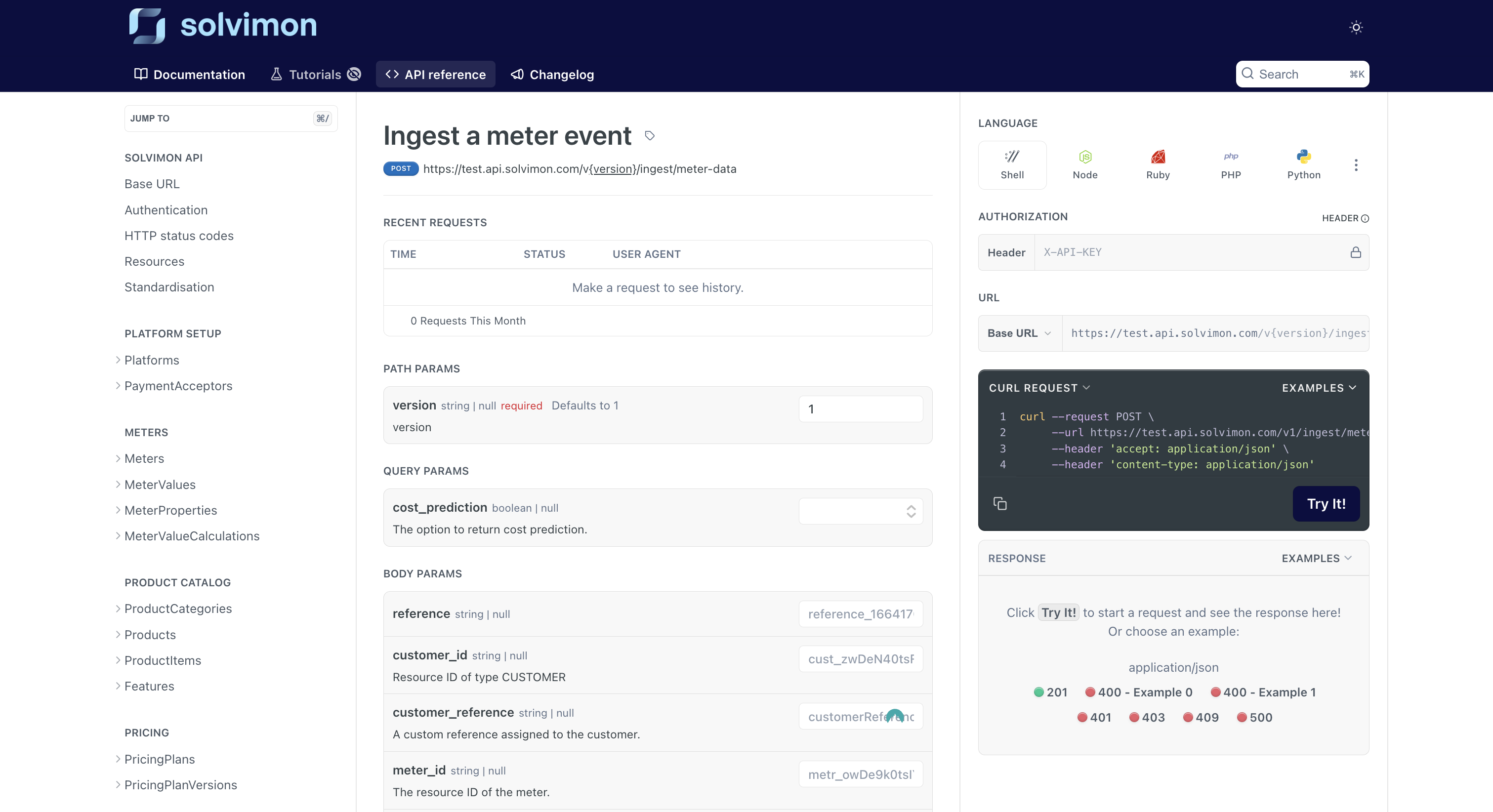
The Solvimon platform is an API-first platform, built on RESTful API principles.
Almost all API endpoints that are used to construct our web-app Desk, can be used by your technical team to integrate Solvimon into your own technical architecture.
Read all about integrating with the technical API here and check out our API Reference here.
Resources
Platform
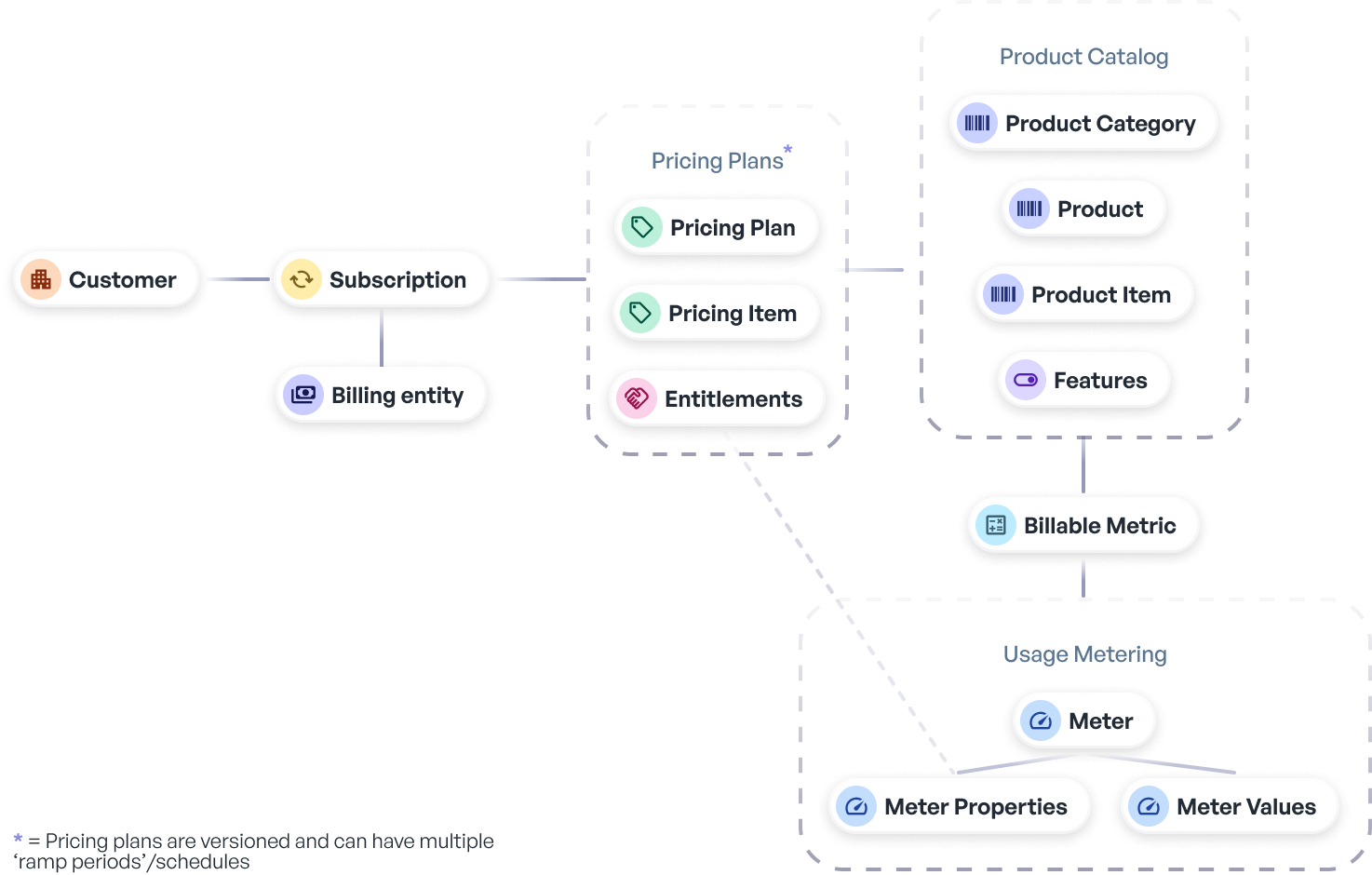
A platform is the business entity from which pricing and invoicing is done. A platform generally has their own name, website and brand - but they can have multiple billing entities from which customers are billed.
Meters
Meters that define how product usage can be calculated and filtered.
Events
Usage events that represent units of usage that you are pricing, or might want to charge for in the future.
Product Catalog
The Product Catalog is the place you identify your products.
Features
The features which you want to add to your plans and communicate to your customers, but which you do not specifically bill and don't want on your invoices to customers.
Pricing plans
Create your pricing plan templates that are commonly used in Subscriptions, which can be tailored for every customer separately.
Customers
The customers you bill using Solvimon.
Subscriptions
Subscriptions are the connection between a customer-specific Pricing Plan and the terms and conditions that are agreed upon.
Invoices
Invoices show the usage of a customer for a specific billing period, including all non-usage charges that are part of their subscription according to their (possibly tailored) pricing agreements with your business.
Statuses
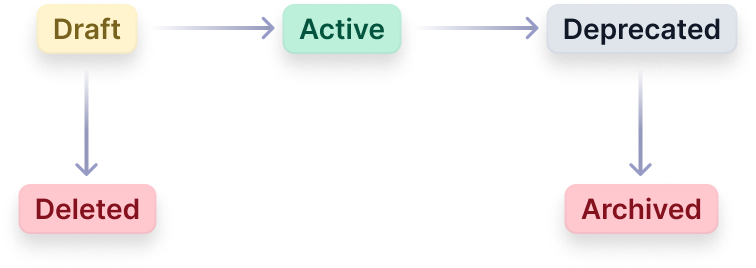
Solvimon's core resources, namely Meters, Products, and Plans, have a status and status flow mechanism. This functionality is primarily designed to uphold an audit trail and prevent unintended disruptions to billing processes.
Subscriptions and Invoices also have statuses, but they are slightly different and discussed in their separate articles here (subscriptions) and here (invoices).
Draft
When a new resource, such as a pricing plan, is created through the user interface (UI), it starts off in a Draft state. Drafts can be deleted - after setting a resource to Active they cannot be removed anymore to keep history traceable.
A pricing plan in the draft state cannot be assigned to a Customer, but it can be easily modified or permanently deleted.
Active
Once the status is changed to Active, it becomes assignable to customers. Active pricing plans are not editable since they are already assigned, and we strongly recommend maintaining an audit trail of all active pricing plans throughout their lifecycle. However, it is possible to create a new version of a pricing plan.
Deprecated
When a pricing plan version is updated to deprecated, it becomes ineligible for assignment to new customers. Nevertheless, it will continue to function for existing customers.
Both draft and deprecated pricing plans can be archived, which essentially acts as a soft delete. This means the plan is hidden from the UI but can be restored to its previous status.
Updated 10 months ago