
Invoice date settings
Set the invoice date on finalisation of an invoice
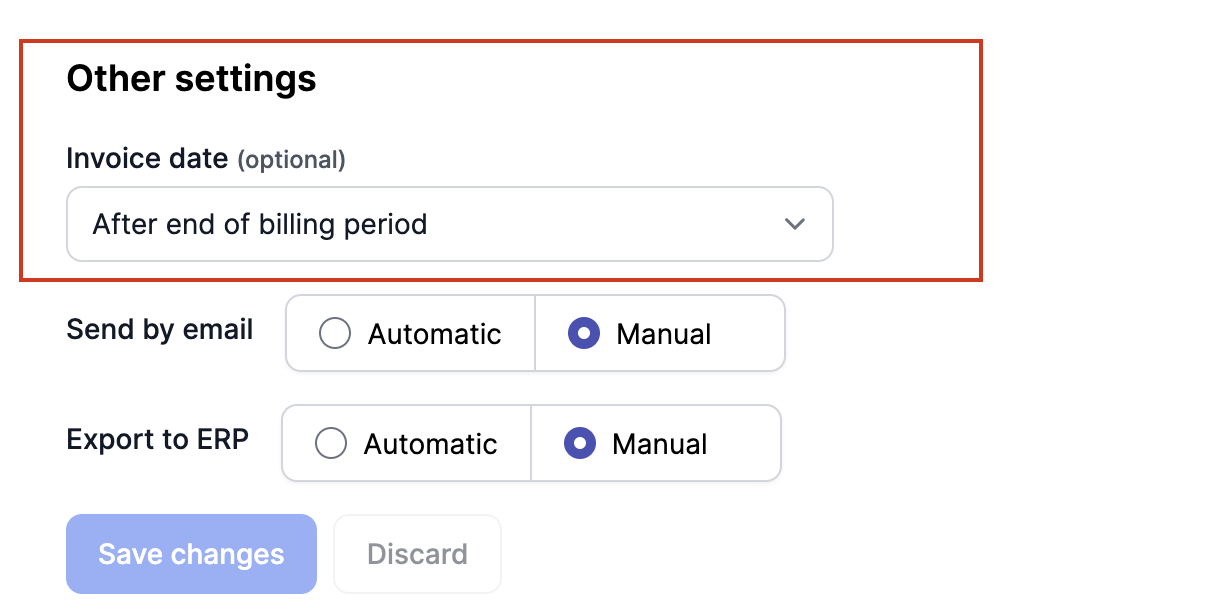
You can configure when you want to set the Invoice date on an invoice. There are currently 3 ways to set it.
Setting the invoice date to the last day of the billing period.
When the billing period ends on the 31st of August, the invoice date will also be the 31st of August.
Setting the invoice date to the moment right after the billing period ends.
When the billing period ends on the 31st of August, the invoice date is the 1st of September, just after midnight. This is the current, default logic.
Setting the invoice date to the moment the invoice goes to FINAL.
When the billing period ends on the 31st of August, and the invoice goes to FINAL on the 3rd of September. The invoice date is the 3rd of September.
You can configure the Invoice date settings in the Settings menu, under Invoices
Updated 10 months ago