
Step 1: Merchant Account configuration
To ensure Solvimon has all the necessary information for comprehensive payment processing, the following additional data settings must be enabled at the Adyen Merchant Account level:
Configuration Steps:
-
Navigate to your Company Account.
-
Use the Account Switcher to select the specific Merchant Account you wish to configure for Solvimon.
-
Go to the "Settings" section of the selected Merchant Account.
-
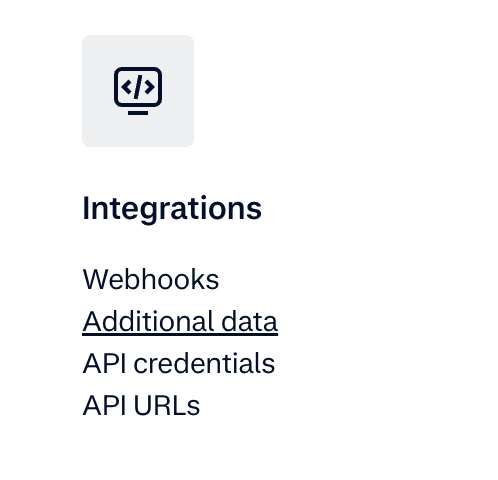
Select "Additional data":
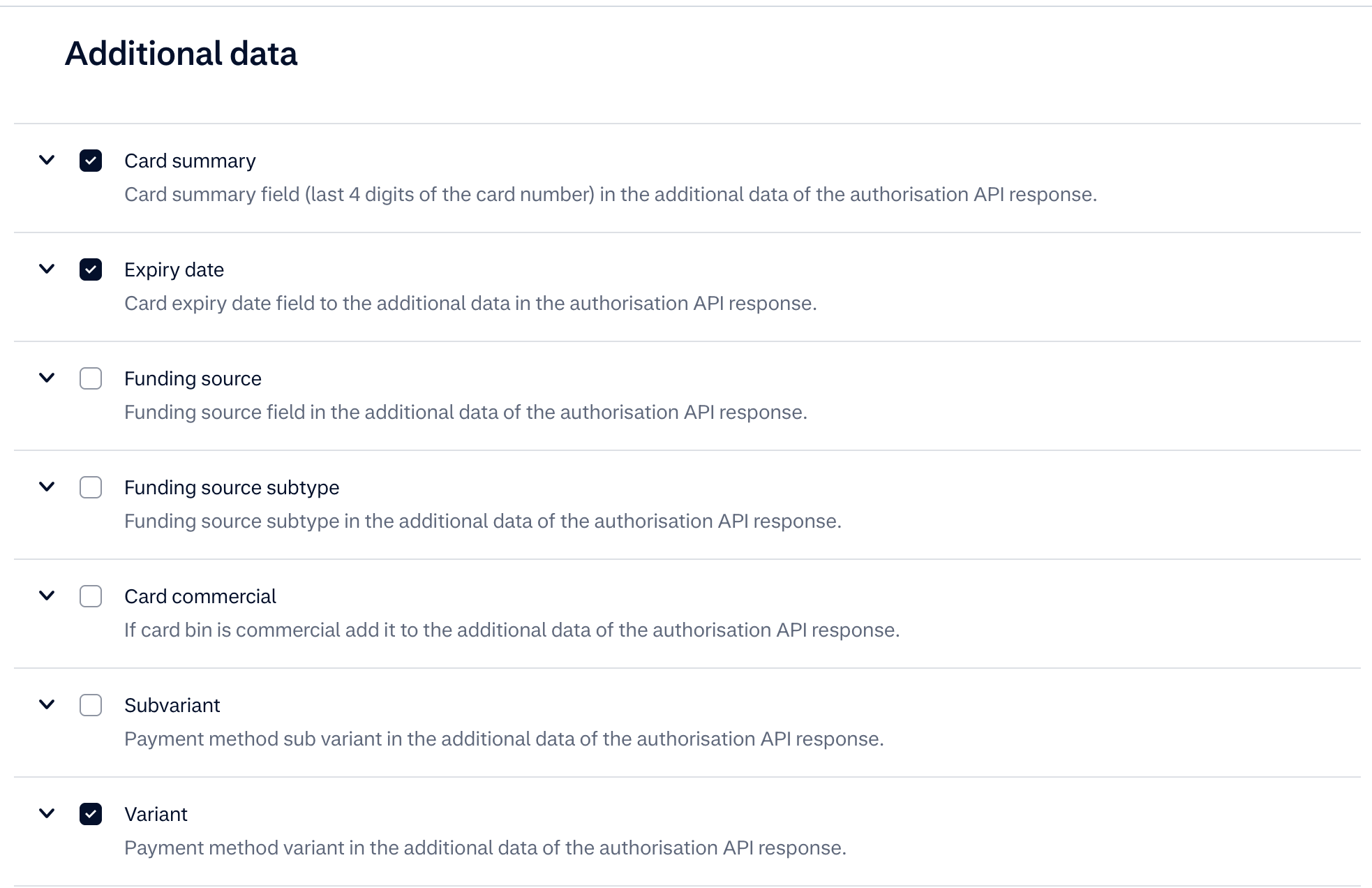
Ensure the following options are checked:
- Card:
- Card summary: This provides the last four digits of the card number, for the shopper to identify which of their cards is stored.
- Expiry date: This allows Solvimon to access the card's expiration date.
- Variant: This provides information about the card variant (e.g., Visa, Mastercard).
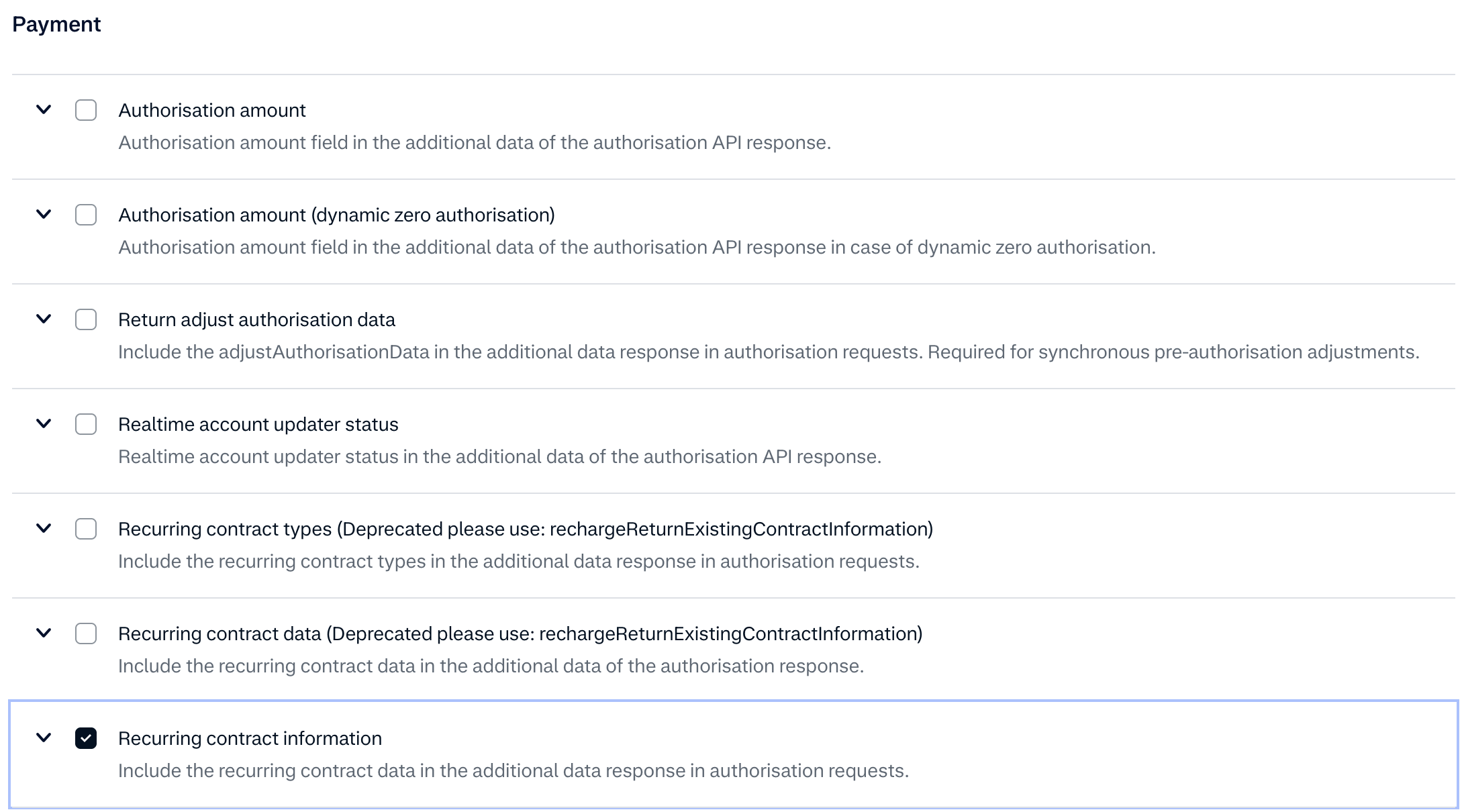
- Payment:
-
Recurring details: This is crucial for accessing/getting information related to stored payment methods and recurring payment setups.
-
By enabling these additional data points, Solvimon will have the necessary context and details associated with each payment transaction, facilitating comprehensive processing and reporting. Failure to configure these settings may result in incomplete payment information being available to Solvimon.
Updated about 1 month ago