
Manual usage ingestion
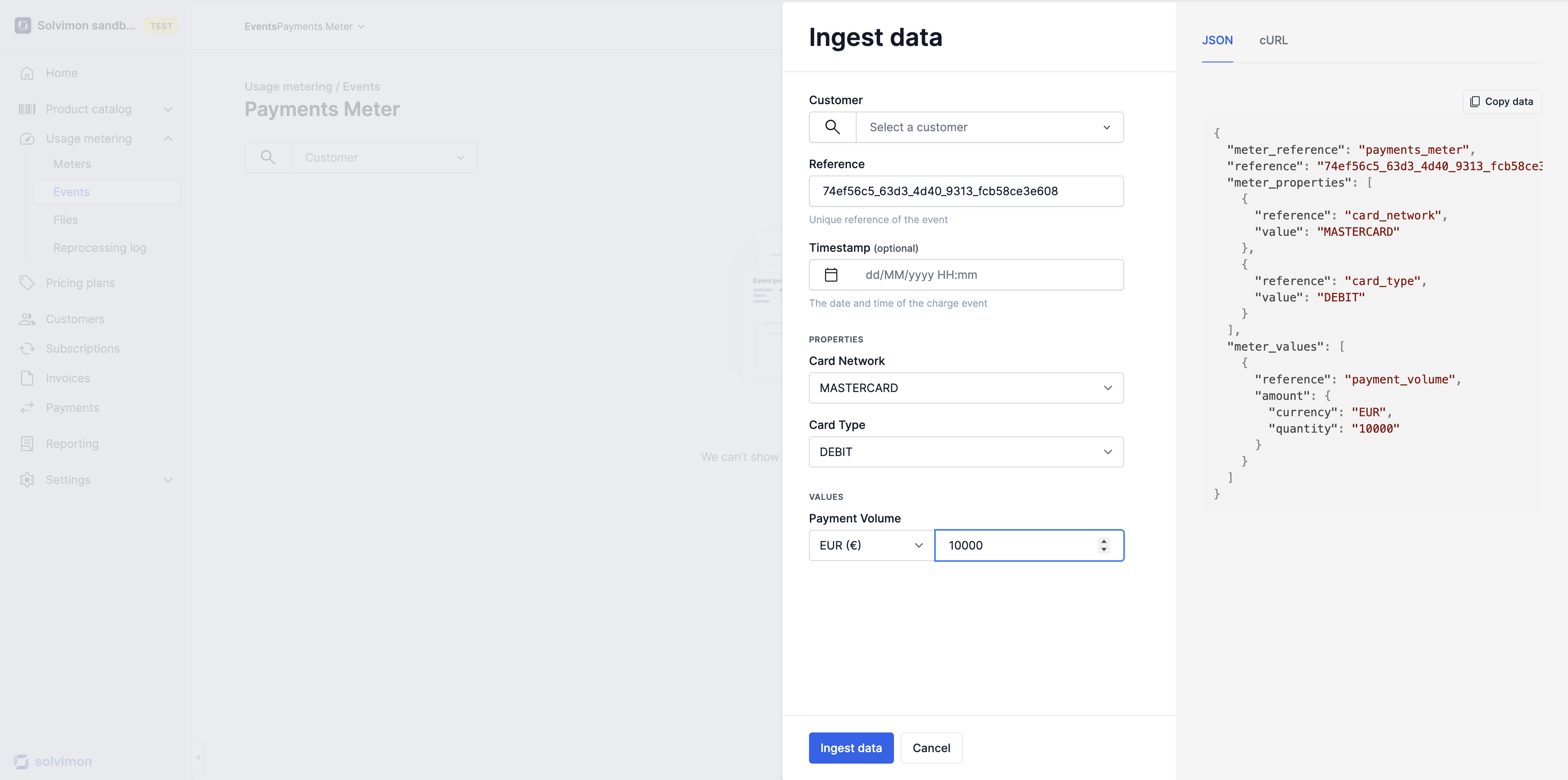
Ingest data manually without the help of your Data and/or Engineering team.
You can use the manual event ingestion functionality within Desk at any point in time and directly see the impact of the processed events on an invoice.
Go to the Events page > Select the usage meter > Ingest data.
Ingesting historical data
It is possible to select a historical date. This is especially useful for creating old subscriptions that you still want to backfill and invoice via the Solvimon platform.
Be aware that the events are only processed for a billing period if the invoice for that period is in Open or Draft status. When historical events are ingested for a closed period, the data will be flagged as Not matched. Read more about invoice statuses here and about unmatched events here.
Event processing details & cost estimation
Once the event is processed and turns up on top of the event page, you can check how it was processed and check the cost estimation. Read more about that here.
Updated 4 months ago
Read more about the discussed topics in their own articles: