
Default platform settings
There are multiple configurations you want to do before starting your automated invoicing processes via Solvimon; ##
Before initiating your automated invoicing processes through Solvimon, there are several configurations you'll need to complete:
- Subscription Terms Configuration: Define the default subscription terms that will be automatically assigned to newly created subscriptions. Navigate to the Settings menu and access the Subscriptions section to set up these default terms.
- Billing Entity Setup: Specify the default billing entity that will be associated with invoices generated by Solvimon. This ensures accurate billing information is included on all invoices. Read more about it here
- Payment Acceptor Method Configuration: Set up the preferred payment acceptor method(s) for invoice payments. Solvimon supports multiple payment methods, allowing you to select those that best suit your business needs. You can configure these options within the Subscription settings as well. Read more about payment acceptors
Completing these configurations ensures that Solvimon is tailored to your specific invoicing requirements and can seamlessly facilitate automated invoicing processes.
Setting default subscription terms
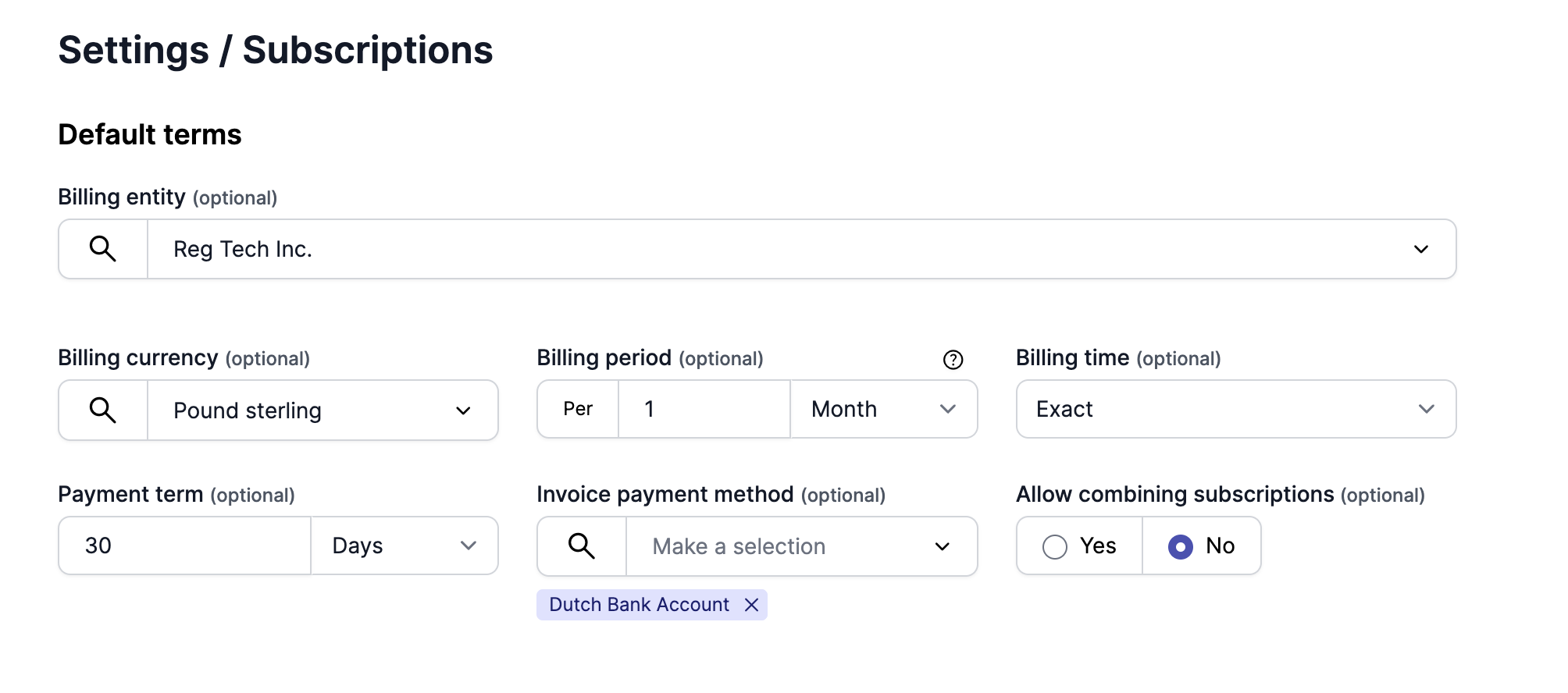
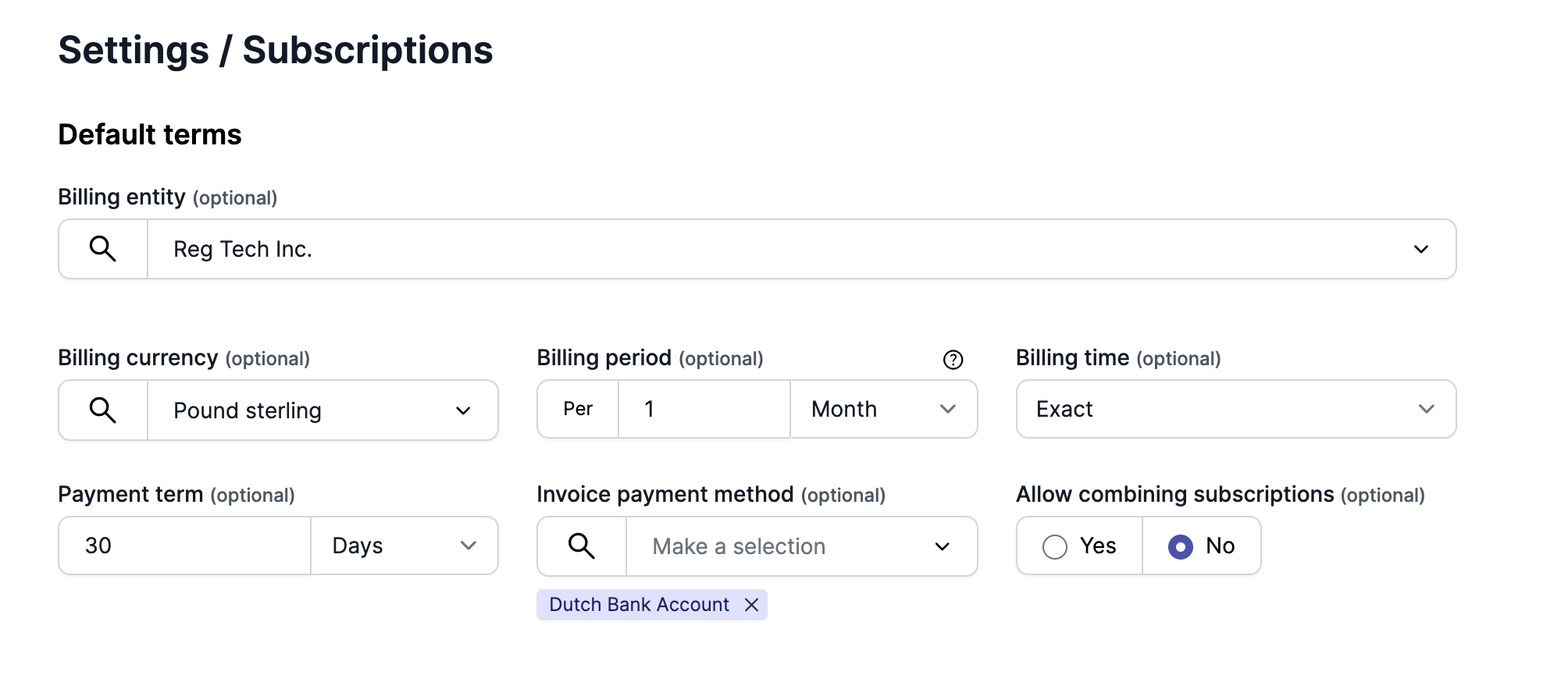
Default subscription terms are the predefined terms that are automatically assigned to a subscription upon creation. You can configure these default terms by navigating to the Subscriptions section within the Settings menu.
Within this section, you have the option to set various subscription parameters, including the default Billing entity, payment acceptor method, and other subscription terms. Additionally, you can specify multiple payment acceptor methods within the invoice payment method configuration.
Customising subscription terms while creating a subscription
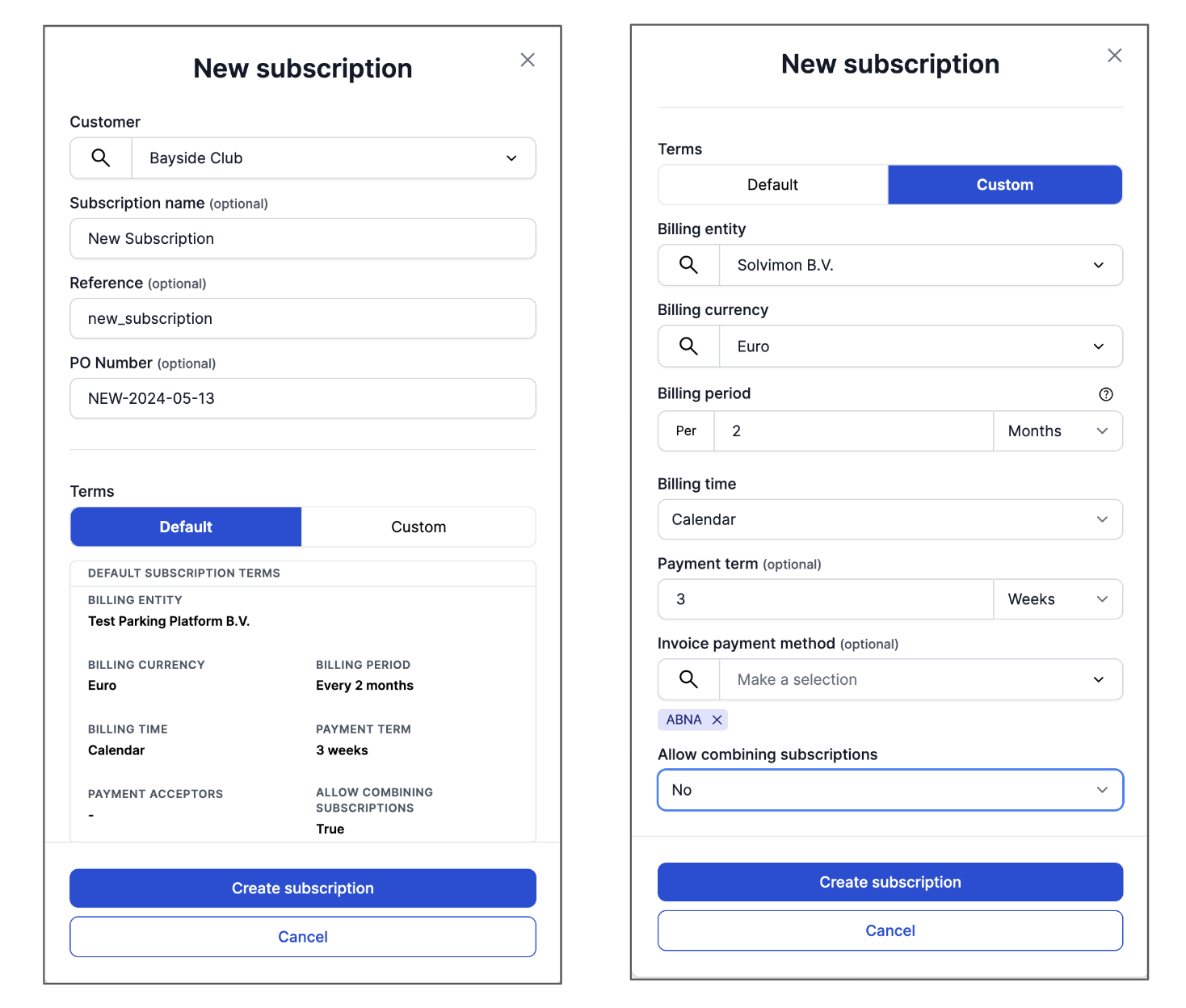
In case you'd want to change some details in the subscription terms while creating a new subscription, you can choose the 'Custom' button as shown below. They can be changed when clicking the 'custom' settings option.
Note : This does not impact the default subscription settings in anyway. It just customises the terms for that particular subscription.
Setting webhook triggers for Invoice delivery options
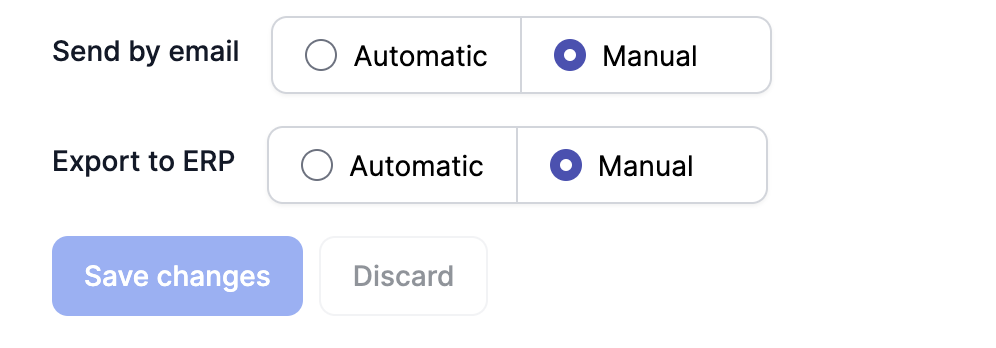
In case you have ERP and Mail client integrations in Desk, you can configure the webhook triggers for each mode of delivery separately.
You can configure the webhook triggers for Invoice delivery web-hooks from the Settings menu, under Invoices.
There are two web-hooks that can be configured at the moment -
- Send by email
- Export to ERP
Updated 10 months ago
Read more about subscription settings here: