
Stripe
Payment integration with Stripe
If you want to let your customers pay their invoices directly through Stripe, you can connect your existing Stripe business account to Solvimon via the Integrations page on Solvimon Desk. If you do not have a Stripe account, first set one up .
1. Connect your Stripe account to Solvimon
Once you have a Stripe account, you can connect by going to Settings > Integrations > Stripe. Log in through the integration widget.
2. Add Stripe to your billing entity
Add the Stripe integration as a payment acceptor to the billing entity that you wish to collect payments for via Stripe. You can add this by going to Settings > Billing Entities > Add Payment Acceptor.
If you have multiple billing entities, you can connect the same Stripe account to all of them, or connect separate Stripe accounts to their own billing entities.
Billing entities with their own Stripe accountsIt is possible to connect multiple separate Stripe accounts to Solvimon, if you are collecting payments for different billing entities through separate accounts.
3. Use Stripe as a payment method for subscriptions
From now on you and your users can select the Stripe payment integration as a way to pay for the subscriptions' invoices.
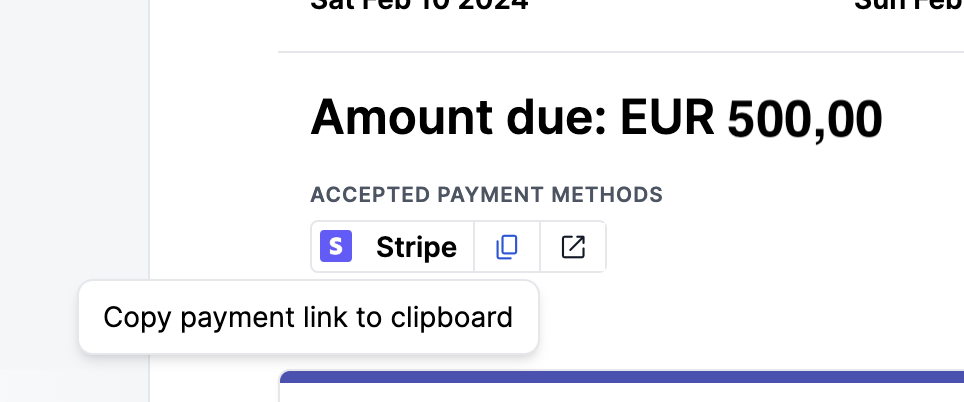
Once selected, the invoices generated for the subscription will have a payment link that is shown on the invoice PDF and on the invoice Portal page. Read more about payment collections and payment statuses here.
Updated 10 months ago