
Integrations & importing data
Connect Solvimon to the systems you already run, and bring your existing products, customers, contracts, and historical usage into the platform.
Connect your systems
Solvimon integrates with the tools around your billing operation. Each category has its own setup guide:
- CRM — HubSpot, Salesforce, Attio: sync customers, subscriptions, and quotes
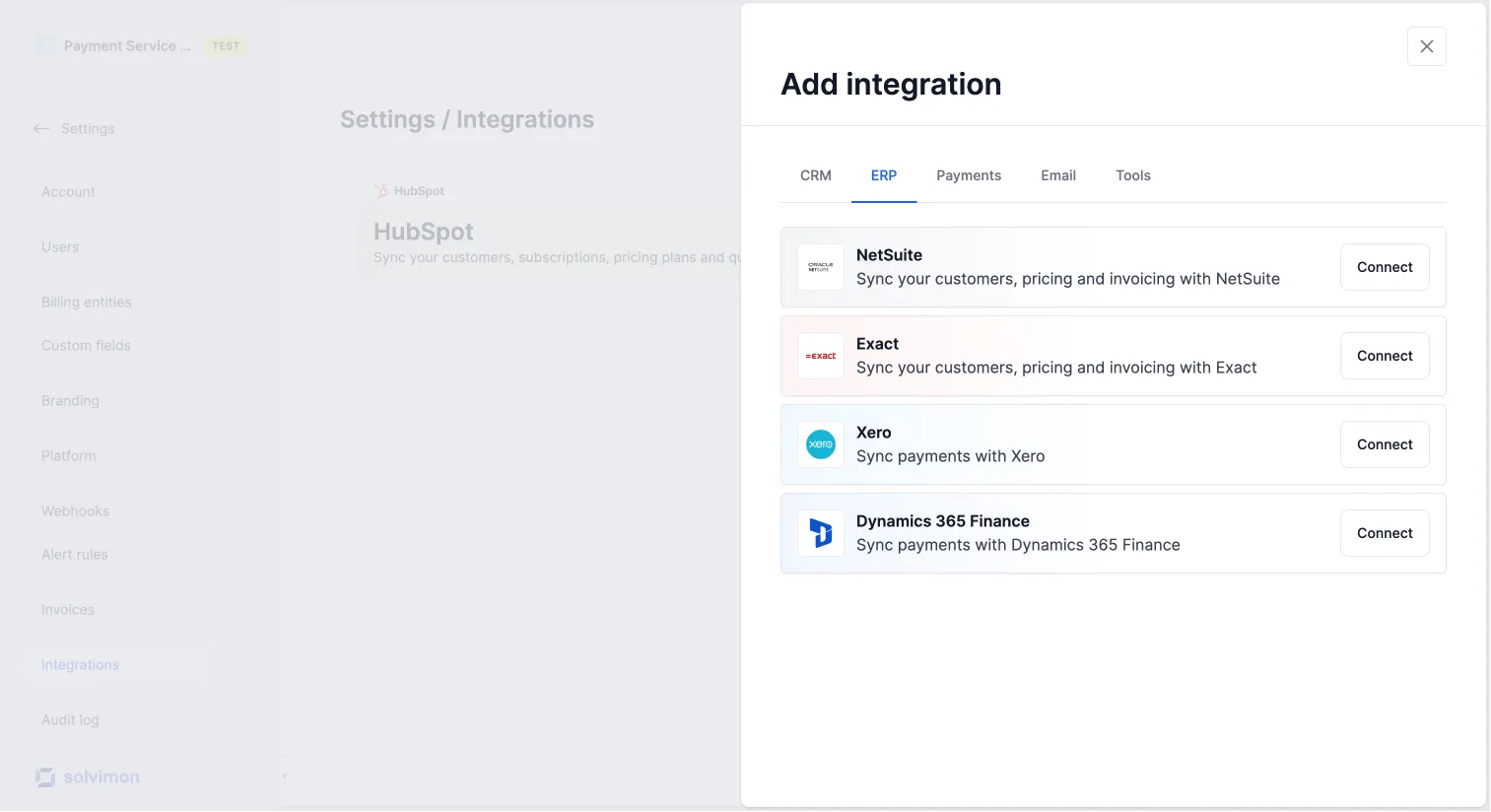
- ERP — NetSuite, Xero, Exact Online, DATEV, and more: push invoices and revenue data to your accounting system
- Payment service providers — Stripe and Adyen: collect payment on invoices automatically
- Email providers — Mailgun, SendGrid: deliver invoices from your own domain
- Data imports — Metronome migration and usage event file uploads
- Data exports — Snowflake, BigQuery, S3, and other destinations for your billing data
Import your existing data
Migrating from an existing billing system — whether homegrown or a third-party platform — means bringing products, customers, contracts, and historical usage into Solvimon. There are three ways to do it.
File imports (Excel / Google Sheets)
For bulk imports in a controlled, reviewable format, Solvimon provides Excel and Google Sheets templates for products, customers, and subscriptions.
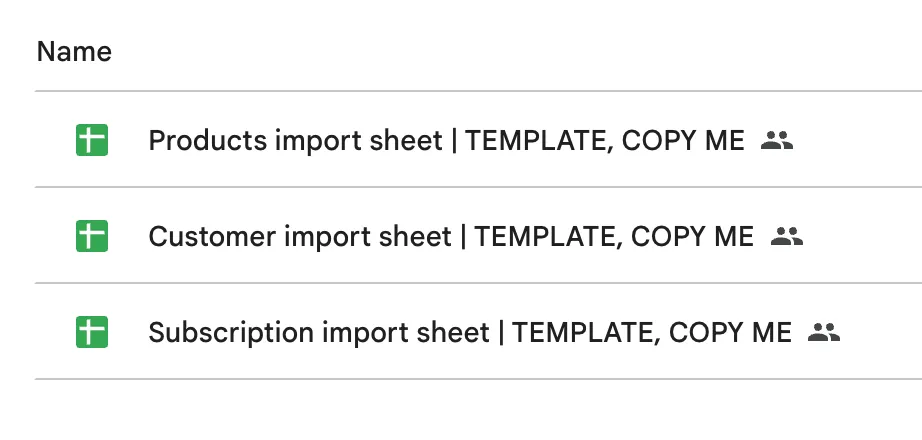
Products — import your product catalog using the standard product import template. Request it from your implementation manager.
Customers — import a customer list with optional settings per customer: tax exemption, parent-child relationships, custom fields. Ask in your Slack channel for the template and guidance.
Subscriptions — migrating existing contracts is often the most involved step. Solvimon’s team will help you map your current billing agreements — including custom pricing, discount structures, and per-customer tailoring — into standardized pricing plans and a subscription import sheet.
CRM and ERP integrations
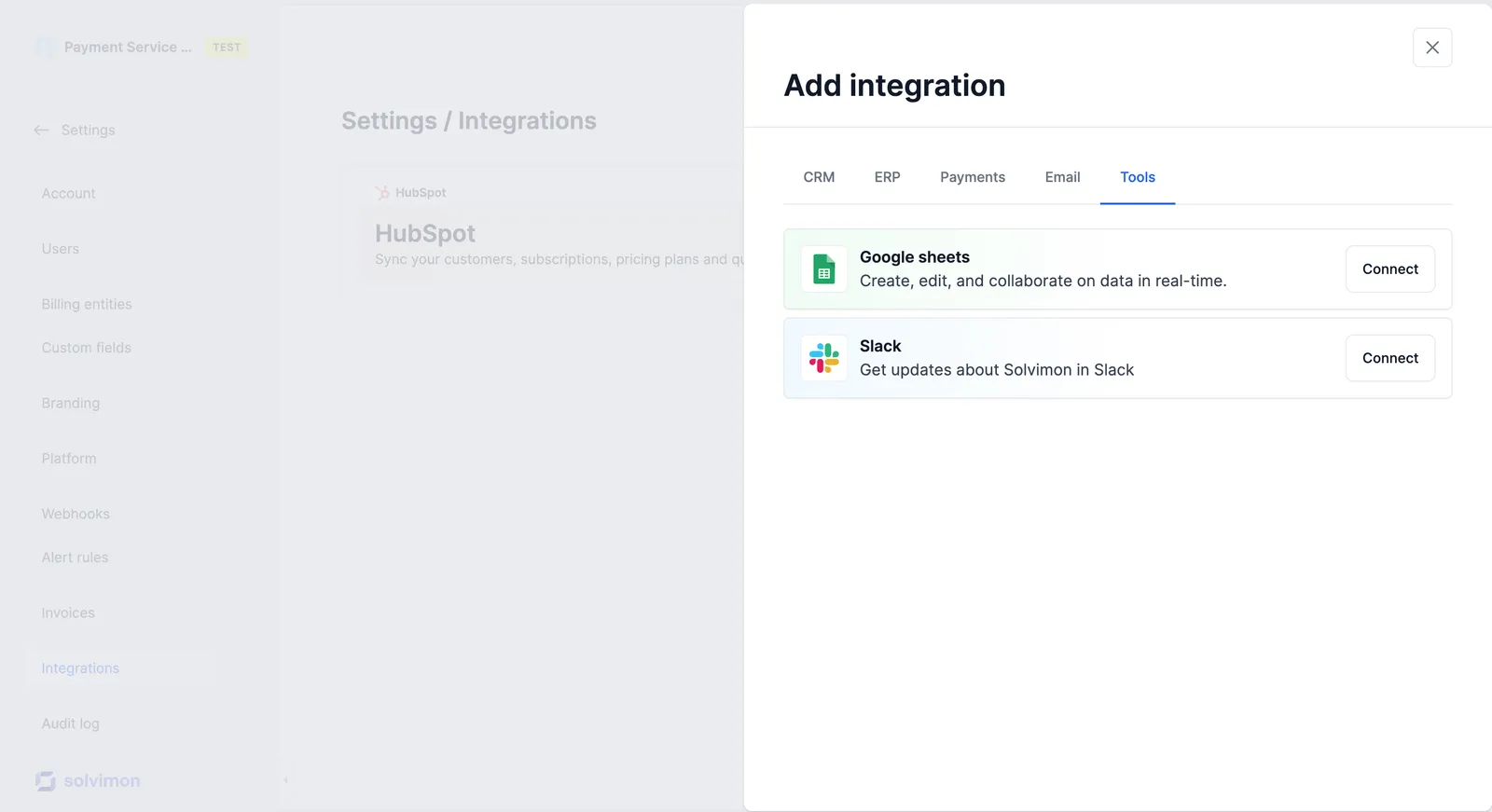
If your products, customers, or contracts already live in a CRM or ERP, most integrations support a one-time sync to seed Solvimon with your existing data.
Solvimon has out-of-the-box integrations with HubSpot, Salesforce, Xero, NetSuite, Exact, Stripe, and more.
Don’t see your tool? Let your implementation manager know.
API import
If you’re integrating with the Solvimon API for day-to-day operations, you can use the same endpoints to run your initial data migration — customers, subscriptions, and historical usage events included. Historical usage events are ingested through the same event ingestion API as live events; send them with their original timestamps.
See the API reference for the relevant endpoints.