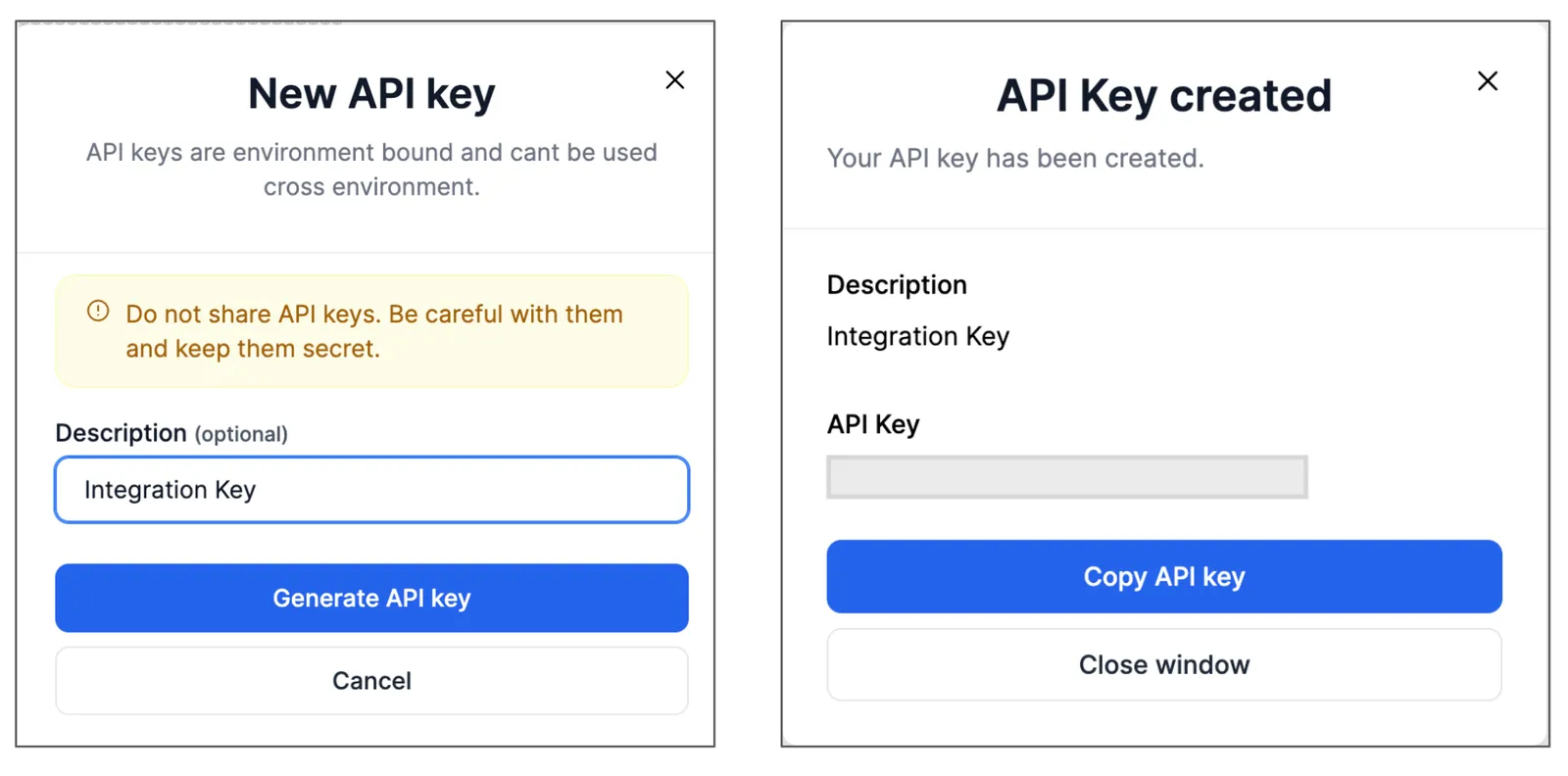
API key creation
Solvimon authenticates your API requests using your account’s API keys. If a request doesn’t include a valid key, Solvimon returns an invalid request error.
If a request includes a deleted or expired key, an authentication error is returned.
Create an API Key
- In the Desk sidebar, go to Developers → API keys.
- Click Add API key.
- Choose the key’s Permission, Admin (the default) or Read only, and enter a Description.
- Click Generate, then click Copy to copy the key value. Store it somewhere secure: you cannot view the key again after you close the dialog.
To stop a key from authenticating requests, open the menu on its row and select Inactivate. You cannot undo this in Desk.
Through the API, set role_type to ADMINISTRATOR (the default) or READ_ONLY when you create an API key.