
Subscription lifecycle
Subscriptions move through statuses from Draft to Active and eventually Cancelled or Void. This page explains what each status means, what you can still change in it, and how to trigger the transitions.
Why this matters
The status of a subscription determines what you can edit, whether invoices are being generated, and how mistakes can be corrected. Picking the wrong exit path (cancelling when you meant to void, or vice versa) has accounting consequences.
How it works
Subscriptions, like many other resources within the Solvimon platform, have statuses. They do not follow the core resource status flow entirely but align on the Draft and Active statuses.
Draft subscriptions
Draft subscriptions are a preliminary form of an active subscription that can be altered and deleted. If you are testing, or still negotiating a subscription, this lets you implement the setup without invoicing the customer directly.
All subscriptions are created in Draft status initially and need to be pro-actively set to Active.
While a subscription is a draft, every schedule on it is a draft too, whether or not you set status explicitly, and an invoice preview covers them: previewing a draft subscription’s invoice returns what the draft schedules would produce, rather than refusing because nothing is active yet. This is what makes a draft subscription reviewable before anyone activates it.
In Desk, a draft subscription drops the per-schedule draft chip, the per-schedule activate action and the “Create as draft” toggle, since every schedule on it is already a draft by construction. All of its schedules activate together with the subscription itself, from a single button. An active subscription still creates new schedules as drafts, with the per-schedule controls described in Draft schedules.
Active subscriptions
Active subscriptions have a minimum of one schedule with pricing and can cause invoices to be created for customers. Events that are ingested and link to a pricing plan version for which a customer has an active subscription are also put on the invoices (if there is a price).
Active subscriptions restrict the alterations you can make, because they are contracts between you and the customer. You cannot alter most of the subscription terms, nor make changes in the past of the schedule.
It is possible to make alterations to an Active subscription, even in the past, and to reprocess the events that were sent for this customer. This functionality is not yet available in Desk; if you require such a reprocessing, contact our support team.
Cancelling subscriptions
A cancelled subscription indicates that you or your customer have cancelled the contract and that, from a certain date, invoices for this subscription should not be generated anymore.
Via API
Cancel a subscription with the cancel endpoint:
The type field controls when the cancellation takes effect:
Via Desk
Open the subscription and choose the cancel action, then pick one of the same options.
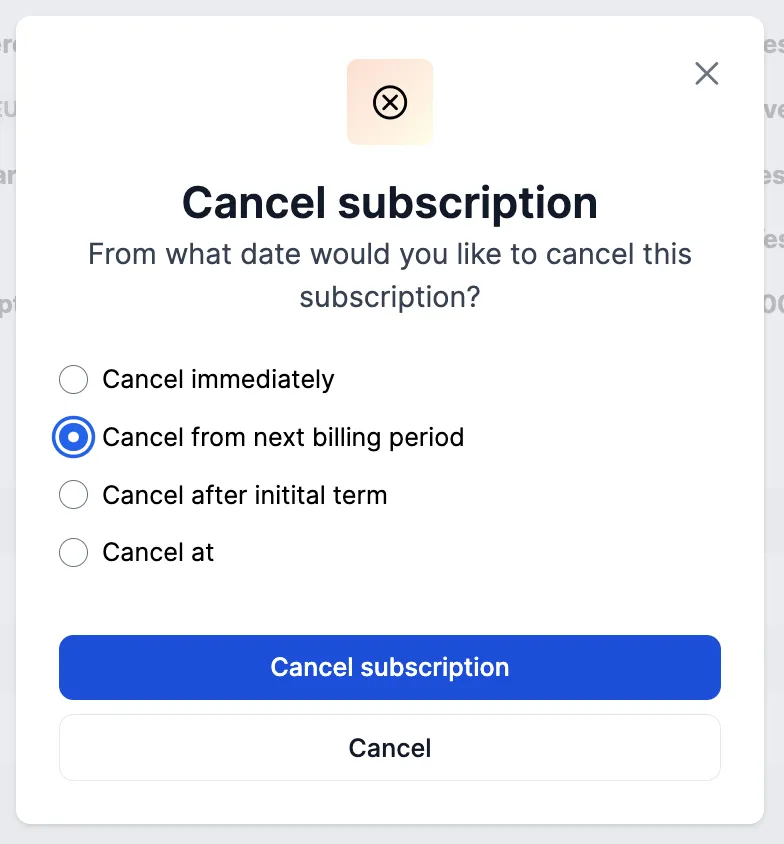
If a subscription is cancelled halfway through the billing period and has recurring costs, these are still invoiced for the full billing period by default.
Voiding subscriptions
If you accidentally create a subscription, you won’t be able to delete it completely once invoices have been generated. Instead, you can void the subscription. Voiding indicates that the invoice has been cancelled before it was sent out, and thus will not be set to Final nor sent to the customer.
When a subscription is voided, the following happens:
- The subscription status is set to
Void. - Draft and Open invoices are updated to status
Void(see Void invoices).
Via API
Via Desk
Select an Active subscription and choose the Void option from the menu.
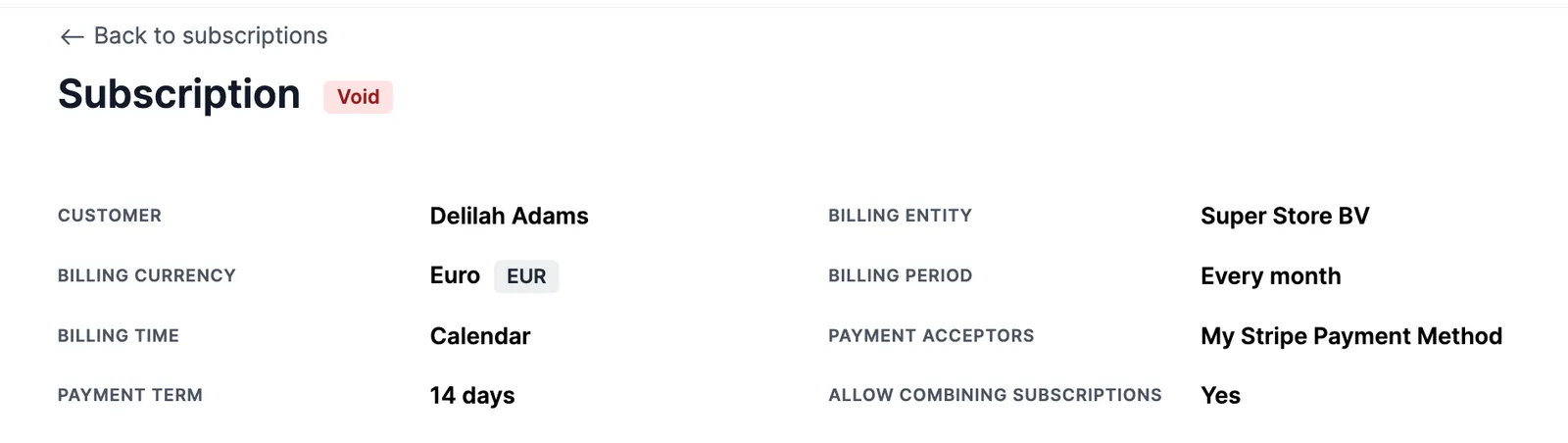
For invoices that were already set to Final, nothing happens. If you wish to correct these invoices too, you need to separately create a credit note for them.
When to void
Voiding is typically used when inaccuracies are present in the invoice, as editing sent invoices is often not permitted in many tax jurisdictions. It is suitable if a sales invoice was raised mistakenly and needs to be removed from revenue and accounts receivable records.
For audit purposes, the voided invoice will still be listed among invoices.
Pausing subscriptions
This functionality is on the roadmap and will be released soon. Interested? Let our team know!
Edge cases
- Cancel vs. void: cancelling ends a legitimate contract from a given date and leaves issued invoices intact; voiding retracts a wrongfully created subscription and voids its Draft and Open invoices. Finalized invoices are never touched by either; correct those with a credit note.
- Recurring costs on cancellation: a mid-period cancellation still invoices recurring costs for the full billing period by default.
- Undoing a cancellation: a scheduled cancellation (
NEXT_BILLING_PERIOD,AFTER_INITIAL_TERM, orDATE) can be reverted with cancel typeUNDOas long as it has not taken effect.