Top up pricing
Set a pricing type to top-up so unused volume from the current billing cycle carries forward to the next one, instead of resetting.
This page is about carrying purchased volume across billing cycles. For buying credits into a customer’s wallet, see Wallet top-ups. The two are unrelated despite the shared name.
Top-up pricing can be configured for flat pricing with block sizes, and for stair-step pricing.
How it works
An example
Consider a flat pricing model of $2000, which includes 2000 units. Typically, in a standard pricing configuration:
- If usage exceeds 2000 units during a billing cycle (e.g., monthly, quarterly, annually), the customer purchases an additional block of 2000 units for $2000.
- Any unused units reset at the start of the next billing cycle. For instance:
- In July, the customer uses 800 units from the additional block, leaving 1200 units unused.
- In August, those 1200 unused units reset to zero, and the customer must purchase a new block once they exceed the initial 2000 units again.
However, the business requirement may dictate that once a block of 2000 units is purchased, it should remain available until fully utilised, regardless of the billing cycle.
With top-up pricing
The unused 1200 units from July roll over into August, so the customer draws those down before buying another block. Additional blocks are bought only once all previously purchased units are exhausted.
Flat pricing
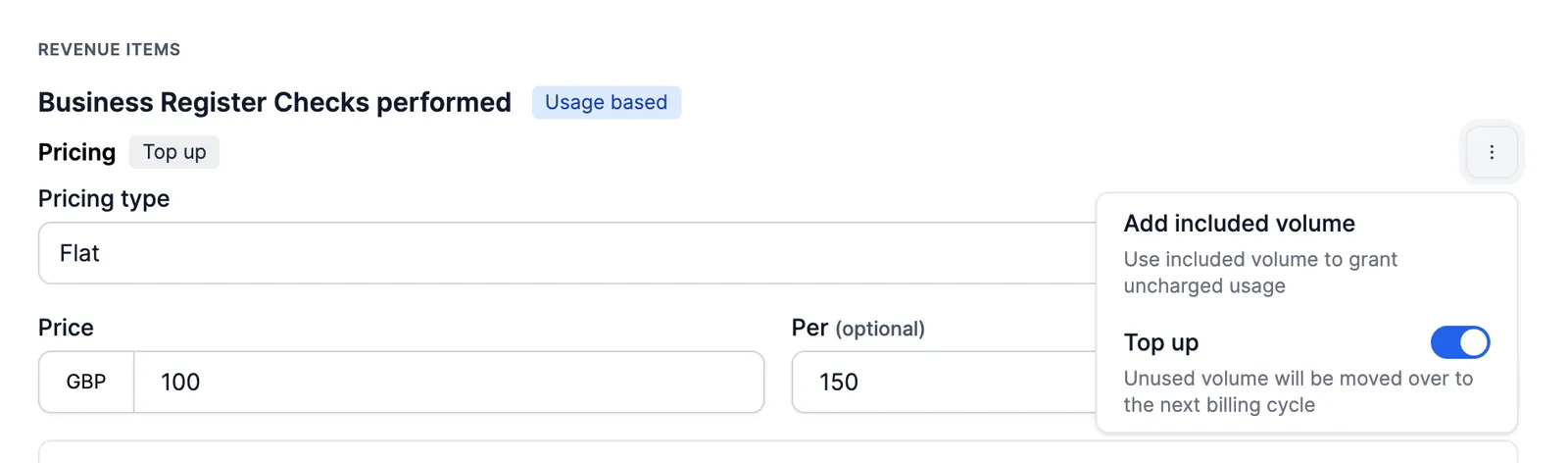
For flat pricing, configure a top-up pricing type when using block sizes:
Stair-step pricing
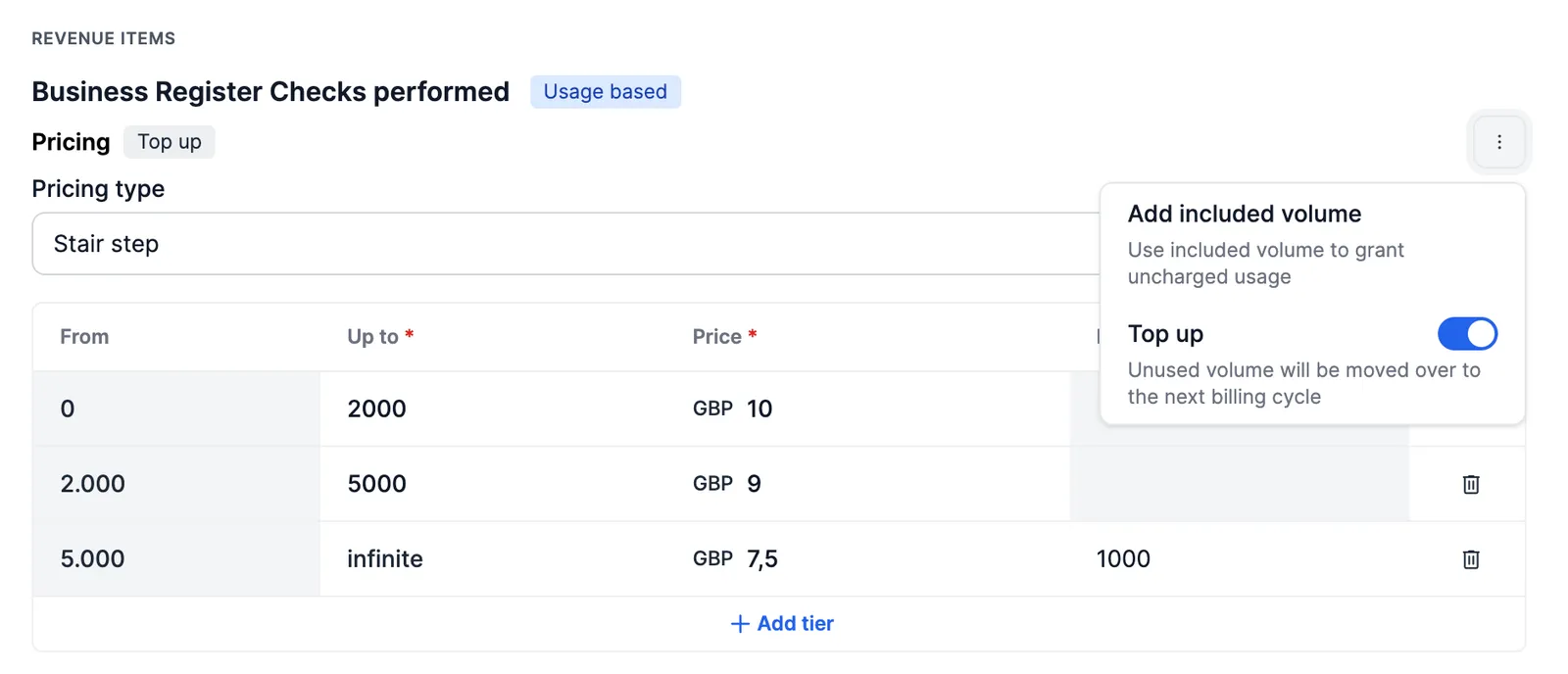
For stair-step pricing, configure a top-up pricing type the same way: