
ERP
Please contact our commercial team if you are interested in using this functionality.
Solvimon’s ERP integrations sync billing data between Solvimon and your accounting system, so invoices, credit notes, and customer records stay consistent without manual exports.
Why connect your ERP
Your finance team closes the books in the ERP, not in a billing tool. An ERP integration pushes finalized invoices and credit notes from Solvimon into your accounting system automatically, so revenue lands in the right ledger without exports and manual journal entries. Most integrations can also sync customers, products, billing entities, and bank details in the other direction, which is useful both for day-to-day operations and for seeding Solvimon during onboarding.
You can find the supported integrations in Solvimon Desk under Menu → Settings → Integrations.
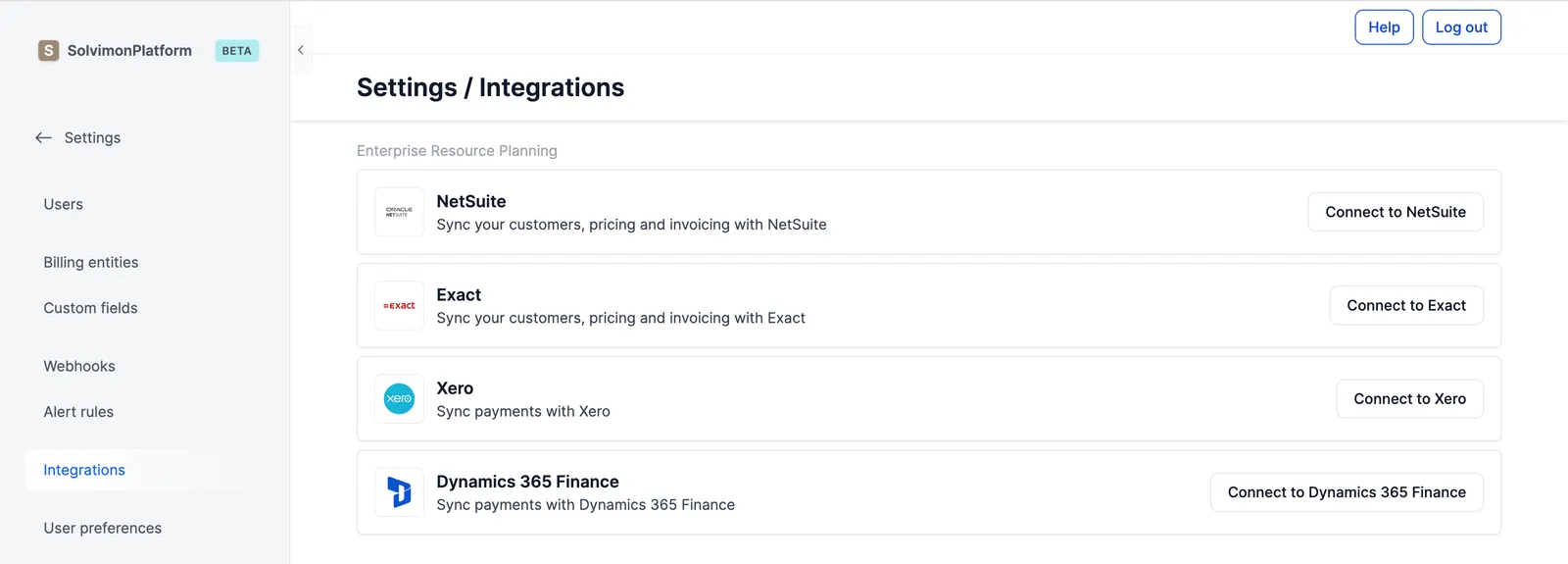
Supported integrations
We currently support the following integrations:
Supported flows
We currently support multiple workflows for syncing data across ERP systems and our Solvimon Platform.
Below is a comprehensive overview of these workflows. These workflows can be enabled or disabled in the integration configuration settings of the specific integration.
We offer support for custom flows and can provide assistance. To learn more, kindly contact your Sales Executive.
Revenue recognition
What each ERP does with revenue recognition differs: some build the deferral schedule and post the monthly release themselves from the service periods Solvimon sends, others need the journals posted manually. See revenue recognition with your ERP for the per-ERP overview.