
Metronome
Import your customers, billable metrics and products from Metronome, and continuously sync usage data into Solvimon.
Why this matters
If you’re moving to Solvimon from Metronome, or running both platforms in parallel, this integration saves you from rebuilding your configuration by hand: your existing customers, billable metrics and products are imported as Solvimon resources, and usage data keeps flowing in automatically.
How it works
Metronome is available as a custom integration (custom.metronome). It consists of one-time import workflows that you trigger manually during onboarding, and scheduled usage ingestion workflows that run continuously once enabled:
Setup
Connect your Metronome account
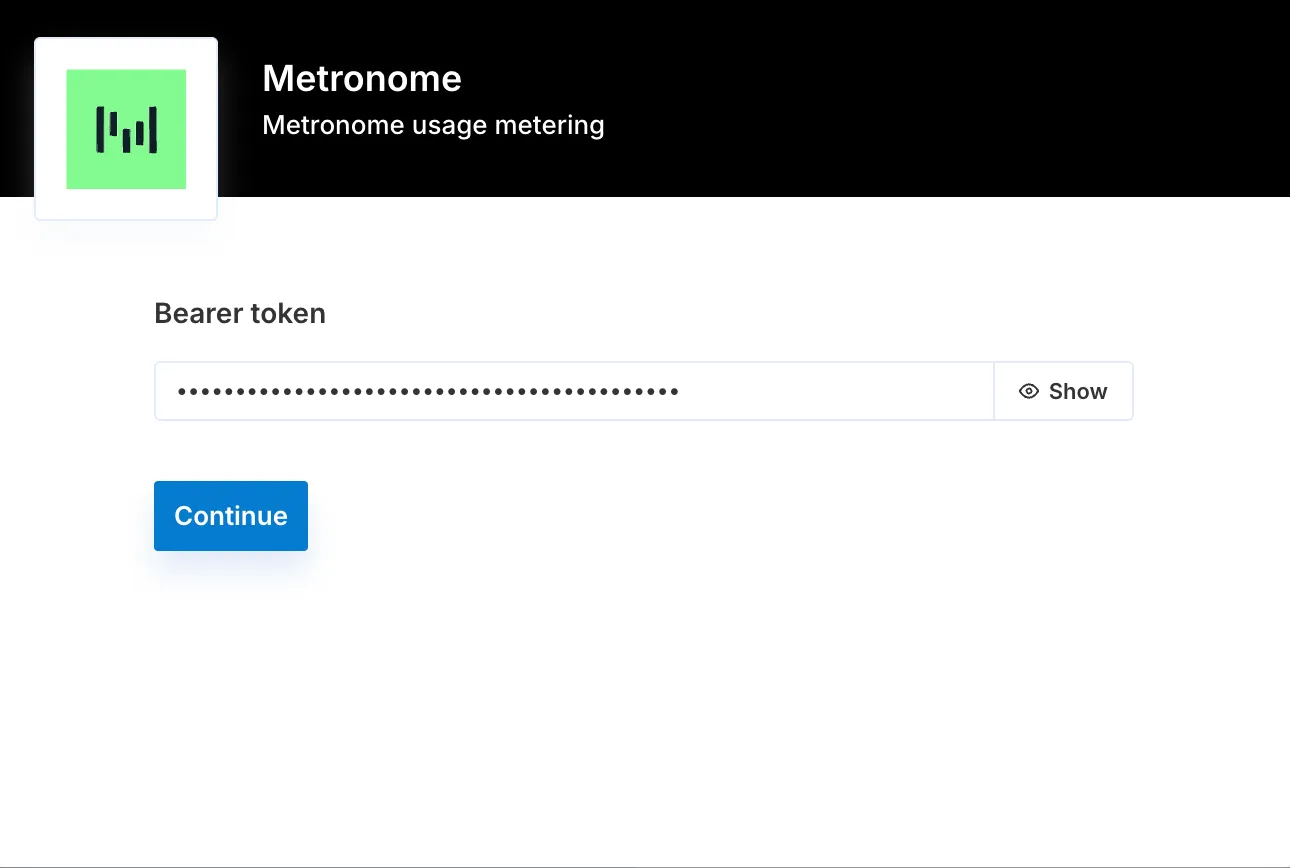
You need an active Metronome account and your Metronome API Bearer token. In Desk, go to Settings → Integrations → Metronome, enter your Bearer token and click Connect.
Enable workflows
Once authenticated, open the Configurations tab and enable the workflows you need. The supported out-of-the-box workflows are listed there; if the one you’re looking for is missing, reach out to your Customer Success Manager.
Import your configuration
Trigger the import workflows manually, in this order: customers first, then billable metrics (imported as meters), then products.
Import Customers
Trigger this workflow manually to import your customers from Metronome and speed up onboarding. Every Customer entity in Metronome is created as a customer in Solvimon.
Import Meters
Trigger this workflow manually to import your Metronome Billable Metrics as Solvimon meters. Each Billable Metric is created as a meter, along with its meter values and meter value calculations.
For metrics that include group keys, each group key is created as a meter property:
Import Products
Trigger this workflow manually. Products from your Metronome account are created in Solvimon under the category Metronome Products. Usage-based products are linked to the corresponding meter value calculation; subscription products are created as recurring items.
Ingest Usage
This workflow runs automatically on a scheduled basis. It continuously pulls usage data from Metronome and ingests it into Solvimon. If a customer referenced in the usage data doesn’t exist in Solvimon yet, it is created automatically before ingestion.
Each usage record is deduplicated using a unique reference derived from the combination of customer ID, billable metric ID, start timestamp and end timestamp.
Ingest Usage with Properties
This scheduled workflow extends standard usage ingestion with grouped usage data mapped to meter properties. It is disabled by default; enable it from the Configurations tab.
Edge cases
- Usage ingestion auto-creates customers it doesn’t recognise, so enabling Ingest Usage before importing customers results in customers with only a
referenceand no organization details. Run the customer import first. - Custom triggers and workflows beyond the out-of-the-box set are handled by your Customer Success Manager.
See also: Meters and Data Imports.