
Docusign
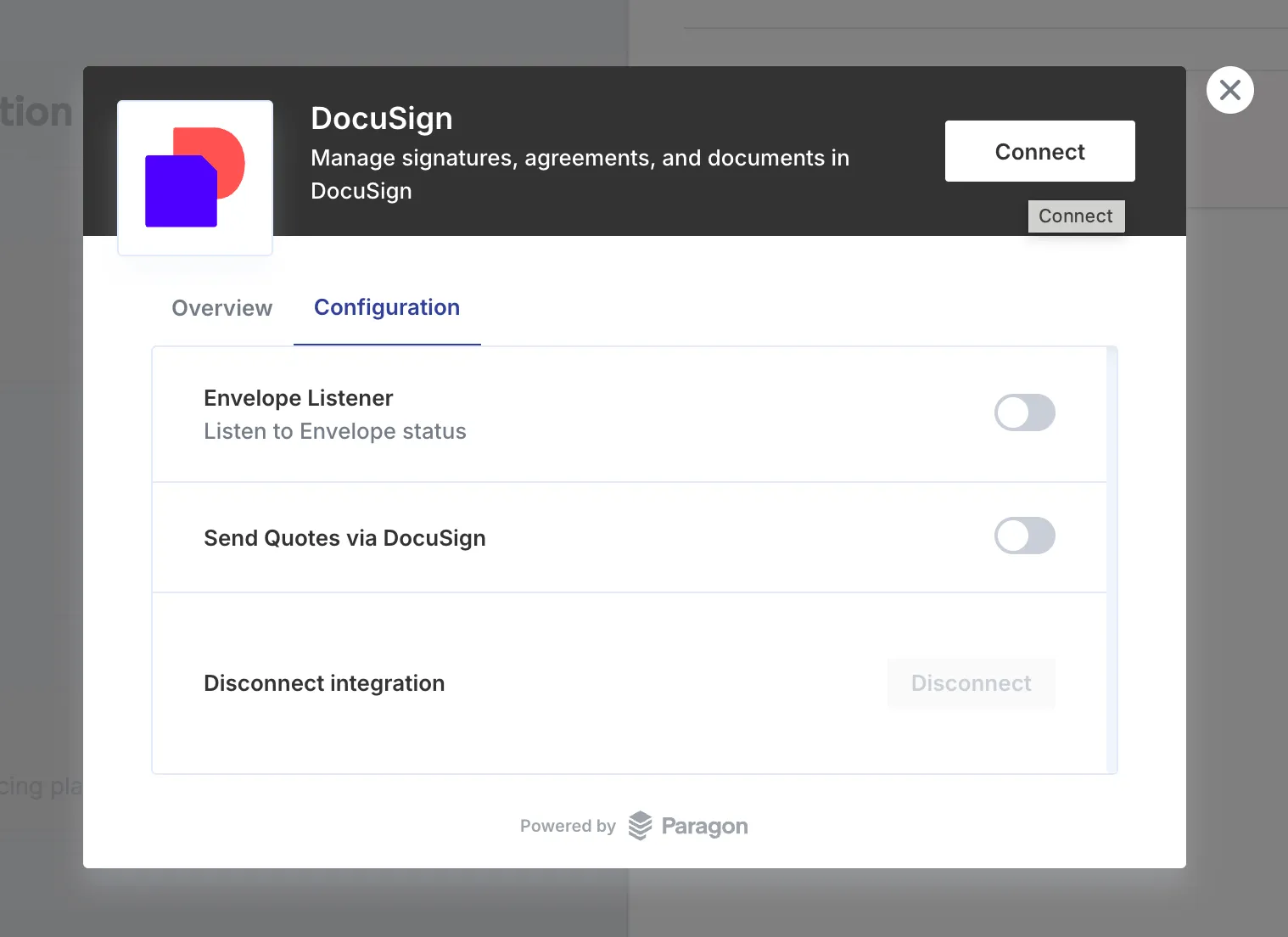
Send the order form for a quote to Docusign for e-signature directly from Solvimon, and activate the resulting subscription automatically once it’s signed.
Connecting Docusign
Create an envelope template
Solvimon sends the quote’s order form inside an envelope built from a template you configure in Docusign. Create a template in your Docusign account, then set its template ID on the Docusign integration page in Solvimon Desk.
This template ID is the only configuration required to start sending quotes for signature.
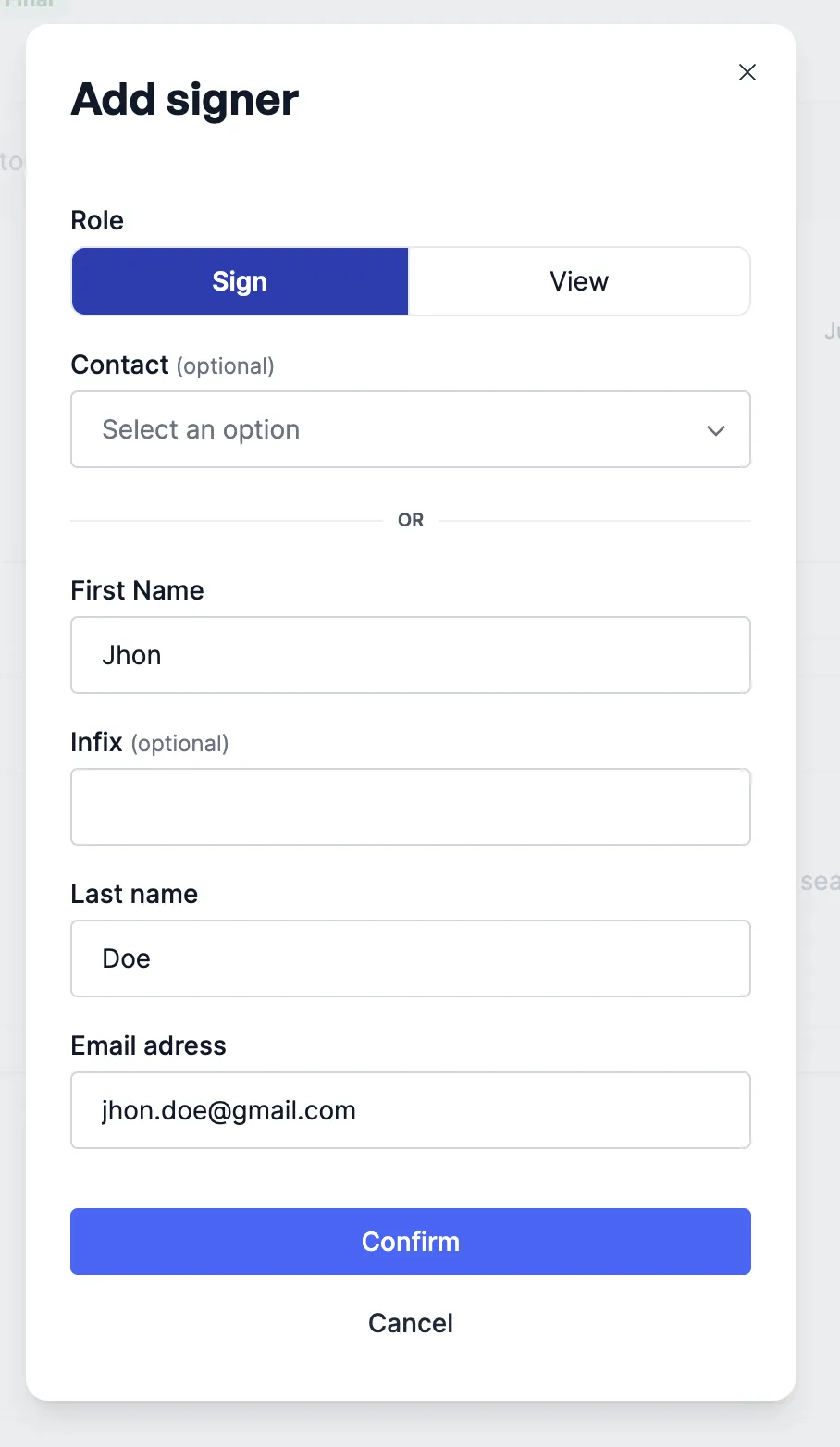
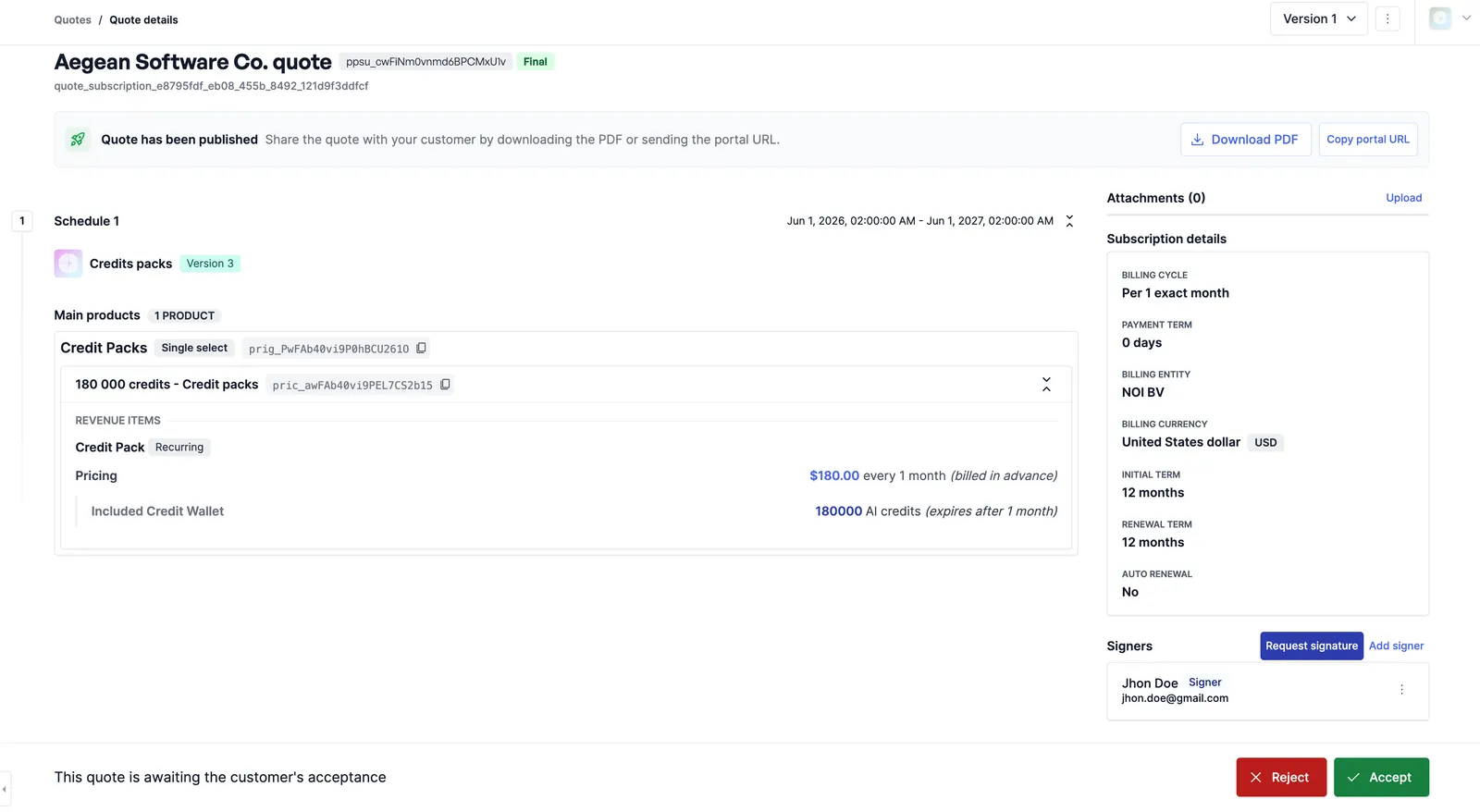
Requesting a signature on a quote
After the signer completes
Once the signer completes the envelope in Docusign, Solvimon automatically accepts the quote, records the signature, and activates the subscription, no manual step required on your end.
If the signer declines to sign, the quote is not accepted. Add a signer and request a new signature to try again.