
Quotes
Create and manage quotes directly from Salesforce. Quotes are built inside an embedded Solvimon interface and synced back to Salesforce automatically.
Creating a quote
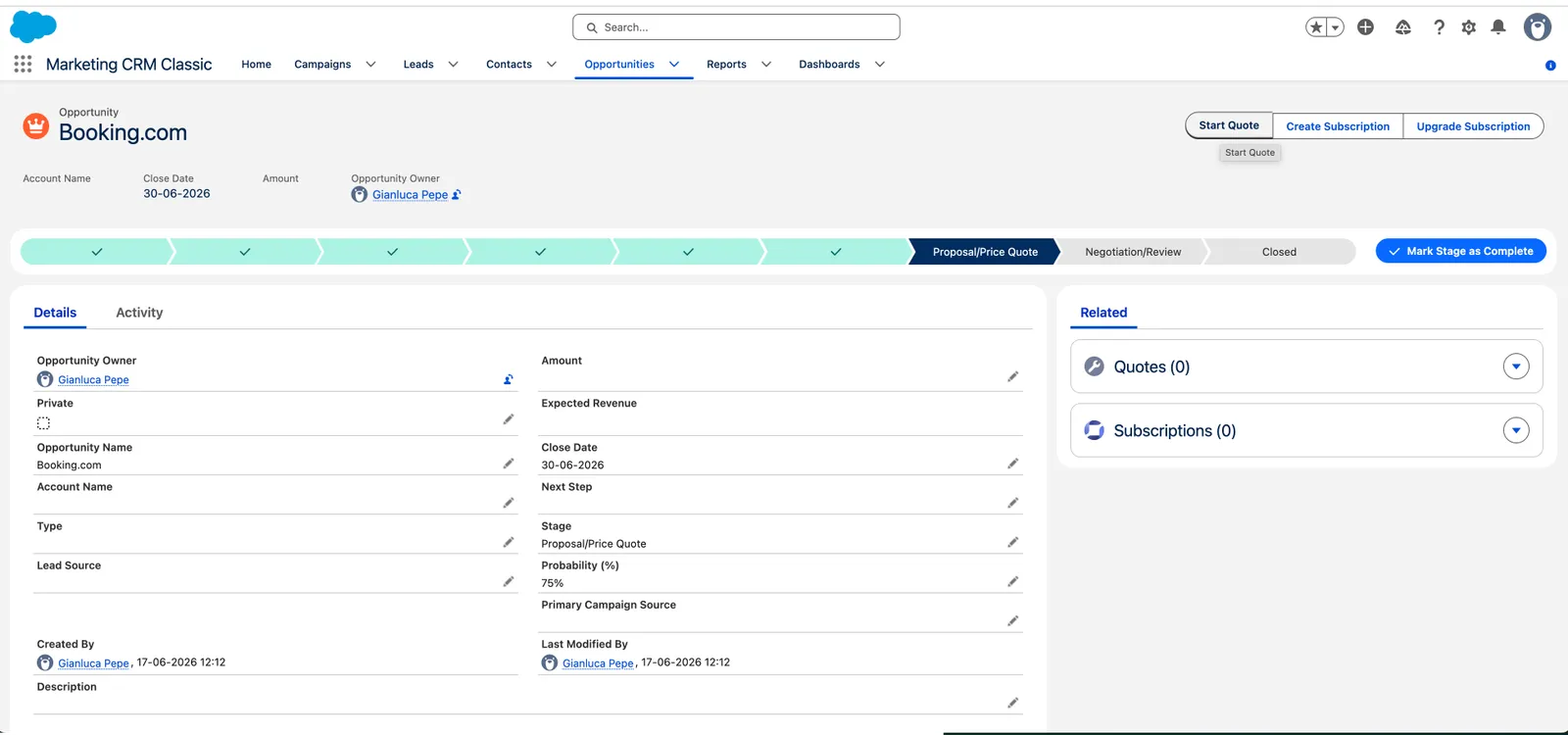
You can start a quote from an Account or an Opportunity using the quick action buttons on those records.
The quote appears under the Quotes tab and as a related record on the Account or Opportunity.
Quote statuses
Viewing a quote
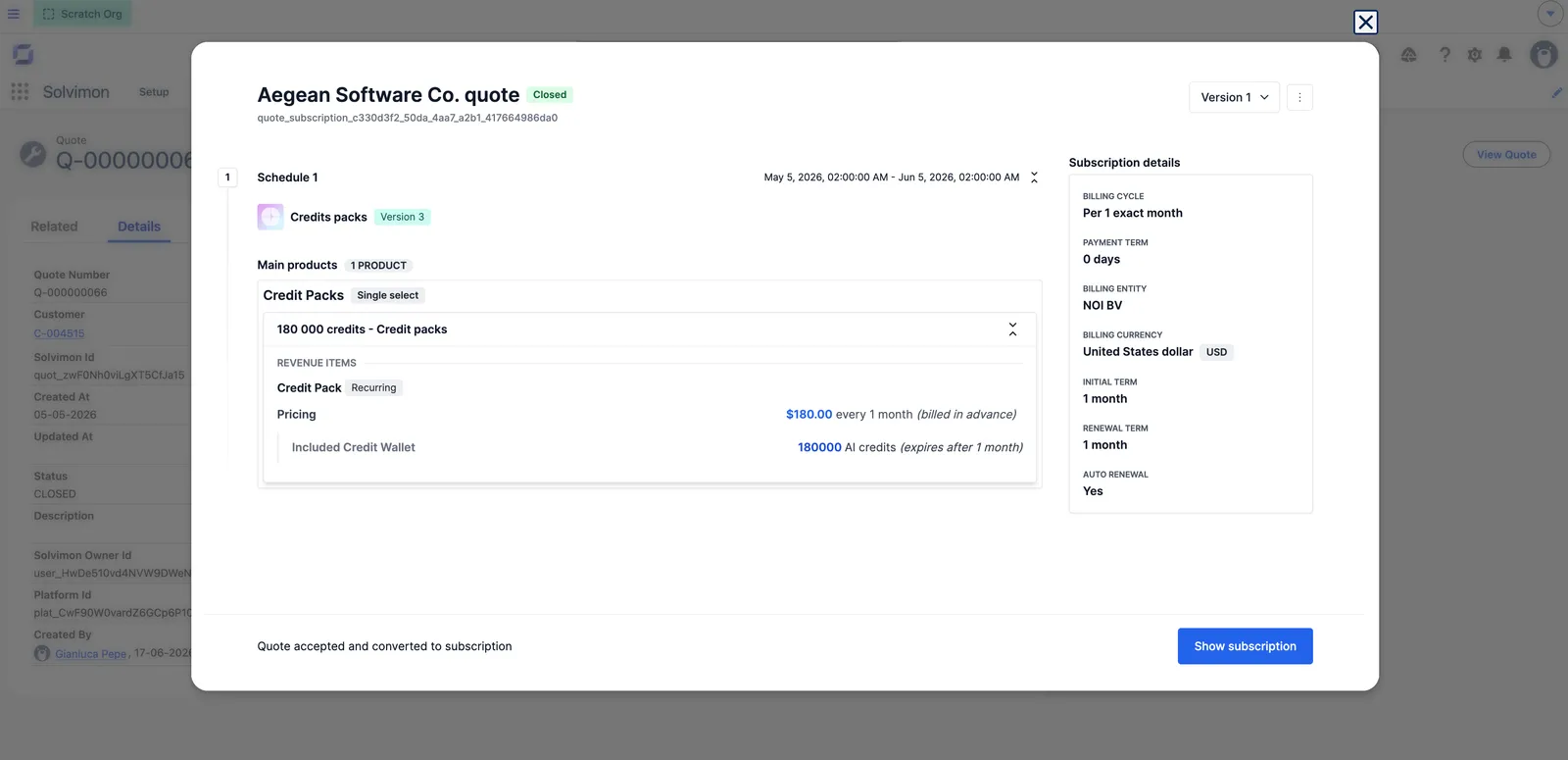
Open any Quote__c record in Salesforce and click View Quote to open the full quote detail in the embedded Solvimon interface.
Creating a new quote version
A quote that has to be renegotiated is superseded by a new version rather than edited in place. The create new quote version action is reachable as a link, which is what this integration uses to offer versioning from the opportunity: the user is sent straight into a new version of the quote instead of having to locate that quote in Desk first.
The custom field this integration uses to link a quote back to its Salesforce opportunity carries over automatically to the new version, so the link survives a quote being rejected or returned to draft and continued from a new version.